HTML File
Hand NewDocument a path to a file and it reads the bytes and uploads them. This
is the shortest UniHTML program there is, and the right one when the page is
self-contained.
doc, err := unihtml.NewDocument("simple.html")
if err != nil {
    return err
}
if err := doc.WriteToFile("simple.pdf"); err != nil {
    return err
}
NewDocument decides what kind of input it has by looking at the path. A URL
scheme means fetch it remotely, a directory means zip the tree, and anything else
means read the file. A path that does not exist comes back as the os.Stat error,
so a typo fails loudly rather than producing an empty PDF.
Relative asset paths do not resolve
Only the file itself is uploaded. Nothing next to it goes along, so a reference to a local stylesheet or image has no base to resolve against on the server:
<link rel="stylesheet" href="css/style.css">
<img src="images/frog.jpg">
Both are dropped. The page renders unstyled with a broken-image placeholder, and
neither NewDocument nor the conversion returns an error. Sending the same markup
as a directory instead produces the styled page with the image in place.
That failure is silent and it is the most common thing to go wrong on this path. If your page pulls in anything from beside it on disk, you want asset directory.
What does work from a single file: inline <style> and style attributes, data
URIs, and absolute https URLs. The last of those needs the container to be able
to reach the internet.
Limitations
The default page is Letter, 612 by 792 points, not A4. Set it explicitly with
SetPageSize if you care, and see page size and orientation
for which output paths honor it.
Capture happens once the DOM has loaded, so script-rendered content needs wait for rendering.
Run the example
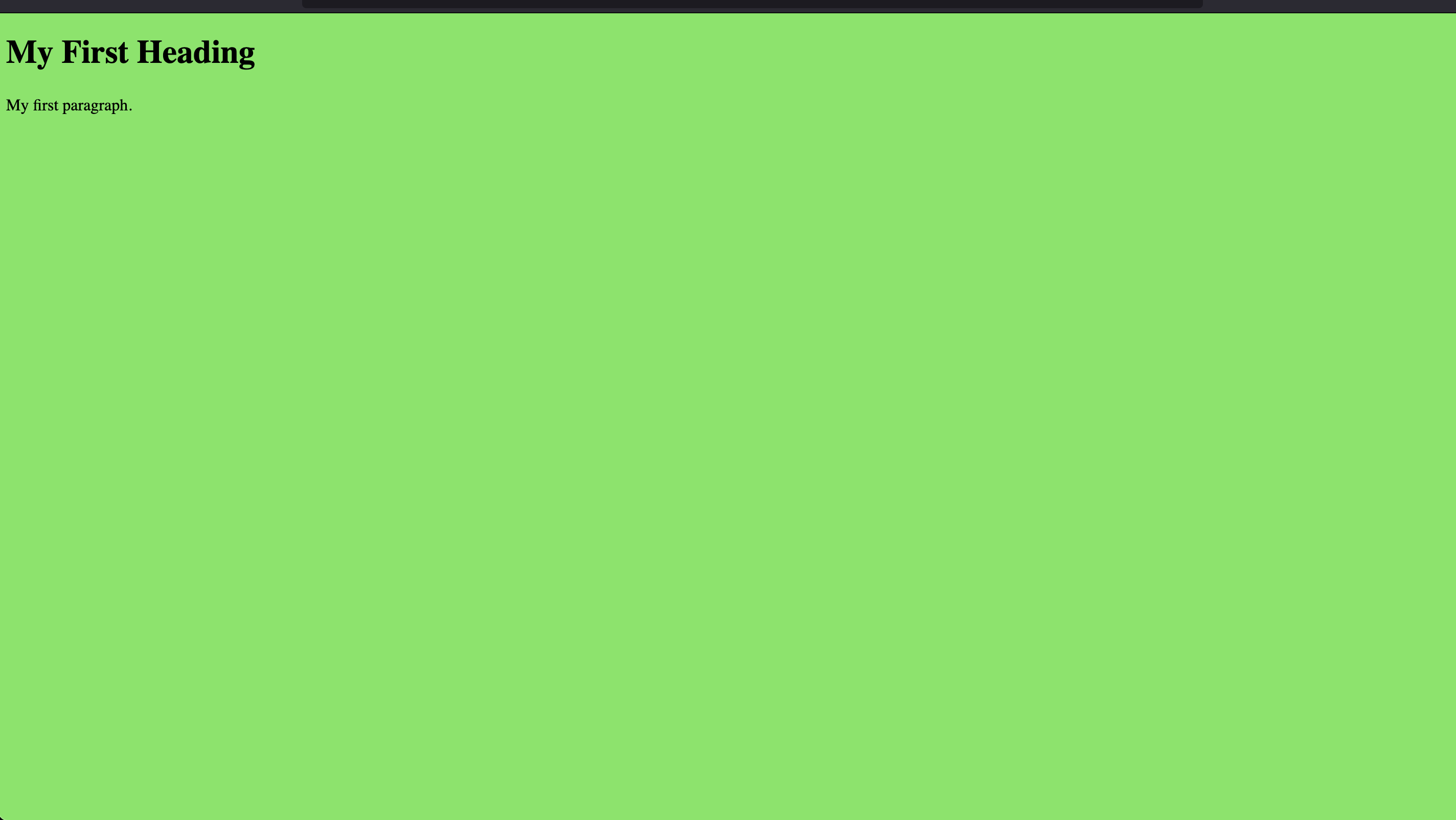
simple.go converts simple.html, a heading and a paragraph on a green
background, and writes simple.pdf.
The input path is hard-coded as simple.html rather than read from the command
line, so the example only works from inside its own directory. The cd below
handles that.
git clone https://github.com/unidoc/unihtml-examples.git
cd unihtml-examples/simple
go run simple.go localhost:8080
If this is your first time using UniHTML, follow the getting started guide to create an API key and set up your development environment.
View the full source
Sample input
Sample output
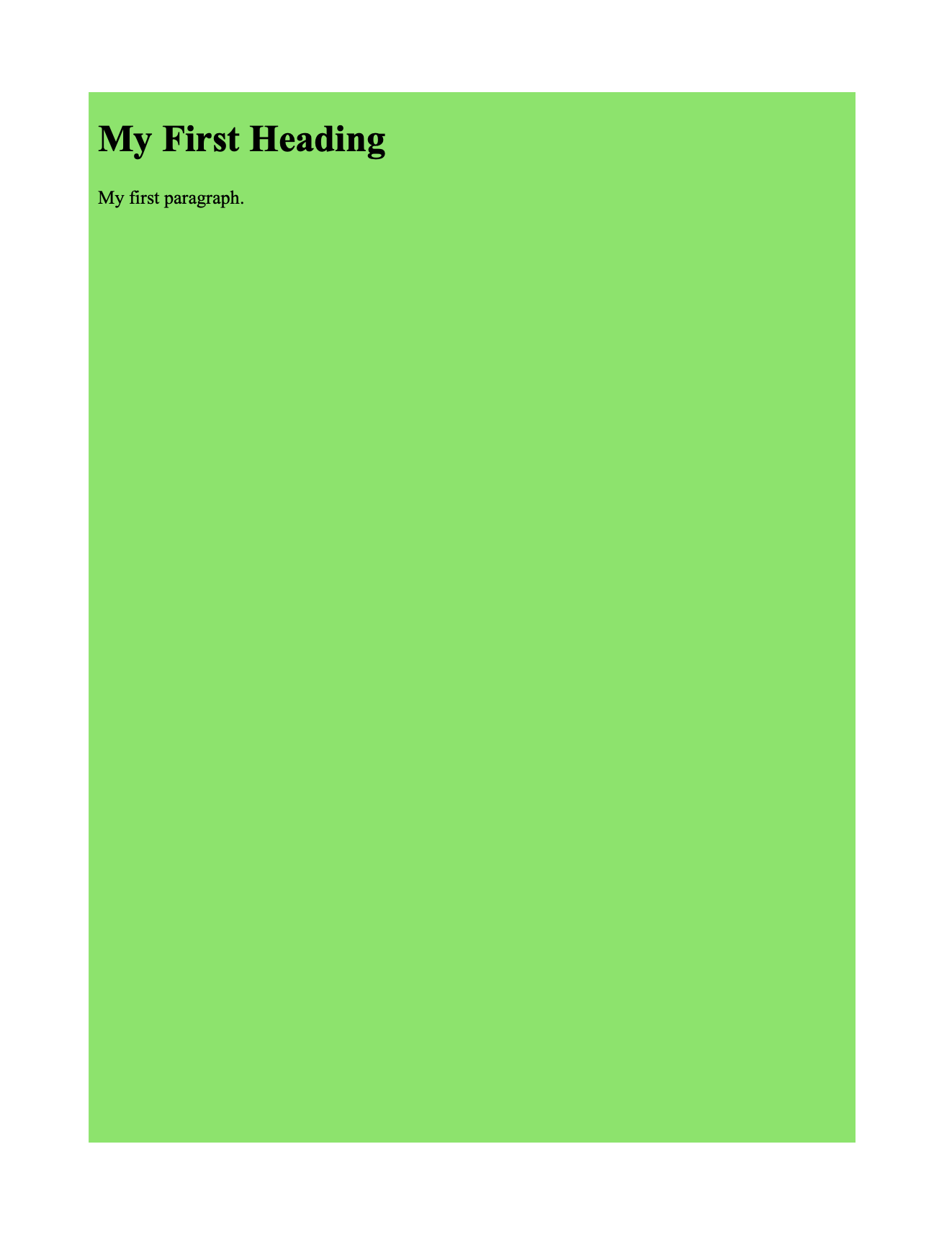
The converted page is inset rather than filling the sheet, because the example
draws the document through c.Draw and the creator places it inside its own page
margins.