Inline HTML
NewDocumentFromString takes markup you already have in memory. Use it when the
HTML is generated in your program, which covers most report and invoice work: you
run a text/template, and the result goes straight to UniHTML without a temporary
file.
doc, err := unihtml.NewDocumentFromString(htmlContent)
if err != nil {
    return err
}
if err := doc.WriteToFile("out.pdf"); err != nil {
    return err
}
That is the whole difference from the other input kinds. Everything after construction is identical.
Assets have nothing to resolve against
An inline string is sent to the server on its own, with no surrounding directory,
so a relative path in the markup cannot be resolved. <img src="logo.png"> renders
as a broken-image placeholder and no error is returned.
Two things work. Absolute https URLs are fetched by the browser as usual, which
needs the container to have outbound network access. Data URIs are self-contained
and need nothing:
html := fmt.Sprintf(`<img src="data:image/png;base64,%s">`,
    base64.StdEncoding.EncodeToString(logoBytes))
Inline <style> blocks and style attributes are part of the string and always
apply. Only external references are affected.
If your markup needs a tree of local CSS, images or scripts, write it to a directory and use asset directory instead.
Limitations
Rendering starts once the DOM has loaded. Markup that draws itself with JavaScript after that point captures as empty unless you wait for it, which is what wait for rendering covers.
Backgrounds do print. background-color and background-image both appear in the
output, which surprises people who have wired up headless Chrome themselves: the print
dialog and the DevTools protocol default both suppress them.
There is no size limit imposed by the client. The server holds an upload in memory below 1MB and spills to disk above that, and expires it after three minutes.
Run the example
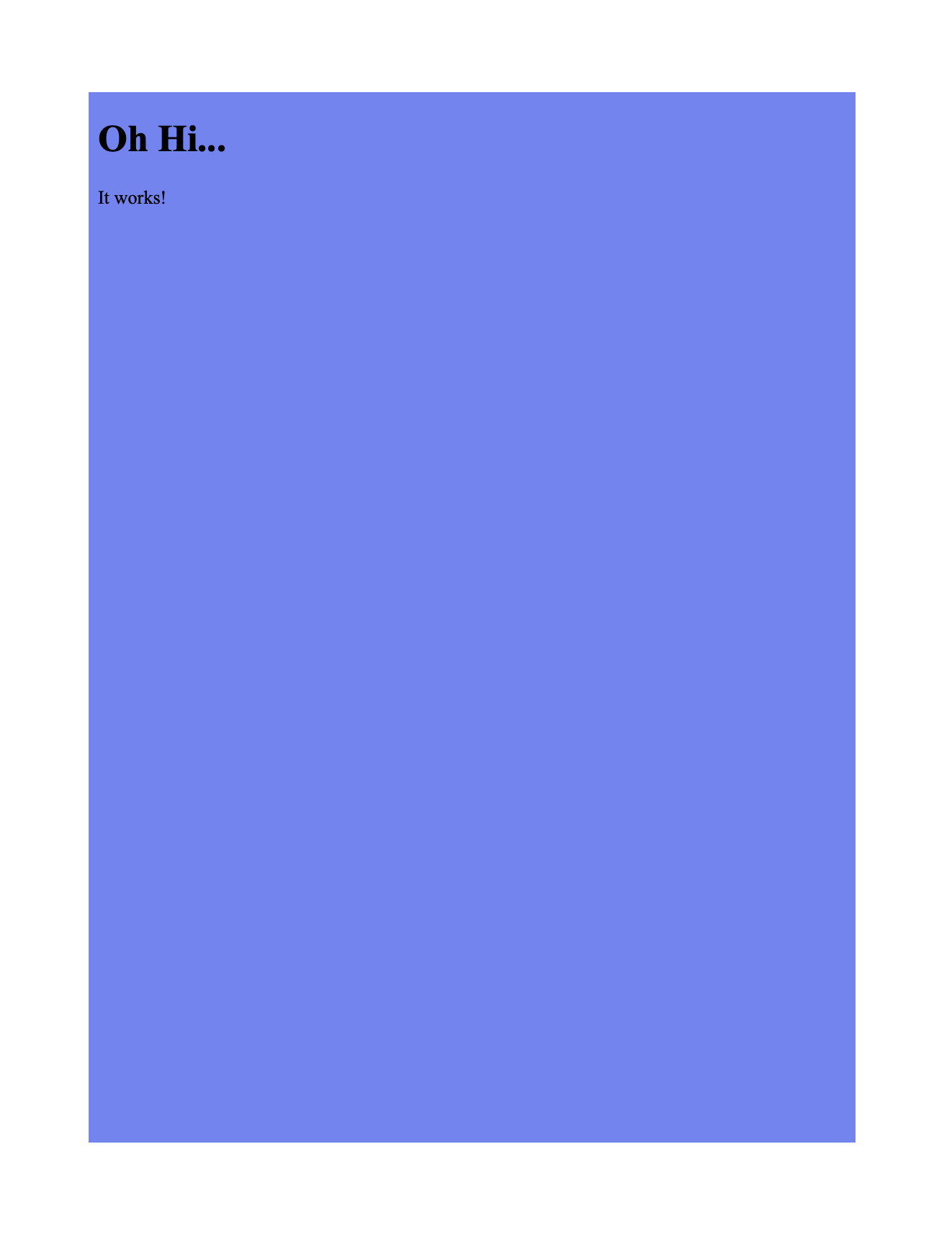
simple-html-content.go holds a short document in a raw string literal, converts
it through a creator.Creator with c.Draw, and writes simple-from-text.pdf.
Note that c.Draw is the one output path that drops link annotations. This example
has no links, so it does not matter here; see links if
yours does.
git clone https://github.com/unidoc/unihtml-examples.git
cd unihtml-examples/simple
go run simple-html-content.go localhost:8080
If this is your first time using UniHTML, follow the getting started guide to create an API key and set up your development environment.
View the full source
Sample output