Web URL
Pass an http or https URL to NewDocument and nothing is uploaded. The URL
itself is sent, and the server’s browser navigates to it:
doc, err := unihtml.NewDocument("https://example.com/report")NewDocument recognizes the input by parsing the scheme, so this is the same
constructor used for files and directories. It does not fetch anything at
construction time, which means an unreachable host produces no error here; the
failure surfaces later, during conversion.
The page is fetched by the server, not by your program. Whatever the container can reach is what renders, and anything it cannot reach comes back as an error page or a partial render. That is the whole difference from the other input kinds and it drives everything below.
Give it a timeout
Both GetPdfPages and WriteToFile already impose one, but the defaults are not
tuned for a slow remote site.
| Call | Effective limit with no SetTimeoutDuration |
|---|---|
GetPdfPages(ctx) | 15 seconds, or your context deadline if it is shorter |
Document.WriteToFile | 15 seconds |
Fifteen seconds is the number that matters in both cases, because the conversion wraps
whatever context it is given in a 15 second one of its own. WriteToFile builds an outer
budget of 20 seconds plus any WaitTime, but that only binds once you have raised the
inner limit past it:
doc.SetTimeoutDuration(60 * time.Second)SetTimeoutDuration replaces the 15 second default and also becomes the HTTP client’s
timeout, so it is the one call that lifts the ceiling for either path.
A context deadline can only shorten GetPdfPages, never extend it, which is still worth
setting because it is the only lever that also bounds how long your own goroutine blocks:
ctx, cancel := context.WithTimeout(context.Background(), 30*time.Second)
defer cancel()

pages, err := doc.GetPdfPages(ctx)
if err != nil {
    return err
}
The server caps any single query at ten minutes regardless of what you ask for.
Limitations
Pages behind a login will not render. There is no way to send a cookie, an
Authorization header or a client certificate with the navigation, so anything
requiring authentication comes back as the login page. Fetch it yourself and pass
the resulting markup through inline HTML instead.
Self-signed certificates fail by default. The server accepts
UNIHTML_IGNORE_CERT_ERRORS=true to skip verification. Use it in a test environment
and leave it off everywhere else, since it applies to every URL the renderer fetches.
Cookie banners, consent walls and lazy-loaded images all render exactly as a browser would show them at capture time, which is usually not what you want in a PDF. Waiting for a selector helps with the last of those; see wait for rendering.
Capture happens once the DOM has loaded rather than when the network goes idle, so a page that populates itself from XHR after load needs an explicit wait.
Run the example
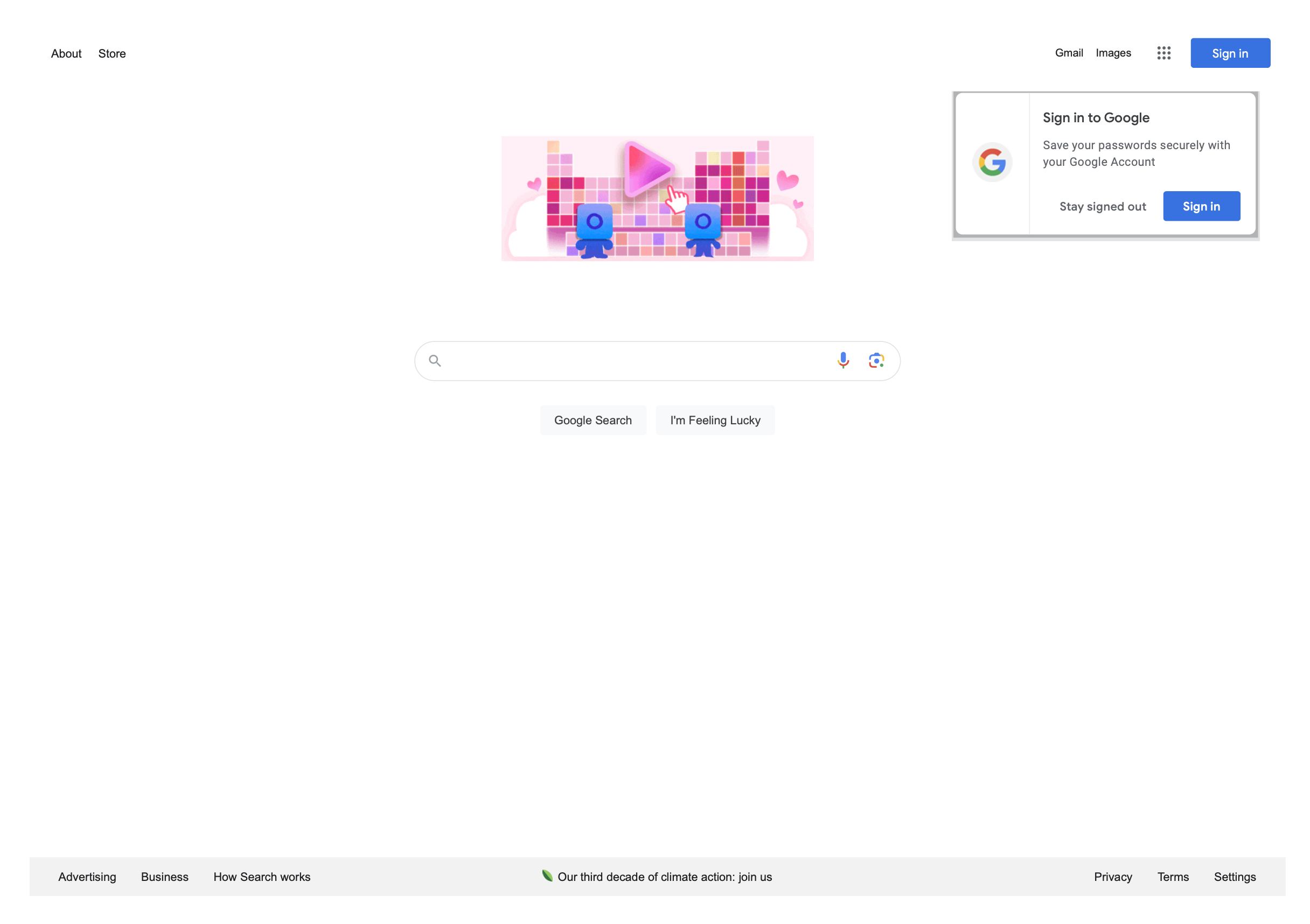
weburl.go converts https://www.google.com on A3 in landscape with 30 point
margins, takes the pages with GetPdfPages under a 30 second context, and writes
weburl.pdf.
It is the example most likely to fail on a machine that cannot reach the site, so note
that it checks the error from GetPdfPages before iterating. Skipping that check writes
a valid, empty PDF and exits successfully.
git clone https://github.com/unidoc/unihtml-examples.git
cd unihtml-examples/weburl
go run weburl.go localhost:8080
If this is your first time using UniHTML, follow the getting started guide to create an API key and set up your development environment.
View the full source
Sample output