Chapters
A creator.Chapter is the one container that accepts a unihtml.Document as a child:
ch := c.NewChapter("Directory")

if err := ch.Add(htmlDocument); err != nil {
    return err
}
if err := c.Draw(ch); err != nil {
    return err
}
Adding it to a chapter rather than drawing it directly buys the structure the creator puts around a chapter. The converted HTML becomes a numbered section of a larger report instead of loose pages.
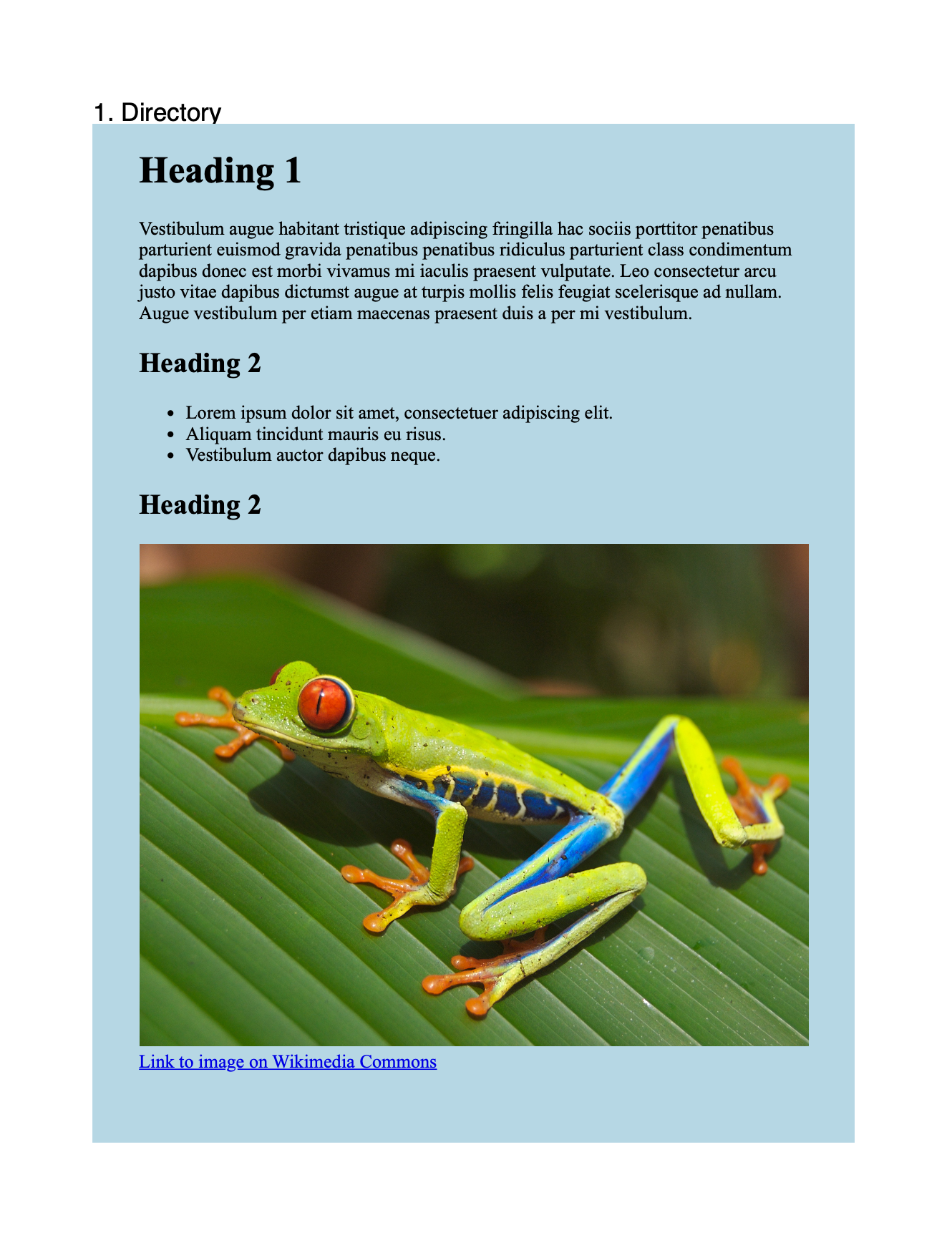
The example below produces a page headed 1. Directory and a document with an /Outlines
tree, so the heading is numbered and reachable as a bookmark. Chapters also feed the
creator’s table of contents, though a TOC page only appears once the creator emits one;
this example’s output is a single page with no TOC.
Why only Chapter
ContainerComponent type-switches on the container it is given and returns
unihtml.Document can't be a component of the %T container for anything but
*creator.Chapter.
You are unlikely to reach that error, because the obvious alternatives do not compile in
the first place. Division.Add and TableCell.SetContent both take
creator.VectorDrawable, and unihtml.Document implements only creator.Drawable: it
has no Height or Width, which makes sense for something whose size the server
decides.
So the structural options are: a chapter, or drawing at the top level.
Limitations
Adding to a chapter goes through the same block path as c.Draw, which means it
inherits every restriction from draw into a document.
Link annotations are dropped, and page size and margins set on the document are
ignored.
The chapter’s page size is the creator’s. A document with its own SetPageSize call
does not get that size here, and switches to absolute positioning as a side effect,
which pins the rendered block to the corner.
TrimLastPageContent still works. Call it when creator content follows the HTML inside
the same chapter.
Subchapters are created from the chapter, with ch.NewSubchapter, and take documents
the same way.
Run the example
directory_chapter.go opens a chapter called “Directory”, adds the HTML converted
from the data directory to it, and draws the chapter. The rendered page carries the
chapter heading above it and the chapter appears in the PDF outline.
The data directory contains two links to Wikimedia. Neither is clickable in the
output, for the reason above.
git clone https://github.com/unidoc/unihtml-examples.git
cd unihtml-examples/directory
go run directory_chapter.go localhost:8080
If this is your first time using UniHTML, follow the getting started guide to create an API key and set up your development environment.
View the full source
Sample output