Draw into a Document
unihtml.Document implements creator.Drawable, so it can be drawn like a paragraph
or a table:
c := creator.New()

if err := c.Draw(htmlDocument); err != nil {
    return err
}

p := c.NewStyledParagraph()
p.SetText("Generated on " + time.Now().Format("2 January 2006"))
if err := c.Draw(p); err != nil {
    return err
}
The paragraph continues from where the HTML finished rather than starting a new page. That inline placement is the reason to use this path, and it is the only thing it does that the other two cannot.
It costs you three things: page size, margins and clickable links. All are covered below, and the trade is laid out on the PDF output page.
Close the gap with TrimLastPageContent
Rendered HTML pages are full pages. Drawn as blocks, the last one occupies its whole height even when the content stops a third of the way down, so anything you draw next starts below all that empty space, often on a fresh page.
htmlDocument.TrimLastPageContent()This inspects the rendered last page, finds where the content actually ends by scanning up from the bottom for the first row that differs from the background, and moves the cursor there. Measured on a four-page draw, turning it on brought the trailing paragraph back onto the third page.
Being a raster scan has consequences. It costs time proportional to the page area, and it
takes the bottom-left pixel as its reference for what counts as background, so a page whose
background shades down its length will not trim where you expect. On the GetPdfPages and
Document.WriteToFile paths it does nothing at all.
Limitations
Link annotations are dropped. Each rendered page goes through
creator.NewBlockFromPage, which flattens it into a content stream, and annotations
do not survive. Links still look like links and do nothing. Use
extract pages if the markup has any, and see
links.
Page settings on the document are ignored, and worse than ignored. The output uses the
creator’s page size and margins, and any of SetPageSize, SetMargins,
SetPageWidth, SetPageHeight or SetPos switches the document to absolute
positioning, which pins the rendered block to (0, 0) instead of flowing it. An A5
document drawn onto a Letter page lands in the top-left corner. Leave the geometry
alone on this path.
Only creator.Chapter accepts a document as a child; see chapters. A
Division or a table cell needs creator.VectorDrawable, which unihtml.Document
does not implement, so those combinations fail to compile rather than at run time.
There is no context parameter. c.Draw calls the server with a background context
bounded only by SetTimeoutDuration or the 15 second default.
Run the example
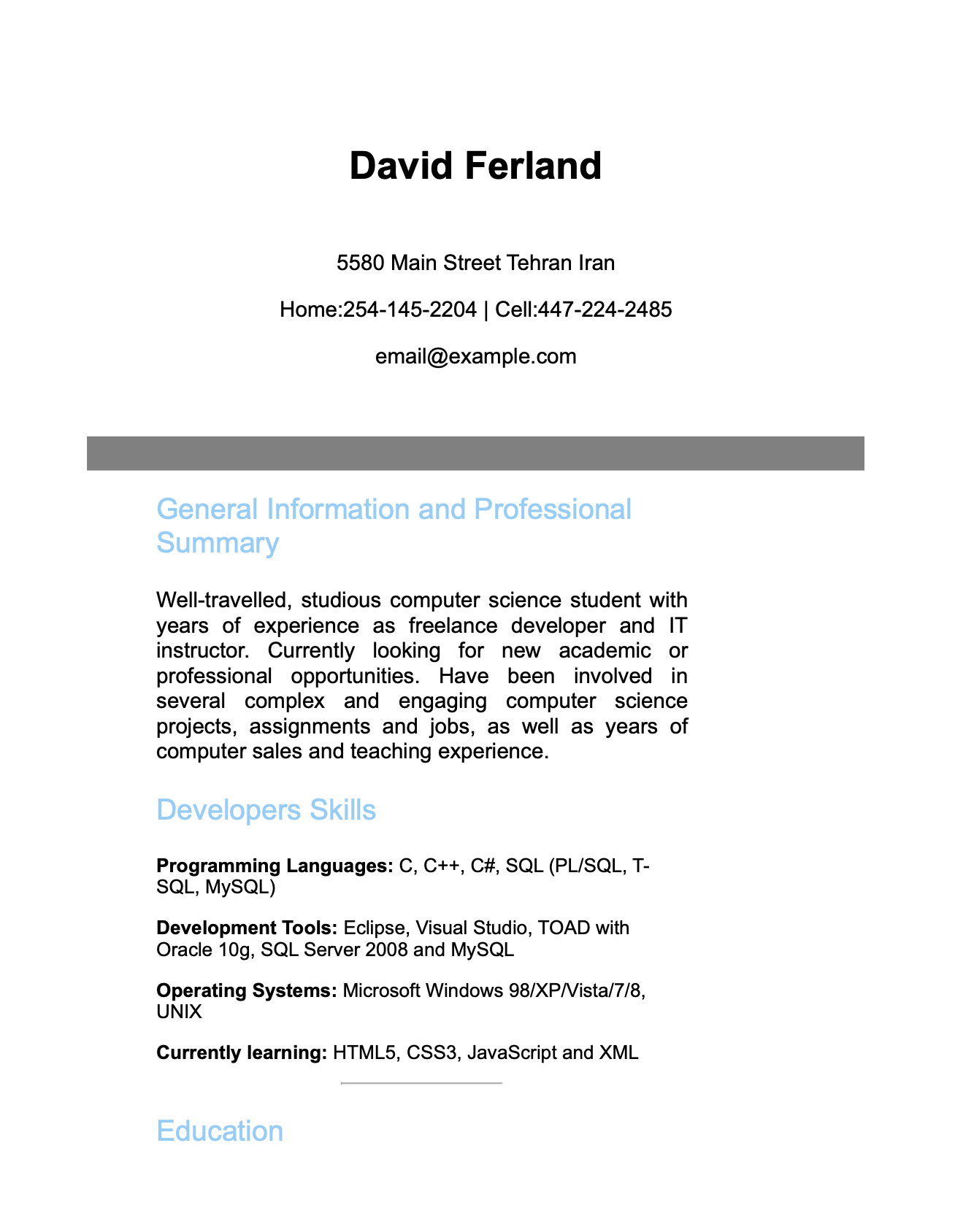
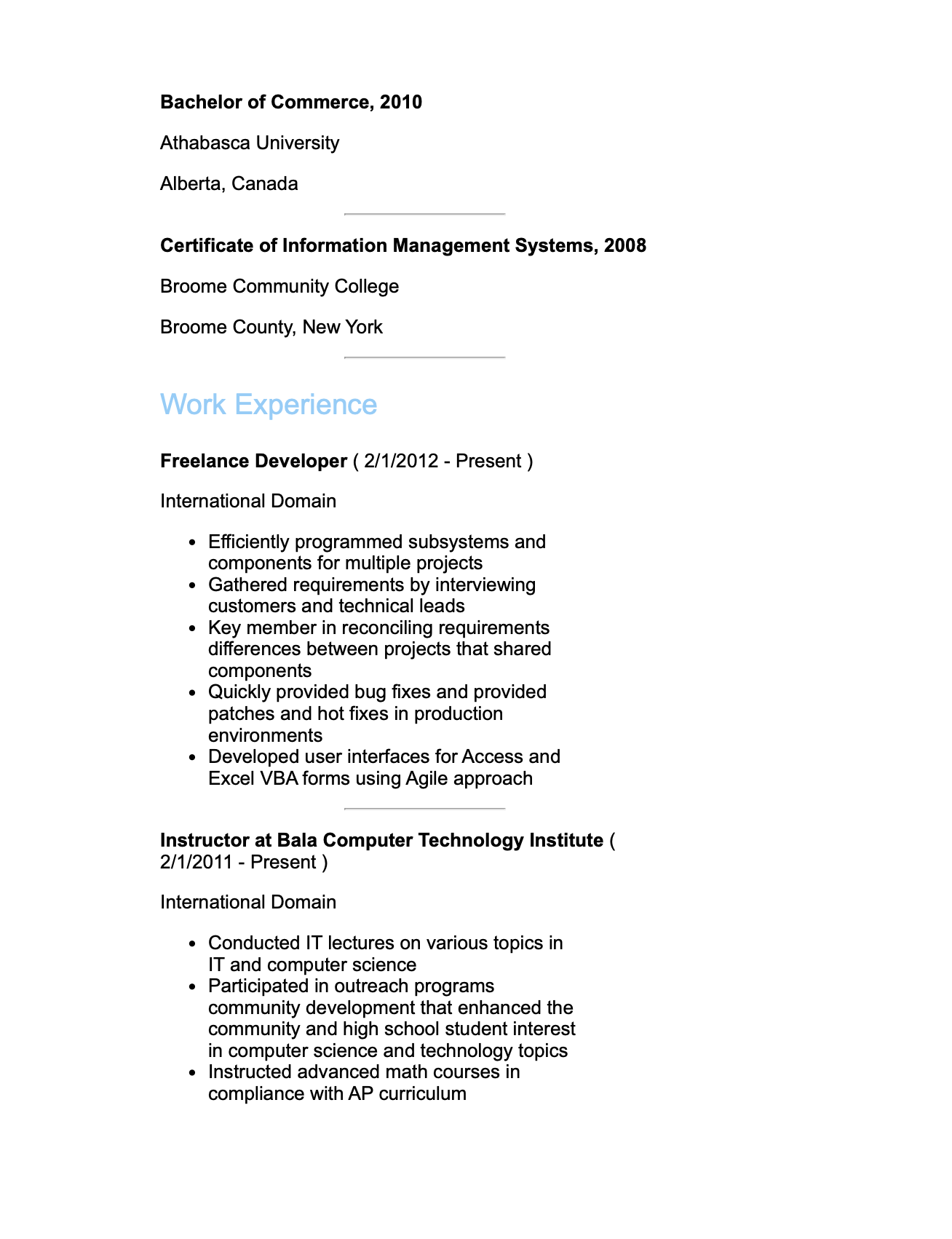
resume.go converts resume.html, calls TrimLastPageContent, draws it into a
creator, then draws a paragraph after it to show where the cursor ended up. The
document happens to be a resume; nothing in the code is specific to one.
Remove the TrimLastPageContent line and run it again to see the paragraph pushed
down the page.
git clone https://github.com/unidoc/unihtml-examples.git
cd unihtml-examples/resume
go run resume.go localhost:8080
If this is your first time using UniHTML, follow the getting started guide to create an API key and set up your development environment.
View the full source
Sample output