Extract Pages
GetPdfPages converts the HTML and hands back the rendered pages as
[]*model.PdfPage. You then add them wherever they belong, which makes this the
path to use when the HTML is one section of a larger document rather than the whole
thing.
ctx, cancel := context.WithTimeout(context.Background(), 30*time.Second)
defer cancel()

pages, err := doc.GetPdfPages(ctx)
if err != nil {
    return err
}
for _, p := range pages {
    if err := c.AddPage(p); err != nil {
        return err
    }
}
It is also the path that keeps everything. Page size, orientation and margins are all
applied, and link annotations survive, which the c.Draw path cannot say. If you are
unsure which of the three to use, this is usually the right answer.
The context matters here
GetPdfPages is the only one of the three that takes a context.Context, and it is
the lever for bounding a slow conversion. Without a deadline on the context the call
falls back to 15 seconds, or to whatever SetTimeoutDuration was set to.
Cancelling the context aborts the request. Wire that up in a web handler so an abandoned request stops occupying a rendering slot on the server.
Pages arrive whole
Each element of the slice is a complete page. c.AddPage appends it as-is, so the
creator’s own page size and margins have no effect on the content: the geometry came
from the document’s settings when it was rendered.
That has a consequence for mixed documents. Creator content drawn before or after these pages lands on its own pages, never on the same sheet as the HTML. If you need a paragraph directly underneath the rendered output, draw into a document is the path that does that.
Limitations
TrimLastPageContent does nothing here. The flag is only read while generating
blocks for the c.Draw path, so calling it before GetPdfPages is a no-op. The
example below does exactly that, which is a wart in the example rather than a
feature.
Page numbering, headers and footers added through the creator do not know about these pages, because they were rendered elsewhere. Anything that has to appear on the HTML pages belongs in the HTML.
An error from GetPdfPages leaves you with a nil slice, and the loop above then adds
nothing. A program that skips the error check writes a valid, empty PDF.
Run the example
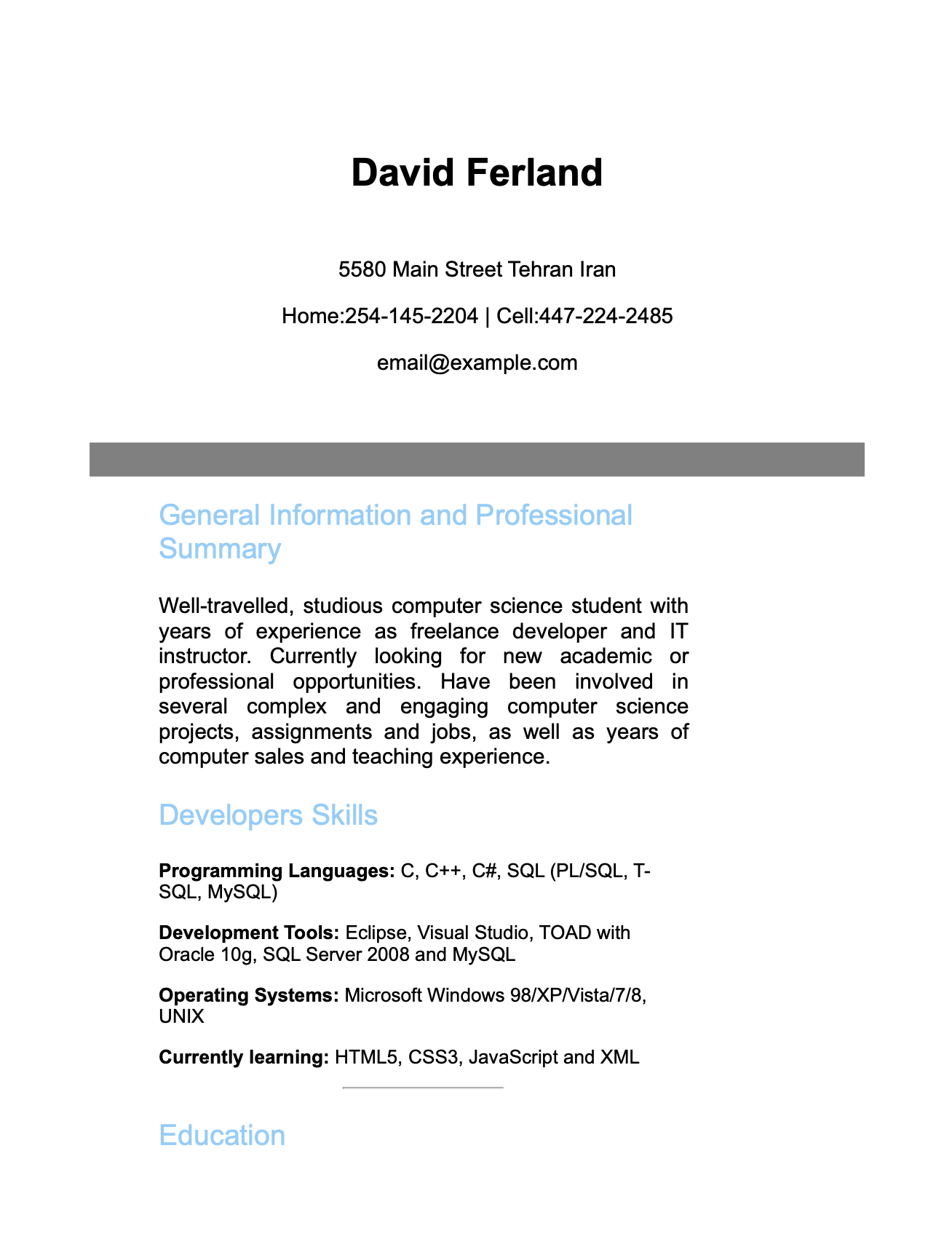
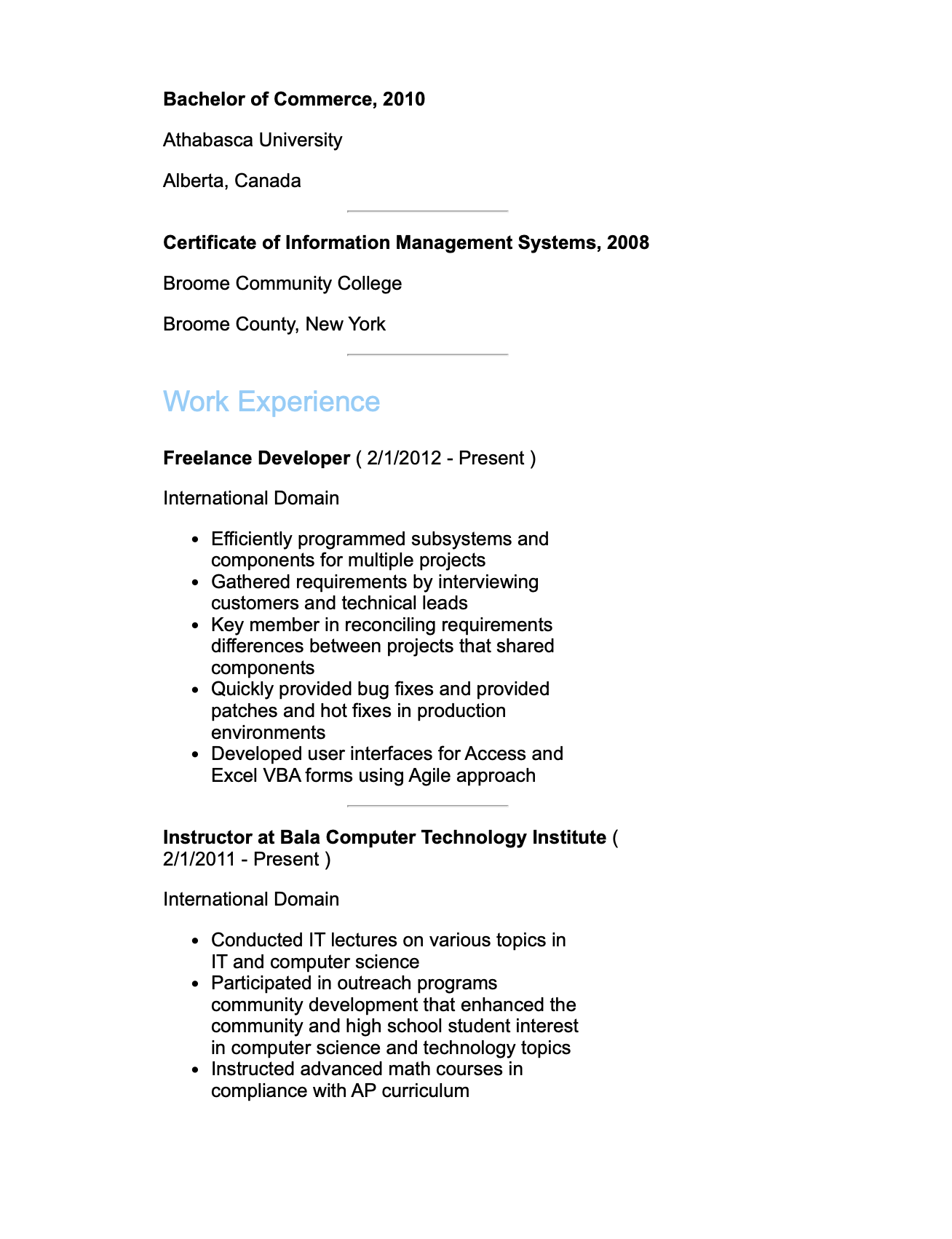
resume_pages.go converts resume.html on A6 with 10 point margins, takes the pages
with GetPdfPages, and adds each one to a creator. A6 is small enough that a
one-page resume spreads over several, which is what the screenshots show.
The example is not really about resumes, and the TrimLastPageContent call in it has
no effect on this path. What it demonstrates is the extract-and-add shape.
git clone https://github.com/unidoc/unihtml-examples.git
cd unihtml-examples/resume
go run resume_pages.go localhost:8080
If this is your first time using UniHTML, follow the getting started guide to create an API key and set up your development environment.
View the full source
Sample output