Links
Chrome turns every <a href> it prints into a PDF link annotation, so anchors in your
markup arrive as real clickable links without any work on your side. External URLs,
mailto: addresses and in-page #anchor jumps all come through.
What decides whether they survive is which output path you use.
pages, err := doc.GetPdfPages(ctx)
if err != nil {
    return err
}
for _, p := range pages {
    if err := c.AddPage(p); err != nil {
        return err
    }
}
c.Draw drops them
Measured on a document with three anchors, an https URL, a mailto: and an
in-page #top:
| Path | Links in the output |
|---|---|
Document.WriteToFile | 3 |
GetPdfPages + c.AddPage | 3 |
c.Draw(document) | 0 |
c.Draw wraps each rendered page with creator.NewBlockFromPage, which turns the
page into a content stream. Annotations live beside the content stream rather than in
it, so they are left behind. Nothing errors, and the failure is invisible until
someone clicks.
Adding a document to a creator.Chapter uses the same machinery, so links are lost
there too.
If the markup has links, use GetPdfPages or Document.WriteToFile. There is no way
to keep them on the c.Draw path.
What comes through
| In the HTML | In the PDF |
|---|---|
<a href="https://unidoc.io"> | Link annotation with a URI action |
<a href="mailto:[email protected]"> | Link annotation with a mailto URI action |
<a href="#section"> | Link annotation targeting a destination in the same file |
<a href="page2.html"> | A URI action pointing at a file that will not exist |
That last row is the one to watch when converting a multi-file site. A relative link becomes a link to a relative path, and there is no other document for it to resolve against once the PDF is separated from the directory it came from. Turn cross-page links into in-page anchors before converting, or accept that they are dead.
Limitations
Link styling is CSS, not a PDF setting. The blue underline comes from the browser’s default stylesheet, so restyle it in the markup rather than looking for an API.
There is no way to add a link to a region of the rendered output afterwards from the
UniHTML side. Once you hold []*model.PdfPage you can attach annotations with
UniPDF’s model package, but you have to work out the coordinates yourself.
Anchors created by JavaScript after the DOM has loaded need wait for rendering, like any other late content.
Run the example
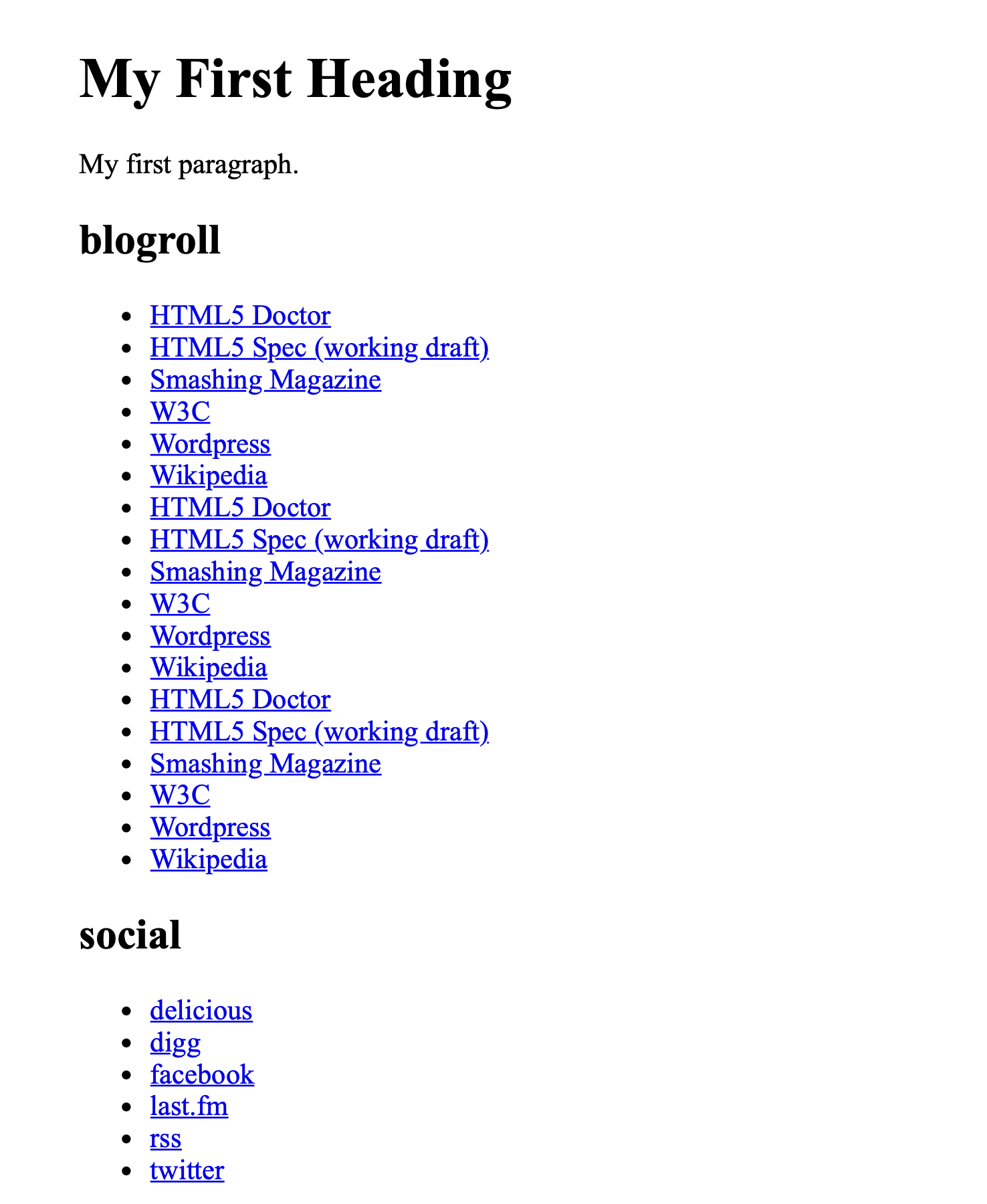
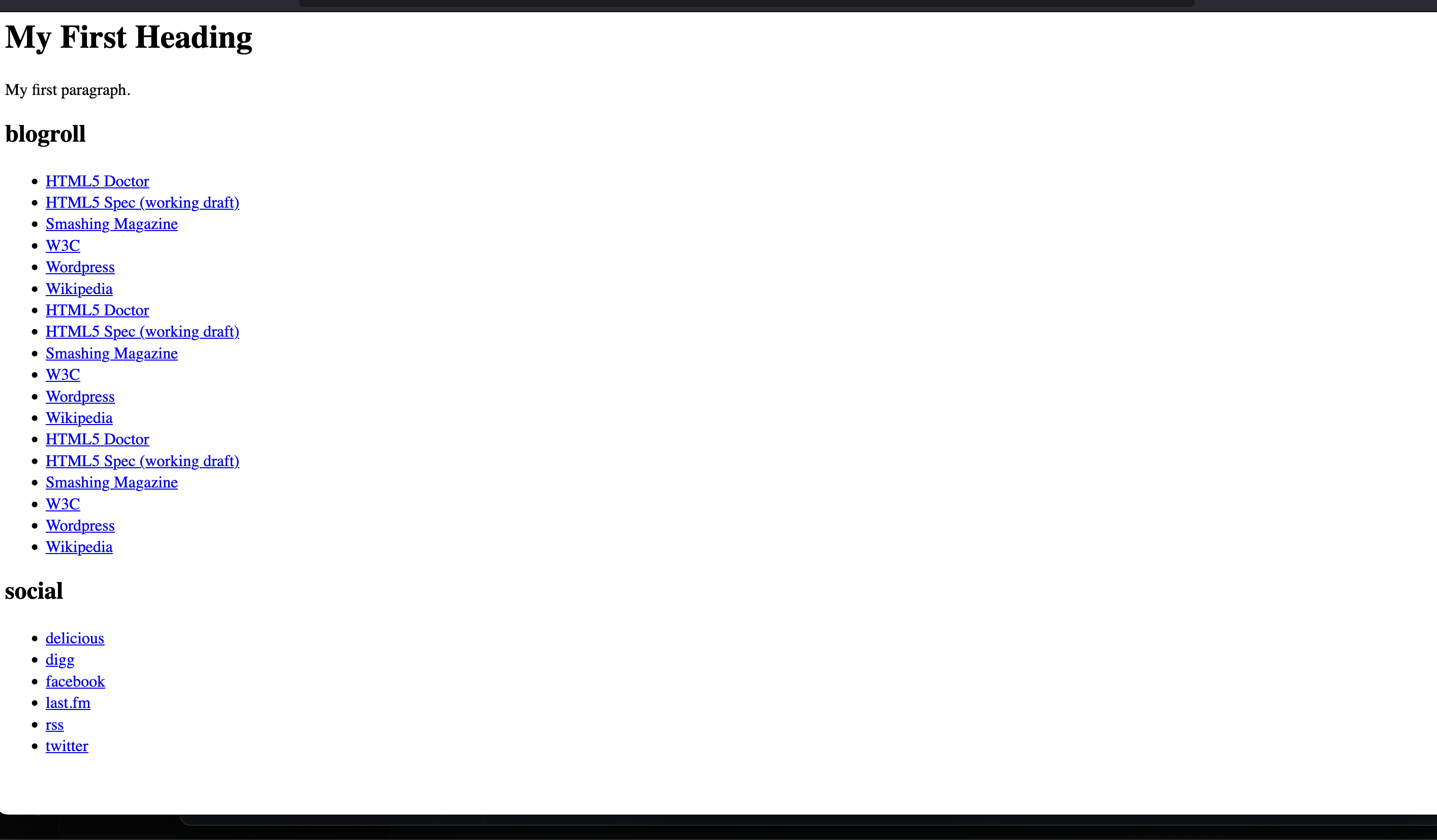
links/main.go converts link.html on A5, sets each margin with a different unit
type, takes the pages with GetPdfPages, adds them to a creator, then sets the
document’s author, title, subject and dates through UniPDF’s model package.
One wrinkle worth knowing: its SetMarginBottom(sizes.Inch(0.5)) rounds to zero on the
wire, so the output has no bottom margin. See margins.
git clone https://github.com/unidoc/unihtml-examples.git
cd unihtml-examples/links
go run main.go localhost:8080
If this is your first time using UniHTML, follow the getting started guide to create an API key and set up your development environment.
View the full source
Sample input
Sample output