Document to PDF
The document/convert package lays out an open document and writes it as a PDF
without needing Word or any other application on the machine. It works on a
document you opened from disk and on one you built with document.New(), and it
runs anywhere Go runs, which is what makes it the right answer on a server or in
a container.
| Call | Use it when |
|---|---|
convert.ConvertToPdf(doc) | Defaults are fine. Equivalent to passing nil options. |
convert.ConvertToPdfWithOptions(doc, opts) | You need field processing, extra fonts, a different default page size, or a different image encoder. See Conversion options. |
Both return a *creator.Creator from UniPDF rather than bytes. Nothing is
written until you call a method on it, so you can set metadata or append pages
before saving.
Converting a file
doc, err := document.Open("table.docx")
if err != nil {
    log.Fatalf("error opening document: %s", err)
}
defer doc.Close()

c := convert.ConvertToPdf(doc)

if err := c.WriteToFile("output/table.pdf"); err != nil {
    log.Fatalf("error converting document: %s", err)
}
Two license keys have to be set, not one. Conversion runs through UniPDF’s
creator, so the example calls SetMeteredKey on both
unioffice/v2/common/license and unipdf/v5/common/license. Setting only the
UniOffice key gets you a watermarked or refused PDF.
WriteToFile is os.Create underneath and does not create directories. Writing
to output/table.pdf fails with a “no such file or directory” error if
output/ is not already there.
Keep defer doc.Close(). Opening a document extracts it into a temporary
directory, which is also where embedded fonts are unpacked during conversion,
and Close is what removes it.
Fields
The converter is not an application, so it evaluates only a few field codes. Everything else falls through.
| Field code | What the native converter does |
|---|---|
PAGE, NUMPAGES | Substitutes the real page number and page count. |
REF | Resolves against SET fields found in the document, but only when ProcessFields is enabled. |
FORMCHECKBOX | Draws the checked or unchecked box symbol from the field’s form data. |
TOC, DATE, and every other code | Not evaluated. |
An unevaluated field is not an error and produces no warning. If the file
carries a cached result from the last time Word computed the field, that cached
text renders as ordinary text. If it does not, which is the case for a document
UniOffice just created, you get nothing. A table of contents added with
AddField(document.FieldTOC) and never opened in Word therefore converts to a
blank contents page. Generate a table of contents via OLE
is the way out of that.
Limitations
Fonts are the usual cause of output that looks nearly right. Helvetica, Courier and Times New Roman map to the built-in PDF base fonts. Any other font name has to have been registered, and if it has not, the converter logs a debug line and silently falls back to Helvetica in the matching style. Line breaks move because the substitute has different metrics. Use custom fonts covers registering the real files.
The godoc on ConvertToPdf marks the package as beta and warns that breaking
changes can occur, so pin the library version if the exact output matters to
you.
Where a document sets no page size, A4 is assumed. Where it sets no font size, 12 points is assumed. Both are adjustable through the options struct.
Run the example
The example converts ten fixture documents in a loop, one per feature: a chart,
a fld_simple field document, headers and footers, an image, mail merge fields,
a table, portrait and landscape text, and two textbox layouts. Each is written
into output/ under the same name. Comparing a fixture to its PDF is the
fastest way to see what the renderer supports.
git clone https://github.com/unidoc/unioffice-examples.git
cd unioffice-examples/document/convert_to_pdf
go run main.go
If this is your first time using UniOffice, follow the getting started guide to create an API key and set up your development environment.
View the full source
Sample output
A table:

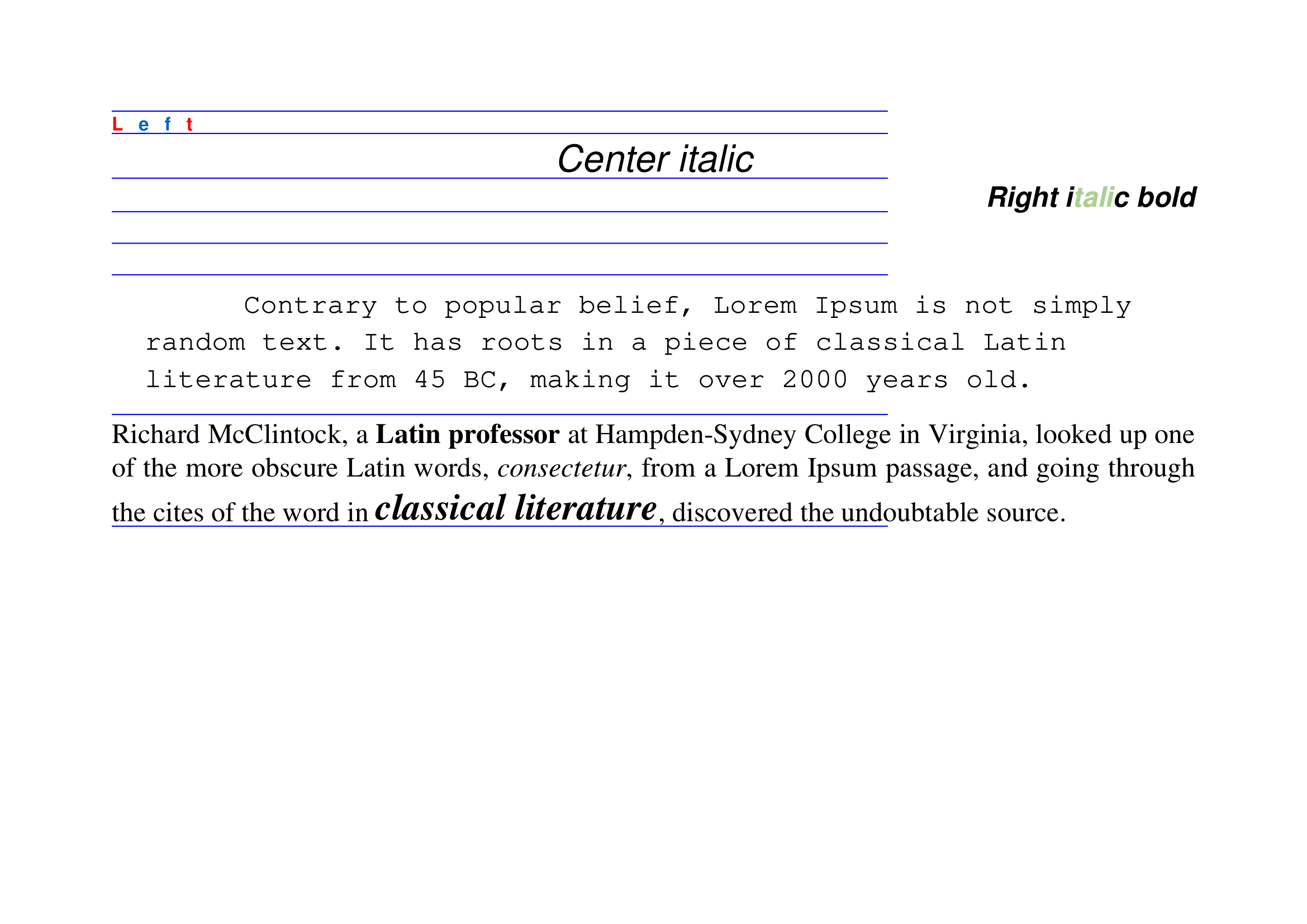
Landscape text:
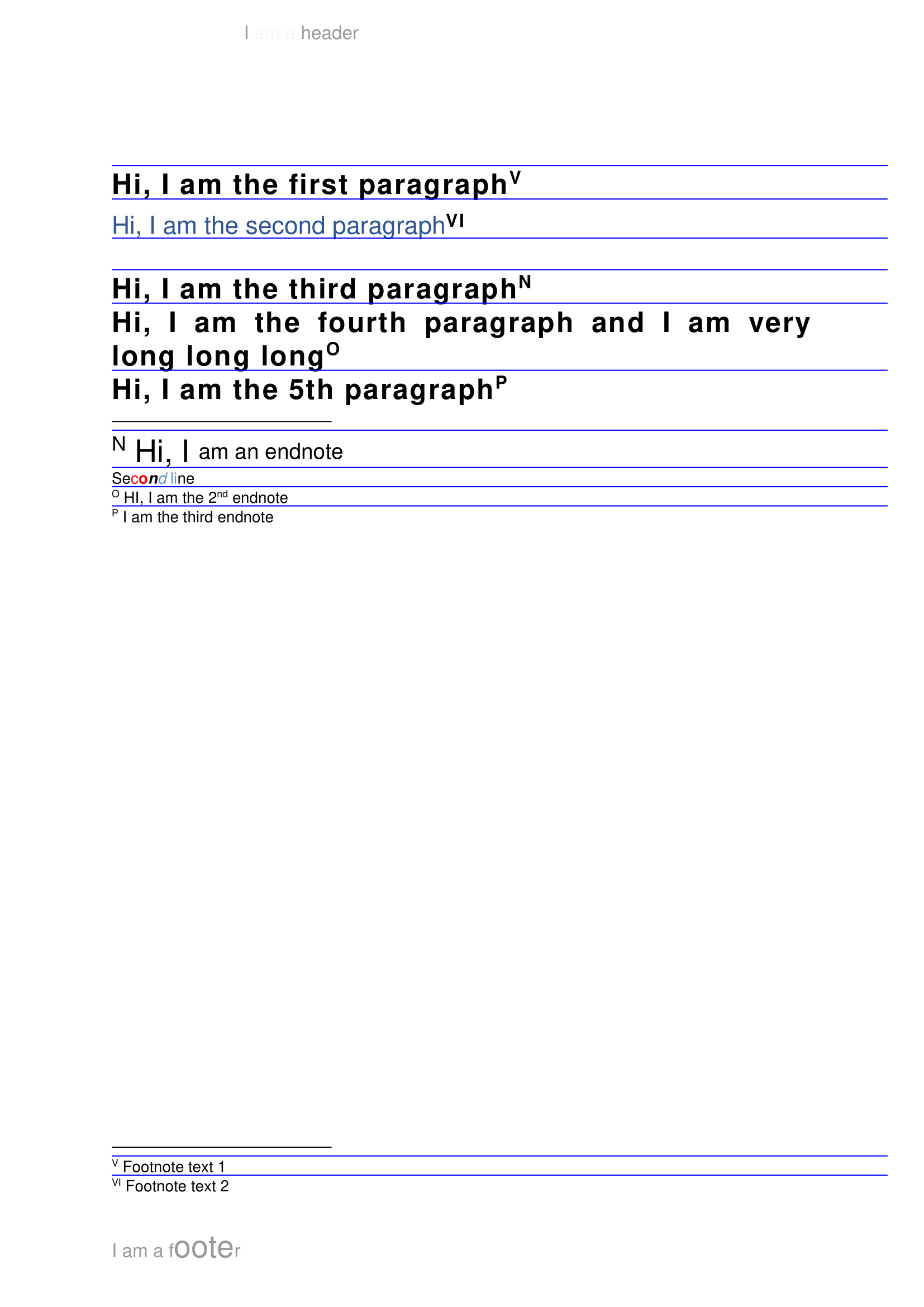
Headers and footers, with the page number field substituted: