Export via OLE
This path runs on Windows only, and only with Microsoft Word installed and
licensed on the same machine. UniOffice writes the DOCX; Word does the
conversion. Nothing in the document/convert package is involved, so none of
its behavior, defaults or limitations apply here.
That is the whole trade. Word’s own export is exactly what a user would get from File, Save As, PDF, which settles any argument about fidelity, and it evaluates fields the native converter leaves alone. In exchange you need a Windows host with an Office installation, which rules out Linux containers and most CI.
| Native conversion | Word over OLE | |
|---|---|---|
| Where it runs | Anywhere Go runs | Windows with Word installed |
| Who renders | UniOffice | Microsoft Word |
| Fields | PAGE, NUMPAGES, REF, FORMCHECKBOX only | All of them |
| Extra dependency | None | github.com/go-ole/go-ole and a Word license |
Reach for OLE when output has to match Word byte for byte or when the document depends on fields Word alone can compute. Otherwise use the native converter.
Driving Word
ole.CoInitialize(0)
defer ole.CoUninitialize()

iunk, err := oleutil.CreateObject("Word.Application")
if err != nil {
    return err
}
word := iunk.MustQueryInterface(ole.IID_IDispatch)
defer word.Release()

docs := oleutil.MustGetProperty(word, "Documents").ToIDispatch()
wordDoc := oleutil.MustCallMethod(docs, "Open", source).ToIDispatch()

const wdFormatPDF = 17
oleutil.MustCallMethod(wordDoc, "SaveAs2", destination, wdFormatPDF)
oleutil.MustCallMethod(wordDoc, "Close")
oleutil.MustCallMethod(word, "Quit")
Both paths are absolute, built from os.Getwd(). Word is a separate process
with its own working directory, so a relative path handed across the COM
boundary is not resolved against yours. The 17 is wdFormatPDF from Word’s
WdSaveFormat enumeration.
Every call in that block is a MustCallMethod, which panics on failure rather
than returning an error. That is fine for an example and wrong for a service.
Use oleutil.CallMethod and check the error if this code is going to run
unattended.
Quit matters. Without it a WINWORD.EXE process is left running for every
conversion, and they accumulate until the machine runs out of memory.
Limitations
Nothing here is guarded by a build tag, so the example compiles on Linux and
macOS. It just does not work: on any non-Windows platform go-ole’s COM entry
points return “not implemented”, CreateObject fails, and no PDF is produced.
The example logs that error and exits successfully, leaving only simple.docx
behind, so check for the output file rather than the exit code.
Word is a single-user desktop application being used as a server. Running it under a service account with no interactive session, or several instances concurrently, is unsupported by Microsoft and produces intermittent failures that look nothing like an error in your code. A modal dialog Word decides to show, over a corrupt file or an expired license, blocks the automation call until something dismisses it.
The DOCX has to be on disk before Word is asked to open it, which is what the
doc.SaveToFile call ahead of the conversion is for. The deferred doc.Close()
is unrelated to that ordering; per its godoc it removes the temporary files
created when a document is opened, and it runs after the COM work is finished
either way.
Run the example
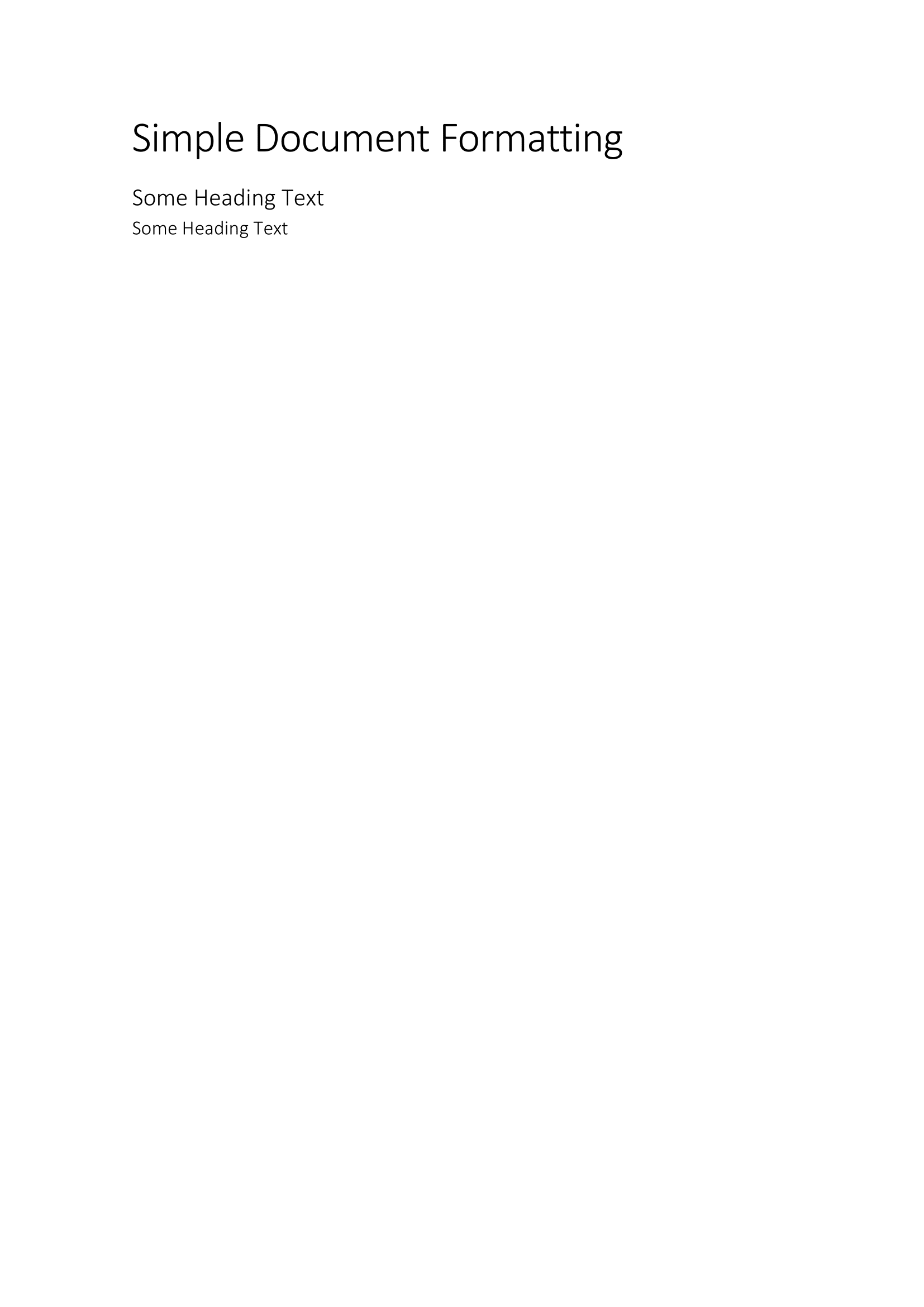
The example builds a short document with a title and two headings, saves it as
simple.docx, then hands the absolute path to ConvertToPDF, which is where
all the COM work lives.
git clone https://github.com/unidoc/unioffice-examples.git
cd unioffice-examples/document/pdf-export-ole
go run main.go
If this is your first time using UniOffice, follow the getting started guide to create an API key and set up your development environment.
View the full source
Sample output