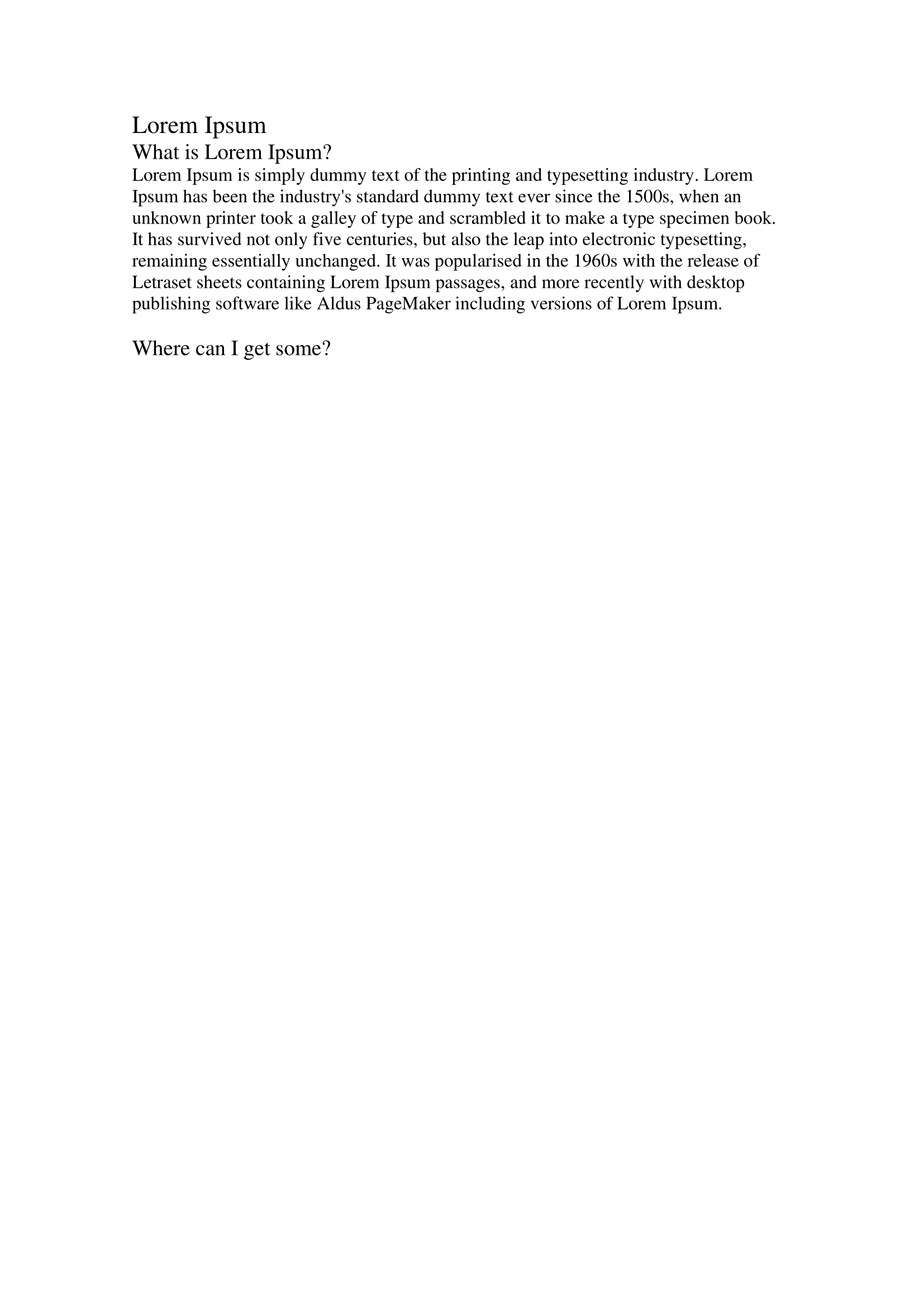
Find Content
doc.Paragraphs() and doc.Tables() each give you one kind of element and lose
the ordering between them. doc.Nodes() gives you both in document order, behind
a single document.Node handle, which is what you want when the thing you are
looking for is defined by position, style or text rather than by type.
Every finder returns []Node, so they compose with the same loop.
| Finder | Selects on | Searches children |
|---|---|---|
FindNodeByStyleId("Heading1") | the style id recorded in the document’s styles part | always |
FindNodeByStyleName("heading 1") | the style’s display name, matched exactly | always |
FindNodeByText("Cell 1") | the node’s text, trimmed, compared for equality | always |
FindNodeByRegexp(rx) | the node’s text, matched against a *regexp.Regexp | always |
FindNodeByCondition(f, whole) | anything your predicate decides | only when whole is true |
Reach for the style finders when you are looking for structure, the text finders
when you are looking for content, and FindNodeByCondition when you are looking
for a type or for something the others cannot express.
Selecting by element type
nodes := doc.Nodes()

tables := nodes.FindNodeByCondition(func(node *document.Node) bool {
    _, ok := node.X().(*document.Table)
    return ok
}, false)

out := document.New()
defer out.Close()
for _, node := range tables {
    out.AppendNode(node)
}
nodes has to be a variable. Nodes is returned by value and all of its methods
take a pointer receiver, so doc.Nodes().FindNodeByCondition(...) does not
compile.
What the node tree looks like
The top level of doc.Nodes() is the document body: paragraphs and tables, in
order, with structured document tag and custom XML wrappers already unwrapped.
Below that, a table’s children are the paragraphs in its cells, and a paragraph’s
children are its runs. A table nested in a cell shows up as a child of the outer
table, not at the top level.
Node.X() returns one of three things, and only two of them are pointers:
switch t := node.X().(type) {
case *document.Paragraph:
case *document.Table:
case document.Run:
}
Run is the case people miss, because Node’s own type comment only mentions
paragraphs and tables. Writing case *document.Run compiles and silently never
matches. Run nodes only appear if you ask for them, which brings us to the second
argument.
The wholeElements argument
FindNodeByCondition is the only finder that does not always recurse. Its second
argument decides whether the predicate is offered the children as well:
wholeElements | Effect |
|---|---|
false | Only the nodes at the level you called it on are tested. Matches keep their Children intact but children are never tested themselves. |
true | Children are tested too, recursively, and each match is appended to the same flat result slice. |
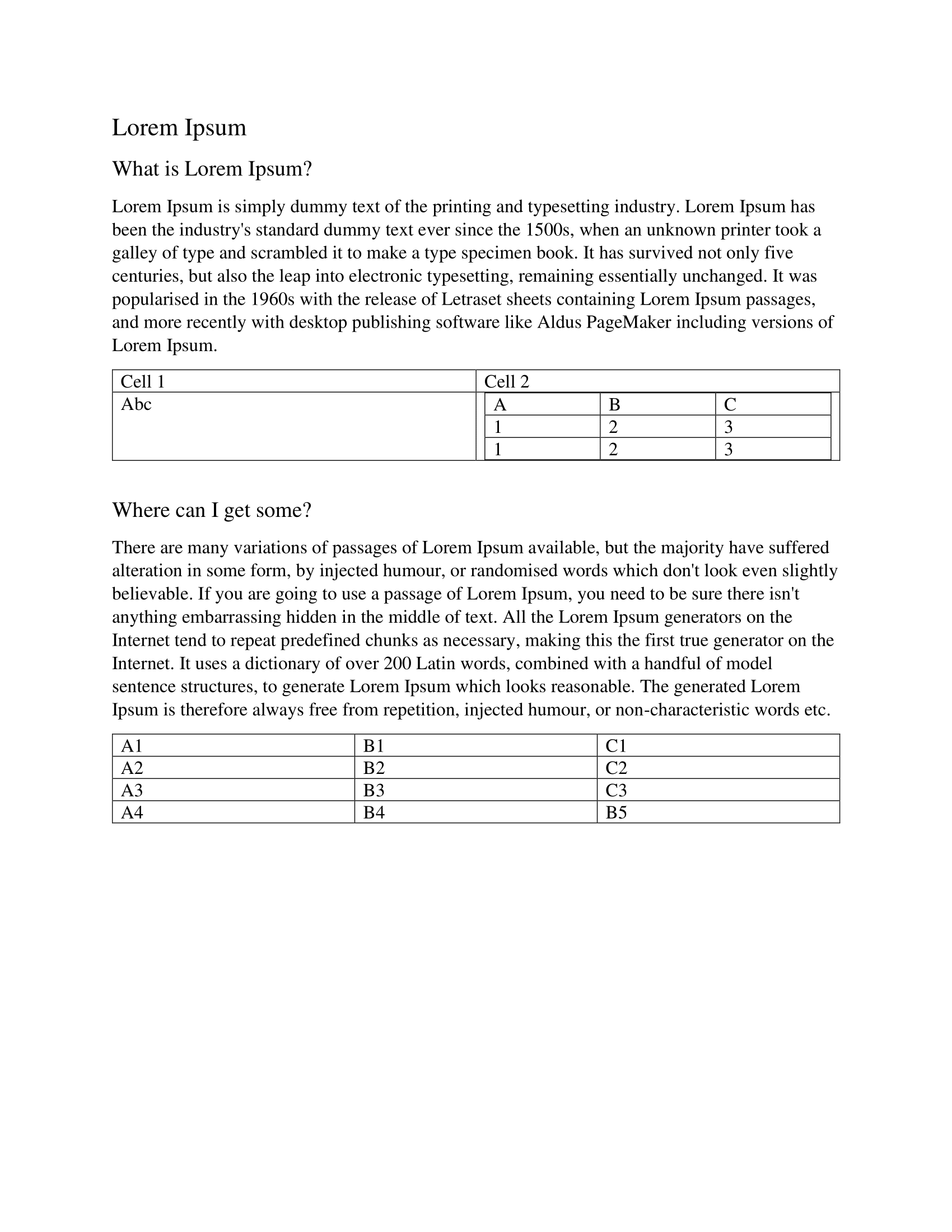
On the sample document used by this example, false yields 10 nodes and true
yields 73. The extra 63 are the runs inside paragraphs, the paragraphs inside
table cells, and one table nested inside another cell.
Passing false, as the example does, is right when you want document-level
elements: a predicate matching *document.Table gets the tables in the body and
not the one nested inside a cell, which would otherwise be appended to the output
twice. Pass true when the thing you are looking for can be anywhere, such as a
paragraph with a particular style that might live in a table cell.
The other finders behave as though wholeElements were always true.
Limitations
Style names are matched exactly and are case sensitive. Word stores the built-in
heading styles with the id Heading1 and the name heading 1, lowercase, so
FindNodeByStyleName("Heading 1") returns nothing while
FindNodeByStyleName("heading 1") and FindNodeByStyleId("Heading1") both
return the headings.
Node.Text() on a paragraph joins the runs with a newline after each one, so a
sentence that Word split across runs comes back as "Hello \nWorld\n".
FindNodeByText compares that against your argument with strings.TrimSpace and
==, which means a multi-run paragraph will not match the sentence you can see
on screen. FindNodeByRegexp has the same underlying text but at least lets you
work around it with (?s) and .* across the run boundary.
If the document body carries section properties, doc.Nodes() appends one extra
node at the end wrapping them. Its X() returns *wml.CT_SectPr, it has no text
and no owning document, and AppendNode ignores it. A default branch in your
type switch will see it.
FindNodeByStyleId and FindNodeByStyleName only ever match paragraphs and
tables. They still recurse through run nodes, but a run is never a result.
Run the example
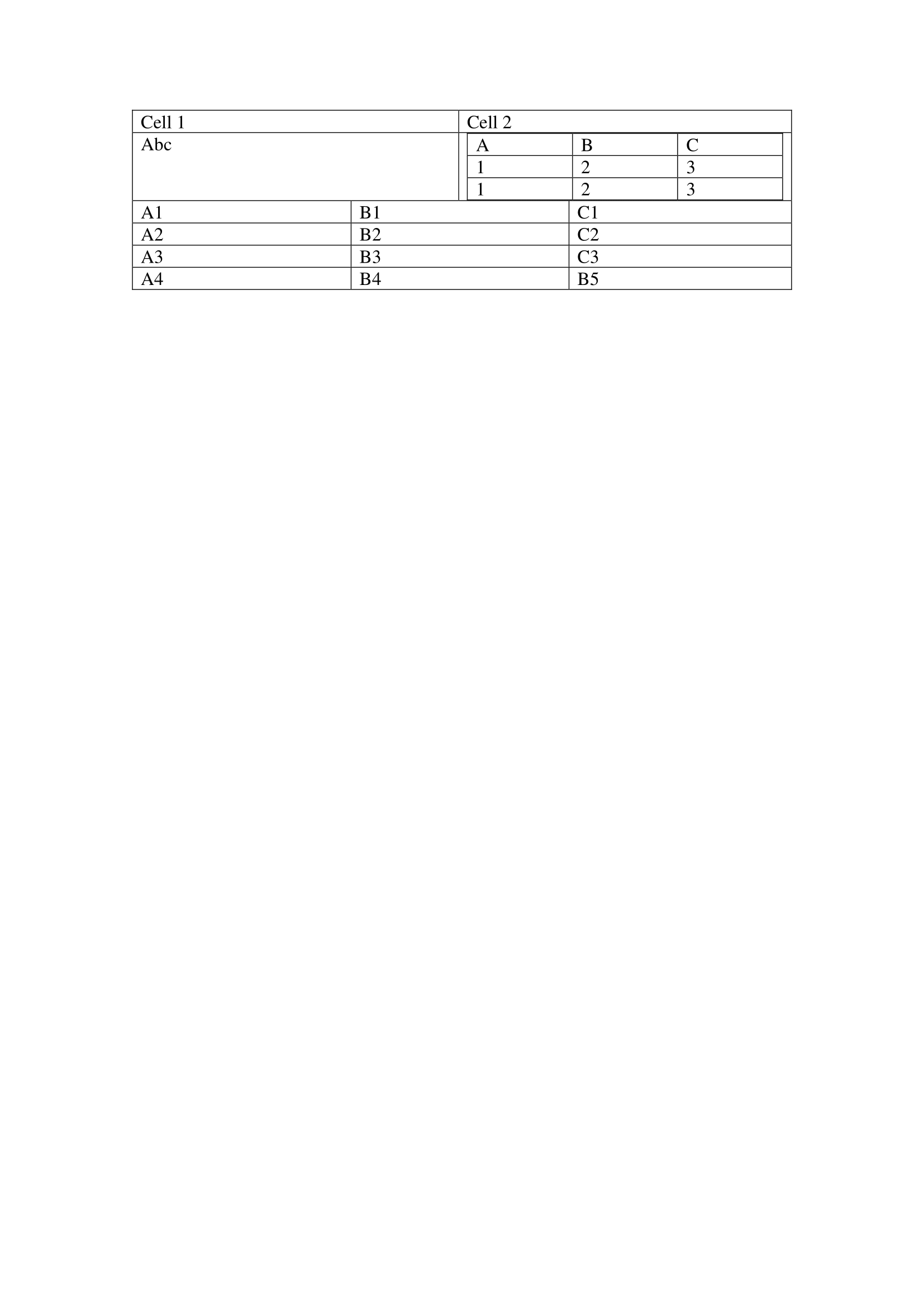
The example opens sample.docx, pulls out its tables into one new document and
the first five of its paragraphs into another, and writes both to output/.
git clone https://github.com/unidoc/unioffice-examples.git
cd unioffice-examples/document/node-selection
go run main.go
If this is your first time using UniOffice, follow the getting started guide to create an API key and set up your development environment.
View the full source
Sample output
The input document:
The tables extracted into their own file:
And the paragraphs: