Insert an Image
Putting a picture in a Word document takes two calls that are easy to conflate.
AddImage stores the image data in the document package and hands back a
common.ImageRef; one of the drawing calls on a run is what actually places it
on a page. An image added but never drawn is written into the file and appears
nowhere, which is the usual reason a document comes out looking empty but
several hundred kilobytes larger than expected.
The second decision is how the drawing sits on the page.
| Placement | Call | Behavior |
|---|---|---|
| Inline | run.AddDrawingInline(ref) | Sits in the text flow like an oversized character. It moves as the surrounding text reflows, and text never flows beside it. |
| Anchored | run.AddDrawingAnchored(ref) | Positioned relative to the page, margin, column or paragraph. Text flows around it according to the wrap mode. |
Inline is the simpler of the two and is what you want for a picture that belongs at a particular point in a sentence or paragraph. Anchored is for logos, pull quotes and anything the text has to make room for; see Wrap text around an image for that case.
Adding and drawing an image
img, err := common.ImageFromFile("gophercolor.png")
if err != nil {
    log.Fatalf("unable to create image: %s", err)
}

imgRef, err := doc.AddImage(img)
if err != nil {
    log.Fatalf("unable to add image to document: %s", err)
}

inl, err := doc.AddParagraph().AddRun().AddDrawingInline(imgRef)
if err != nil {
    log.Fatalf("unable to add inline image: %s", err)
}
inl.SetSize(1*measurement.Inch, 1*measurement.Inch)
doc comes from document.New() with a defer doc.Close(), which releases the
temporary storage AddImage uses when the image was loaded from a path.
The order matters. AddImage is what registers the relationship and sets the
relationship ID on the ImageRef; both AddDrawingInline and
AddDrawingAnchored return couldn't find reference to image within document relations if they are handed a reference whose ID is empty, which is what you
get from constructing a common.ImageRef any other way.
Call AddImage once per distinct image and reuse the returned ImageRef for
every place it appears. Each call appends another copy to d.Images and writes
another media/imageN.<ext> part, so adding the same file five times makes the
document five times heavier for no visible difference. The example does add the
same PNG twice on purpose, once through ImageFromFile and once through
ImageFromBytes, to show both loaders.
Loading image data
common.ImageFromFile and common.ImageFromBytes both decode the image to
learn its format and pixel size, which AddImage requires. Supported formats
are PNG, JPEG, GIF and EMF. EMF is detected from its signature bytes, so
ImageFromFile handles it without any extra flag;
common.ImageFromFileEMF and common.ImageFromBytesEMF are the explicit forms.
For anything else, build a common.Image yourself with a known Format and
Size.
common.ImageFromStorage reads through the configured temporary storage
mechanism rather than the filesystem, which is what you want when the process
has no writable disk.
Which loader you use decides when the bytes are read. ImageFromFile keeps only
the path and the decoded dimensions; the file itself is opened again when the
document is written, so it has to still be there at save time. ImageFromBytes
holds the data in memory for the life of the document and has no such
dependency.
Sizing
Without a SetSize call the drawing is sized at one point per pixel, so a
600 by 400 pixel PNG lands at 600 by 400 points, or roughly 8.3 by 5.6 inches.
That is almost never what you want.
SetSize exists on both InlineDrawing and AnchoredDrawing and takes
measurement.Distance values. Multiply by the unit you are thinking in:
2*measurement.Inch, 144*measurement.Point, 50*measurement.Millimeter.
Passing a bare number means points, since measurement.Point is 1.
Nothing preserves the aspect ratio for you. ImageRef has RelativeHeight and
RelativeWidth for that: given one dimension they return the other that keeps
the original proportions.
w := 2 * measurement.Inch
inl.SetSize(w, imgRef.RelativeHeight(w))
Limitations
AddImage rejects an image with no data and no path, an empty Format, or a
zero width or height, each with its own error. Those are exactly the fields a
hand-built common.Image is likely to leave unset.
The drawing IDs UniOffice generates are masked to 31 bits because Word on macOS refuses to open a document whose drawing ID exceeds an int32, even though the schema declares the field as unsigned.
Run the example
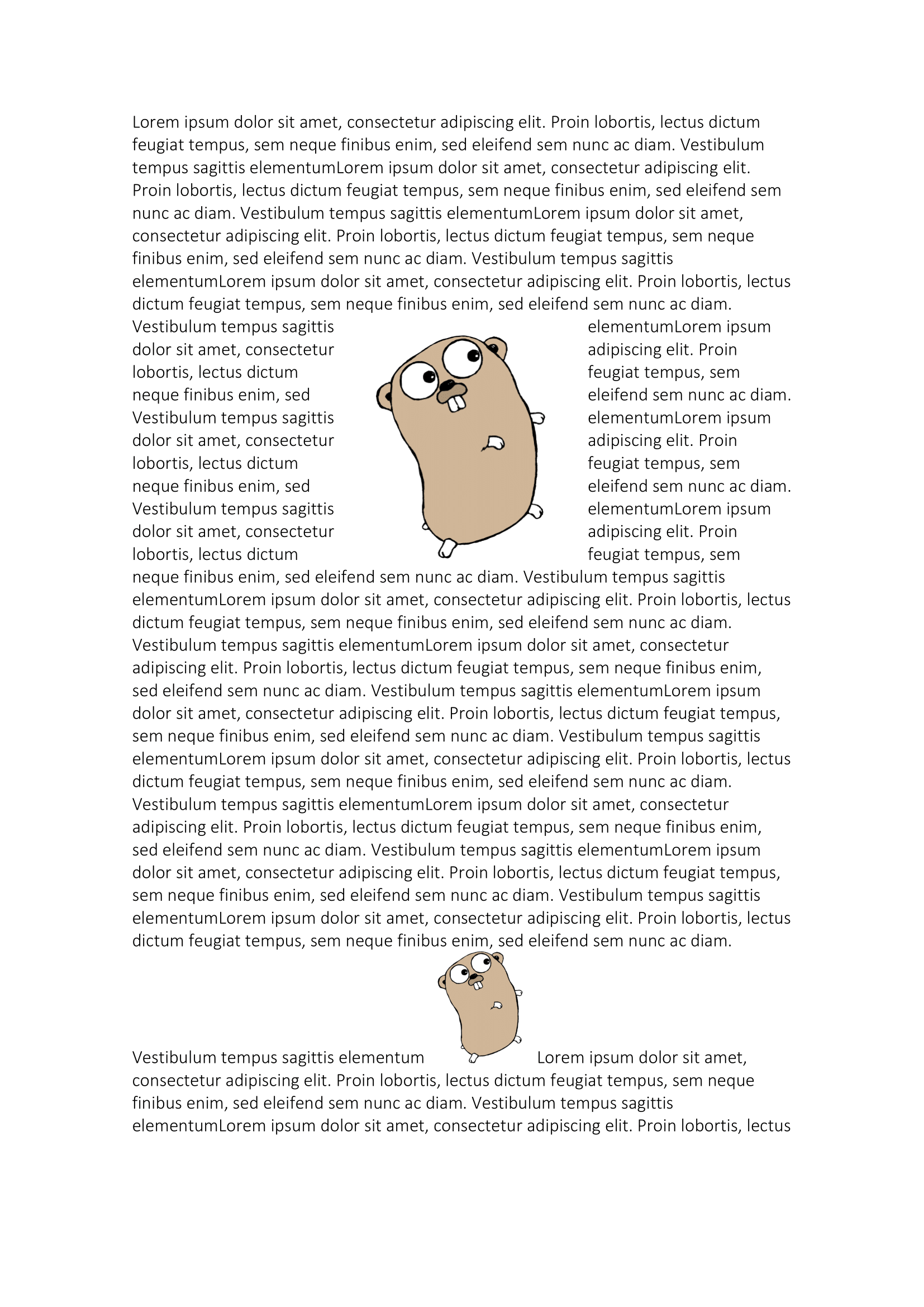
The example creates a document with one anchored image near the top of the page and two inline images dropped into a long run of lorem ipsum, so you can see how each behaves as the text reflows around it.
git clone https://github.com/unidoc/unioffice-examples.git
cd unioffice-examples/document/image
go run main.go
If this is your first time using UniOffice, follow the getting started guide to create an API key and set up your development environment.
View the full source
Sample output