Table of Contents
A table of contents in a Word document is a field, not a list of paragraphs. What
UniOffice writes is the field instruction; the entries and the page numbers are
computed by whatever opens the file. The SetUpdateFieldsOnOpen godoc says as
much: the library only adds the field code and relies on Word or LibreOffice to
compute the content.
Writing the field
doc := document.New()
defer doc.Close()

// Ask the application to recalculate fields when the document opens.
doc.Settings.SetUpdateFieldsOnOpen(true)

doc.AddParagraph().AddRun().AddField(document.FieldTOC)
doc.AddParagraph().Properties().AddSection(wml.ST_SectionMarkNextPage)

para := doc.AddParagraph()
para.Properties().SetHeadingLevel(1)
para.AddRun().AddText("First Level")
AddField writes a begin field character, the instruction text TOC, and an end
field character, and marks the field dirty. There is no result between the two
markers, so the paragraph holding the field is empty until the application
evaluates it. Open the file and refresh fields, or press Ctrl+A then F9 in Word,
if your viewer does not do it automatically.
AddSection(wml.ST_SectionMarkNextPage) is a section break that starts on the
next page, which is what pushes the body content off the contents page. It is not
a plain page break, and passing wml.ST_SectionMarkUnset inserts a section with
no break at all.
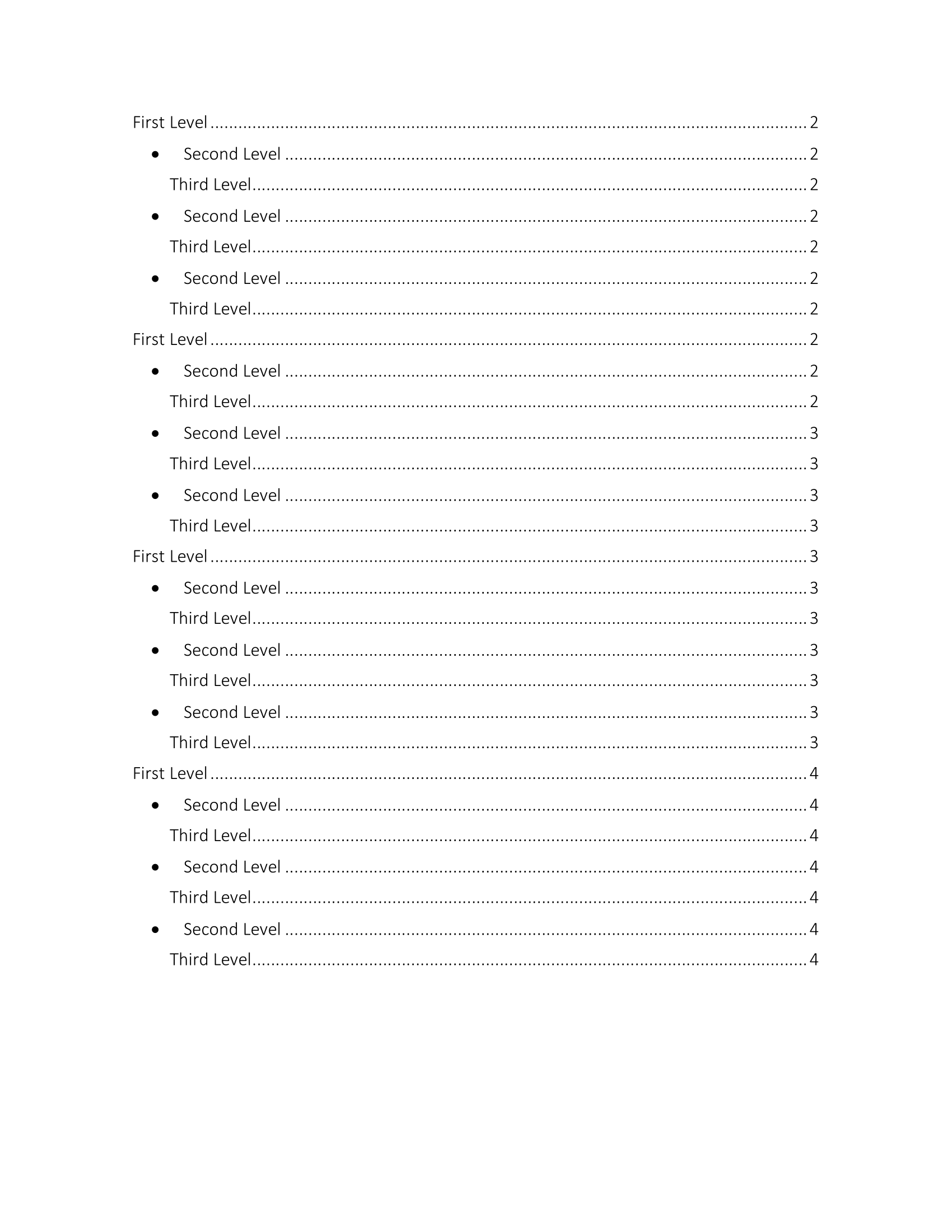
What ends up in the list is decided by paragraph styles.
ParagraphProperties.SetHeadingLevel(n) applies the built-in HeadingN style and
sets the outline level, and Word’s default for a TOC field with no switches is
heading levels 1 through 3. document.New() defines heading styles for levels 1
to 9, so no style setup is needed for a new document.
Limitations
The native DOCX to PDF converter does not evaluate TOC fields. It recognizes
PAGE, NUMPAGES, REF and FORMCHECKBOX, and anything else is dropped, so
converting a document straight from the code above produces a PDF with a blank
contents page. Open and save the file in Word first, or use the OLE conversion
path, which drives a real Word installation and therefore gets a real table of
contents. The OLE route is Windows-only and needs Word installed; the
document/toc-generation-ole example shows it.
SetUpdateFieldsOnOpen is a request, not a guarantee. It sets a flag in
settings.xml, and how an application reacts to it varies: some refresh
silently, some prompt, some ignore it.
The numbering definition in the example changes how the heading paragraphs
themselves are bulleted in the body. It has no effect on the layout of the
generated contents list, which Word formats using its own TOC 1 through TOC 9
styles.
Run the example
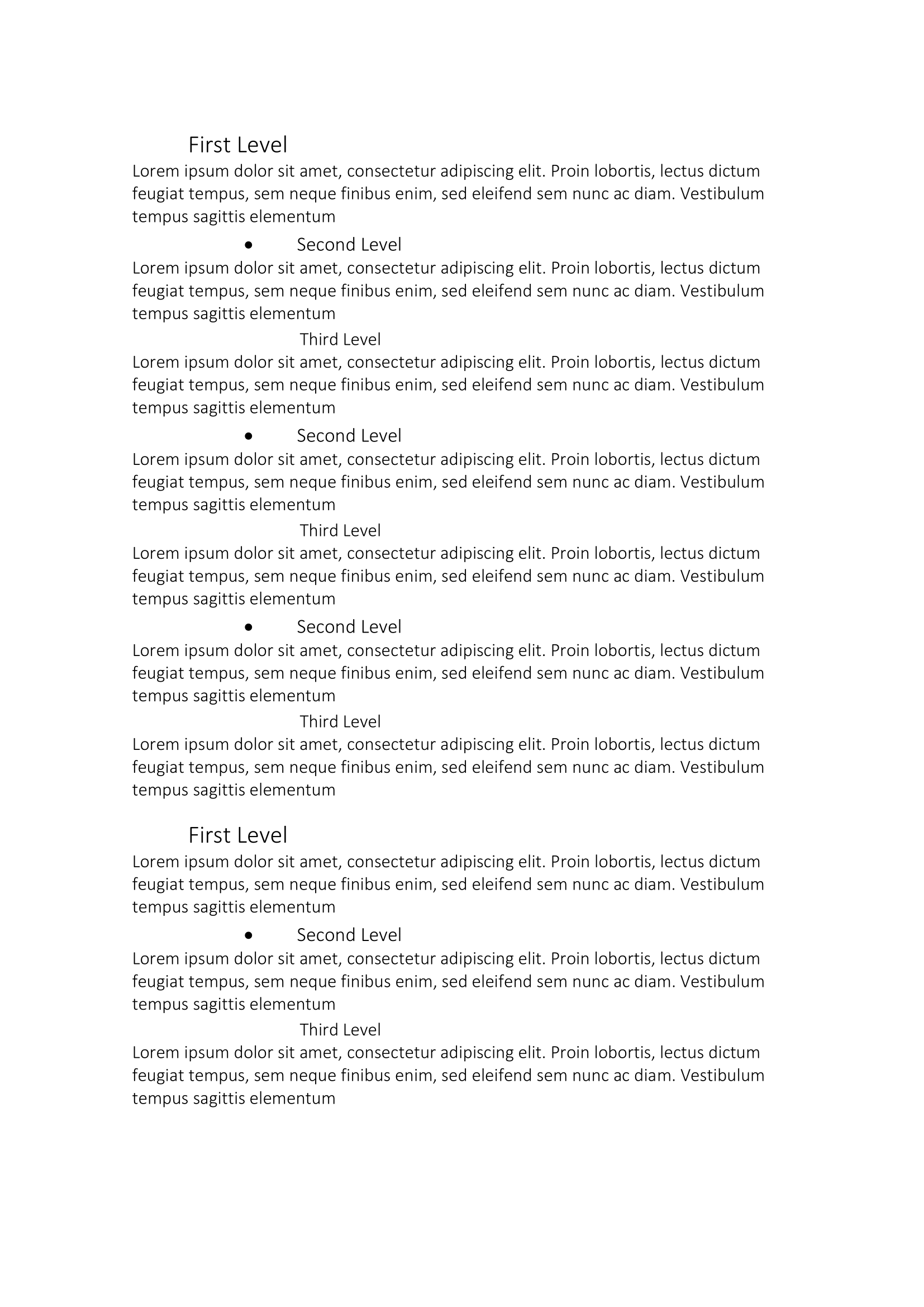
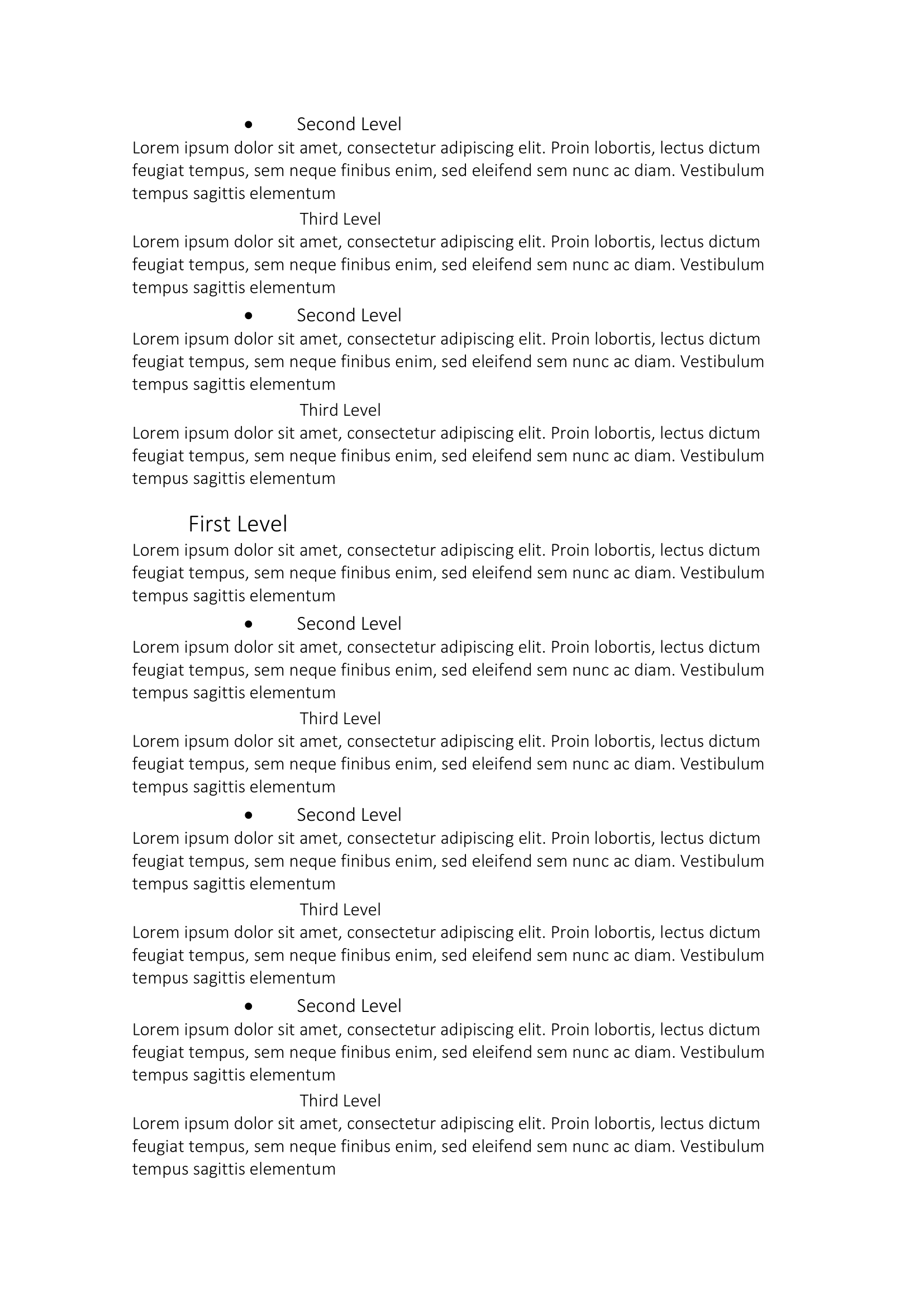
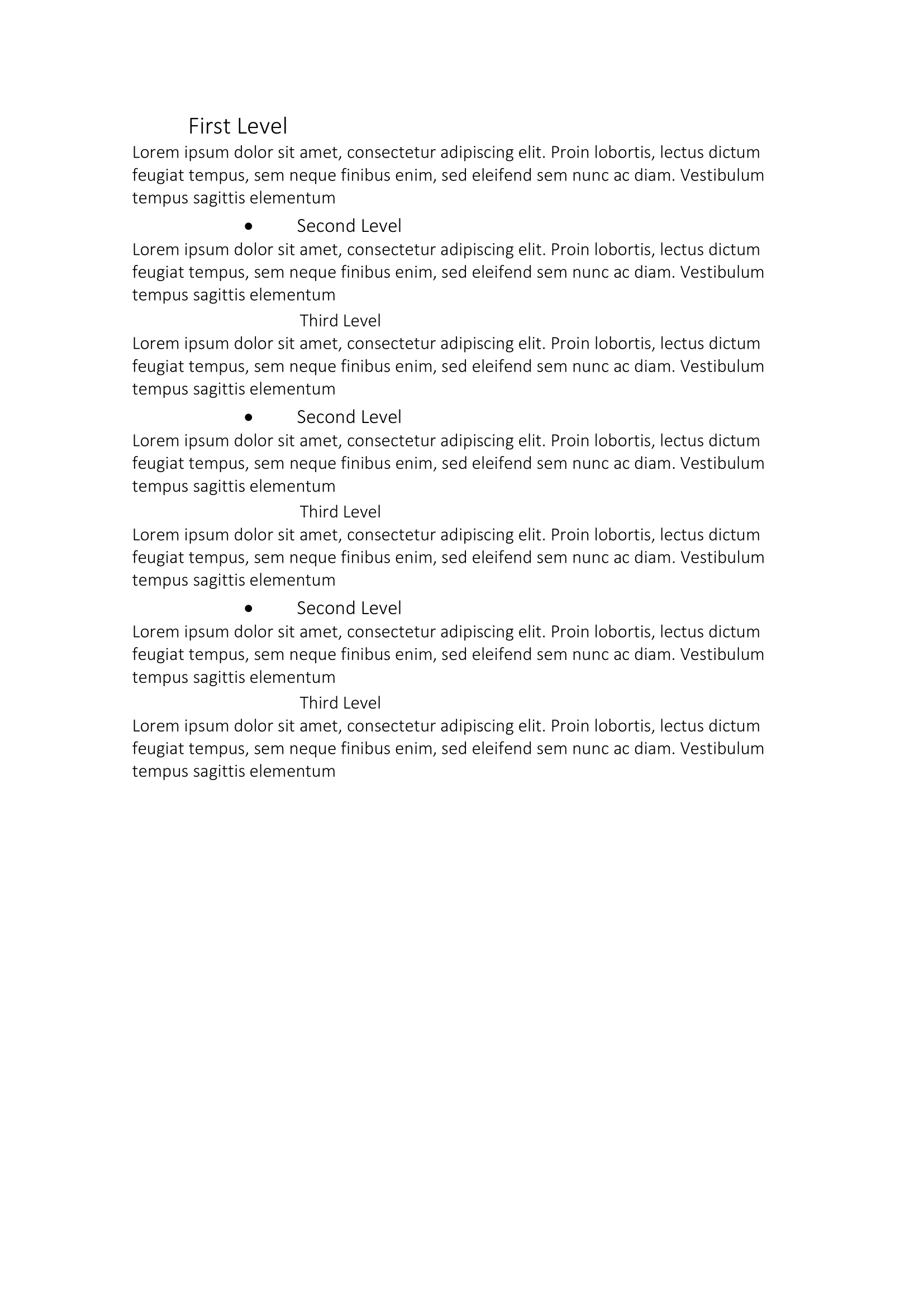
The example writes toc.docx: a TOC field on the first page, a section break,
then four repetitions of a level 1, level 2 and level 3 heading with a paragraph
of lorem ipsum after each.
git clone https://github.com/unidoc/unioffice-examples.git
cd unioffice-examples/document/toc
go run main.go
If this is your first time using UniOffice, follow the getting started guide to create an API key and set up your development environment.
View the full source
Sample output
The first page after Word has refreshed the field:
The heading paragraphs the field collected: