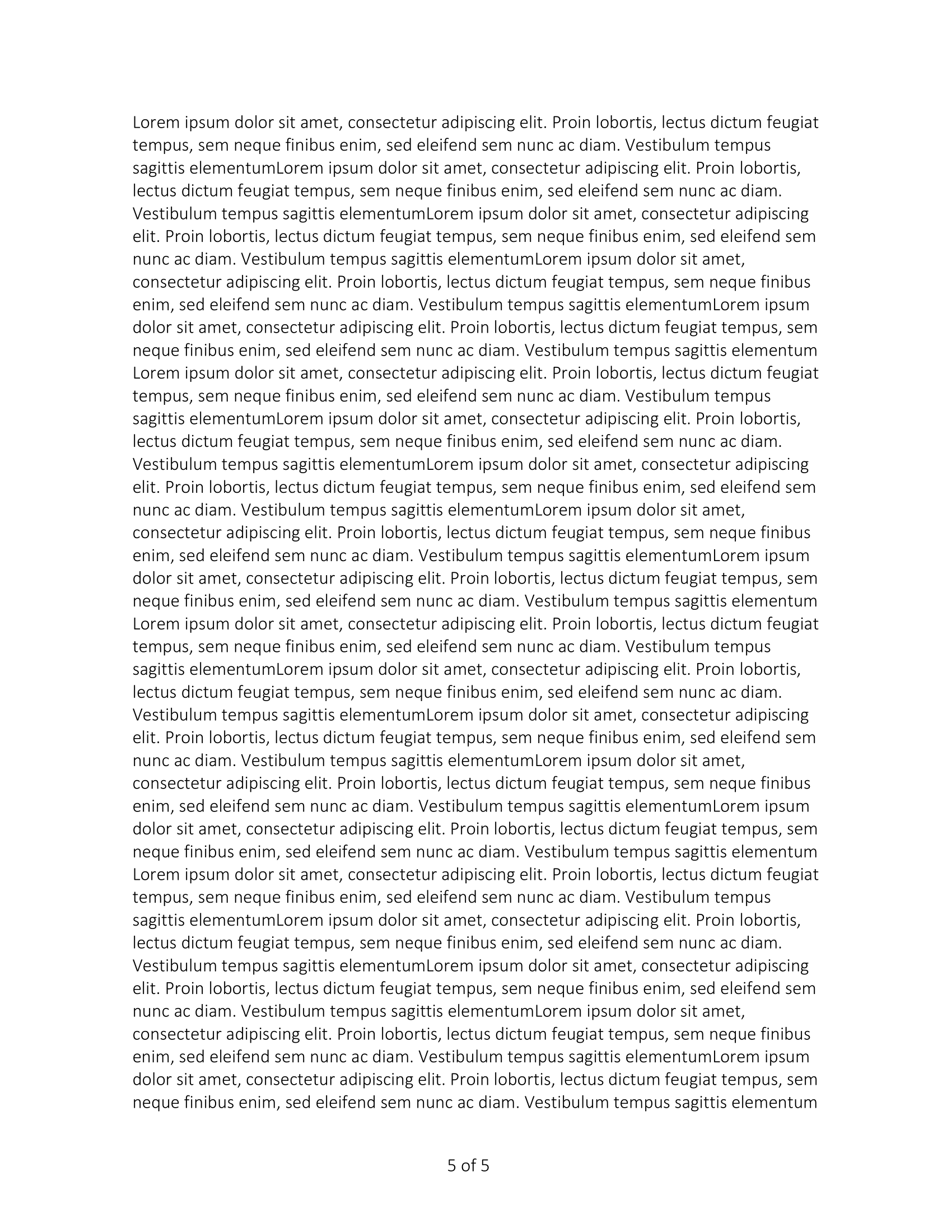
Page Numbers
UniOffice never lays a document out into pages, so it cannot know what page a footer is
sitting on. Page numbers are written as field codes instead, which Word and LibreOffice
compute when they render the file. document.FieldCurrentPage and
document.FieldNumberOfPages are the two codes involved, and they go in a run like any
other content.
ftr := doc.AddFooter()
para := ftr.AddParagraph()
para.Properties().AddTabStop(3*measurement.Inch, wml.ST_TabJcCenter, wml.ST_TabTlcNone)

run := para.AddRun()
run.AddTab()
run.AddFieldWithFormatting(document.FieldCurrentPage, "", false)
run.AddText(" of ")
run.AddFieldWithFormatting(document.FieldNumberOfPages, "", false)

doc.BodySection().SetFooter(ftr, wml.ST_HdrFtrDefault)
The tab stop is what centers the numbers. Without it the run starts at the left margin, since a footer paragraph is an ordinary paragraph.
AddField against AddFieldWithFormatting
| Call | What it writes |
|---|---|
AddField(code) | The field, marked dirty so the reader recomputes it on open. |
AddFieldWithFormatting(code, "", true) | Identical; AddField is a wrapper for exactly this. |
AddFieldWithFormatting(code, "", false) | The field with no dirty flag. |
AddFieldWithFormatting(code, format, dirty) | The field with a switch appended, such as \* ROMAN. |
Neither form writes a cached result between the field’s begin and end markers, so the
field has no value stored in the file. The dirty flag is the request to compute one.
AddField sets it; the third argument of AddFieldWithFormatting is where you turn it
off, which the example above does.
If the numbers come out blank in a viewer, that flag is the first thing to check. The
other lever is doc.Settings.SetUpdateFieldsOnOpen(true), which asks the reader to
recalculate every field in the document rather than just the dirty ones.
The format argument is appended to the code with a space, so passing "\\* ROMAN"
with FieldCurrentPage writes PAGE \* ROMAN. The other codes UniOffice names as
constants are FieldDate, FieldCreateDate, FieldEditTime, FieldPrintDate,
FieldSaveDate, FieldTIme and FieldTOC; any other Word field code works too, since
the argument is just a string.
Numbering format and starting value
Where the field controls how a number is shown in one place, the section controls the numbering itself:
section := doc.BodySection()
section.SetPageNumberFormat(wml.ST_NumberFormatLowerRoman)
section.SetPageNumberStart(1)
SetPageNumberFormat changes the format used by every PAGE field in the section.
Passing wml.ST_NumberFormatUnset does nothing at all rather than clearing the setting;
ClearPageNumbering is the call that removes it.
SetPageNumberStart accepts 0. A negative value removes the explicit start so numbering
continues from the previous section, which is how you get a front matter section
numbered in roman numerals followed by a body that carries on from 1.
Limitations
The count from FieldNumberOfPages is the reader’s, not UniOffice’s. Converting the
same document to PDF through a different renderer can produce a different page count,
and nothing in the library reconciles them.
Footers attach per section, so a document with section breaks needs the footer set on each section that should show numbers. See Multiple headers.
A footer set only on wml.ST_HdrFtrDefault disappears from even pages once the
evenAndOddHeaders setting is on. Set the same footer on wml.ST_HdrFtrEven as well.
Reading a page count back out of a document is a different problem with a different answer; see Page count.
Run the example
The example builds the footer first, then writes twenty paragraphs of five runs each so the document runs to several pages.
git clone https://github.com/unidoc/unioffice-examples.git
cd unioffice-examples/document/page-numbers
go run main.go
If this is your first time using UniOffice, follow the getting started guide to create an API key and set up your development environment.
View the full source
Sample output