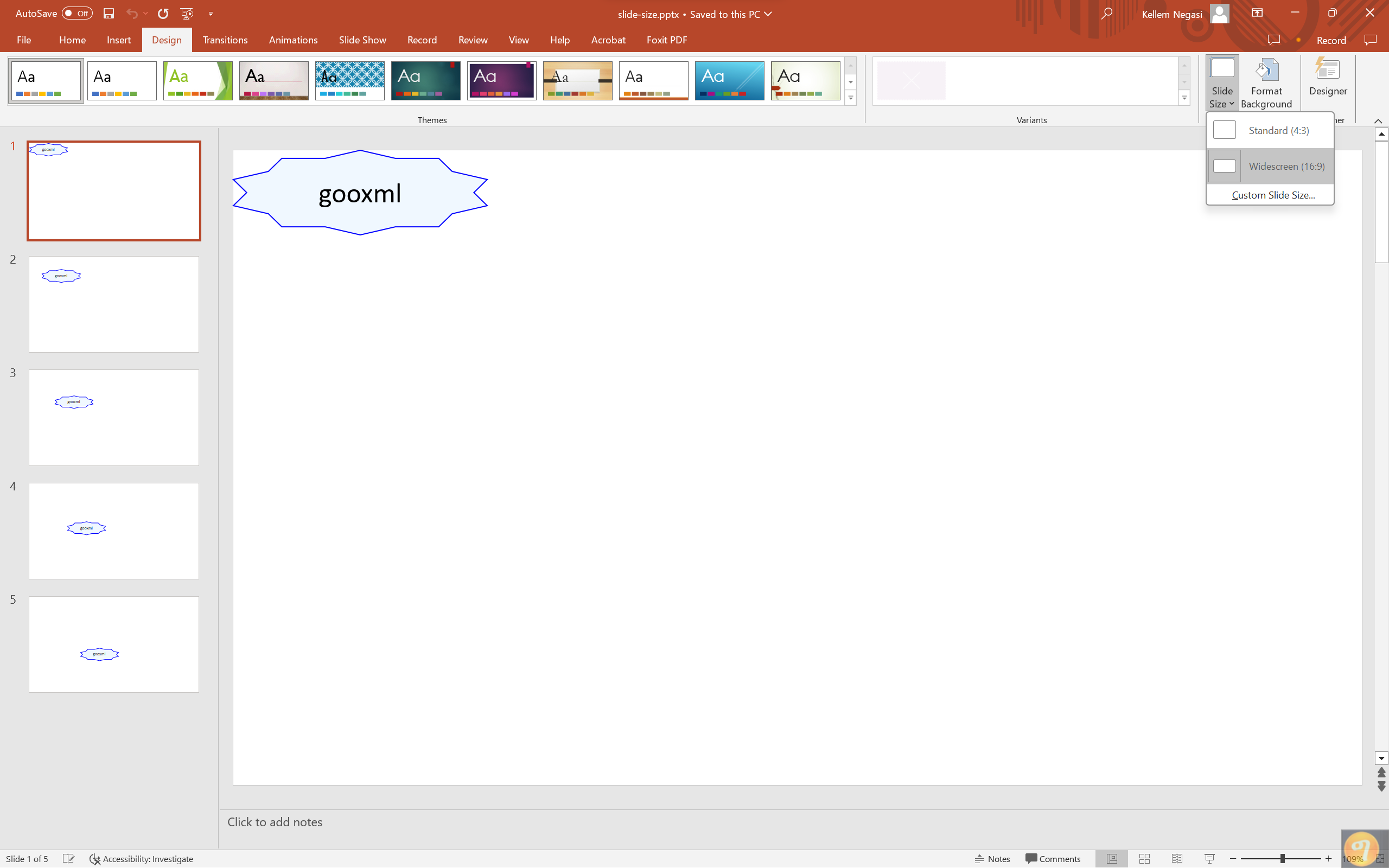
Slide Size
Slide size is a property of the whole presentation, not of an individual slide,
and it fixes the aspect ratio every slide is laid out against. SlideSize()
returns a handle on it and SetSize takes one of three presets or a size you
build yourself.
| Preset | Width x Height (EMU) | Inches |
|---|---|---|
presentation.SlideScreenSize16x9 | 12192000 x 6858000 | 13.33 x 7.5 |
presentation.SlideScreenSize4x3 | 9144000 x 6858000 | 10 x 7.5 |
presentation.SlideScreenSizeA4 | 9906000 x 6858000 | 10.83 x 7.5 |
All three keep the same height and vary the width. 16:9 is what
presentation.New() already sets, so calling SetSize(SlideScreenSize16x9) on
a fresh presentation changes nothing; the call earns its place when you want 4:3
or A4, or when you have opened a deck whose size you do not know.
Setting the size
slideSize := ppt.SlideSize()
slideSize.SetSize(presentation.SlideScreenSize4x3)
For a size that is not one of the presets, build a SlideScreenSize from EMU
values. measurement.ToEMU converts from the measurement units used
everywhere else and returns an int64, so the result needs a cast:
w := int32(measurement.ToEMU(float64(10 * measurement.Inch)))
h := int32(measurement.ToEMU(float64(7.5 * measurement.Inch)))
ppt.SlideSize().SetSize(presentation.NewSlideScreenSizeWithValue(w, h))
SlideScreenSize is a two-element array, so it is copied on assignment.
SetWidth and SetHeight mutate your local copy and do nothing to the
presentation until you pass that copy to SetSize.
Limitations
Changing the slide size does not move or rescale anything already on a slide. Shape positions and extents are absolute distances from the top left corner, so a text box positioned for a 13.33 inch slide hangs off the right edge of a 10 inch one. Set the size before you lay out shapes, or recompute the positions yourself.
The size is written once for the whole file. PowerPoint has no per-slide size either, so a deck that mixes portrait and landscape slides is not something this API can express.
Slide size also decides the page size of a PDF conversion.
convert.ConvertToPdf reads SldSz and uses it directly as the creator page
size, which is why a converted deck comes out as landscape pages rather than A4.
The Options.DefaultPageSize field only applies when the presentation carries
no size at all. See Convert to PDF.
Run the example
The example builds the same five-slide deck as the
simple presentation guide, then sets the size to 16:9
before saving slide-size.pptx.
git clone https://github.com/unidoc/unioffice-examples.git
cd unioffice-examples/presentation/slide-size
go run main.go
If this is your first time using UniOffice, follow the getting started guide to create an API key and set up your development environment.
View the full source
Sample output