Text Boxes
A text box is a shape carrying a text body, and the text body is paragraphs
holding runs. Adding a box and filling it is a few calls; editing text that is
already in a deck means walking down to the run and assigning its text field,
because the TextBox wrapper has no reader for the paragraphs it already
contains.
The two ways of getting at text on a slide are not interchangeable:
| Call | Returns | Use when |
|---|---|---|
slide.GetTextBoxes() | Shapes flagged as text boxes | You or PowerPoint inserted a free-standing box. |
slide.PlaceHolders(), slide.GetPlaceholder(t) | Shapes the layout supplied | The deck came from a template. |
GetTextBoxes tests the txBox attribute, which layouts do not set on their
placeholders, so a title or body from a template will never appear in its
result. If a deck seems to have no text boxes, it is almost certainly a
templated deck and you want the placeholder API instead. See
Use a Template.
Editing existing text
ppt, err := presentation.Open("source.pptx")
if err != nil {
    panic(err)
}
defer ppt.Close()

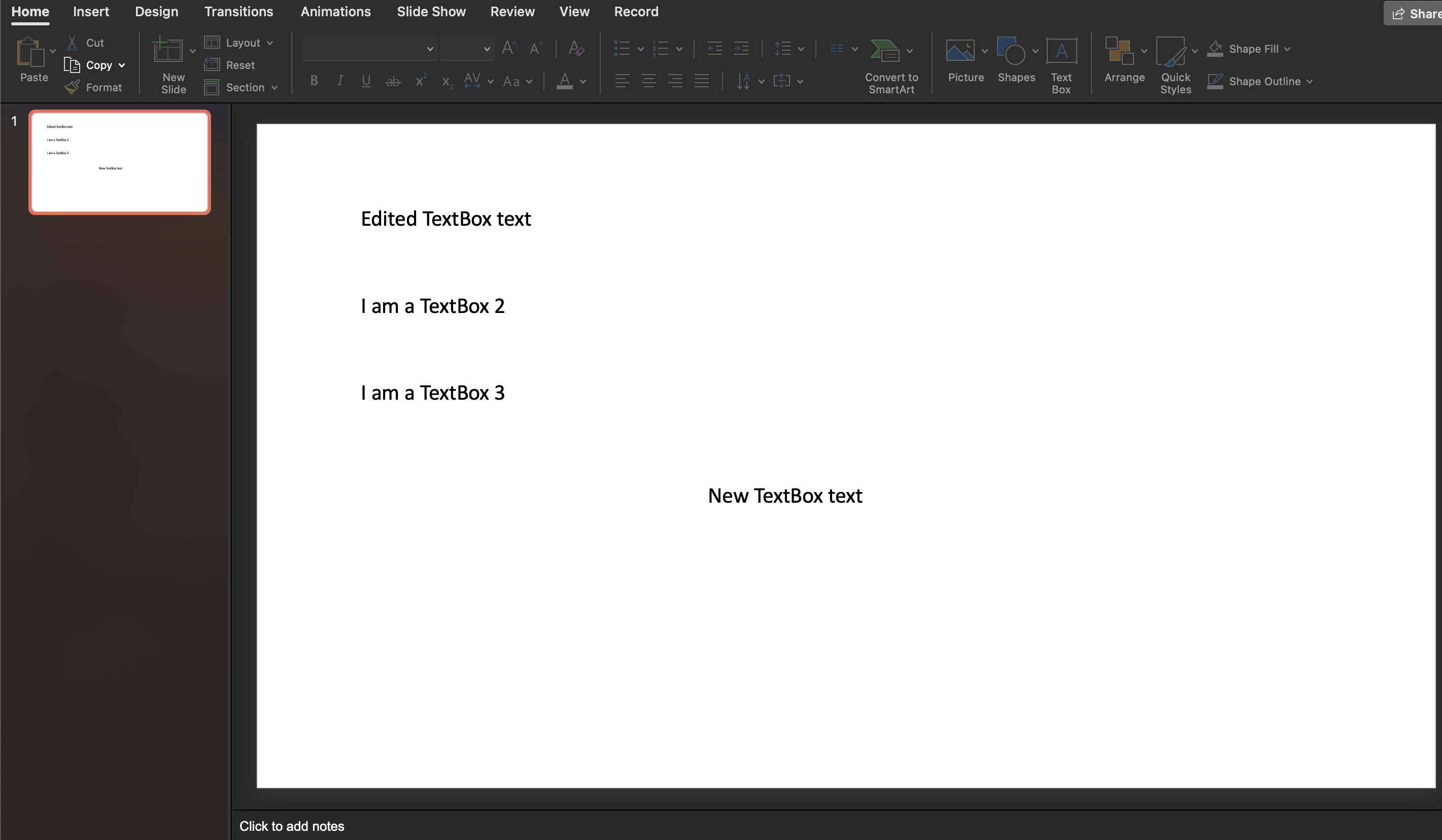
tb := ppt.Slides()[0].GetTextBoxes()[0]
for _, p := range tb.X().TxBody.P {
    for _, tr := range p.EG_TextRun {
        if r := tr.TextRunChoice.R; r != nil {
            r.T = "Edited TextBox text"
        }
    }
}
X() drops out of the wrapper into the schema types, which is the only route to
the existing content. EG_TextRun is a choice: TextRunChoice.R is a regular
run, Br is a line break and Fld is a field such as a slide number. Only R
carries text, and the other two leave it nil, so a paragraph containing a line
break will panic a loop that dereferences R unconditionally. The example does
not guard this; the snippet above does.
There is no setter for the text of an existing box, and no Paragraphs() method
on TextBox the way there is on PlaceHolder. Assigning r.T is the
supported way to change it.
Adding a text box
newTb := slide.AddTextBox()
newTb.SetOffsetX(measurement.Inch * 5)
newTb.SetOffsetY(measurement.Inch * 4)

newPara := newTb.AddParagraph()
newRun := newPara.AddRun()
newRun.SetText("New TextBox text")
SetOffsetX and SetOffsetY take a float64 in measurement units and write
the same shape offset that Properties().SetPosition(x, y) writes with a
measurement.Distance. Use whichever reads better; setting both is redundant,
and the last call wins. A new box is 3 by 1 inches at the top left corner until
you move or resize it.
Limitations
SetTextAnchor allocates fresh body properties for the box, discarding the
square wrapping and autofit that AddTextBox set. Call it before anything else
that touches the text body.
A text box with a text body and no paragraphs fails Validate with “slide shape
with a txbody must contain paragraphs”, so add at least one paragraph to every
box you create.
Text is not measured or reflowed by the library. The box keeps the size you gave it whatever the text does, and whether a viewer clips or shrinks the overflow is up to the autofit setting and the viewer.
Run the example
The example opens source.pptx, prints the text of every run in every text box
on the first slide, rewrites the first run, adds a second box five inches across
and four down, and saves mod.pptx.
git clone https://github.com/unidoc/unioffice-examples.git
cd unioffice-examples/presentation/textbox
go run main.go
If this is your first time using UniOffice, follow the getting started guide to create an API key and set up your development environment.
View the full source
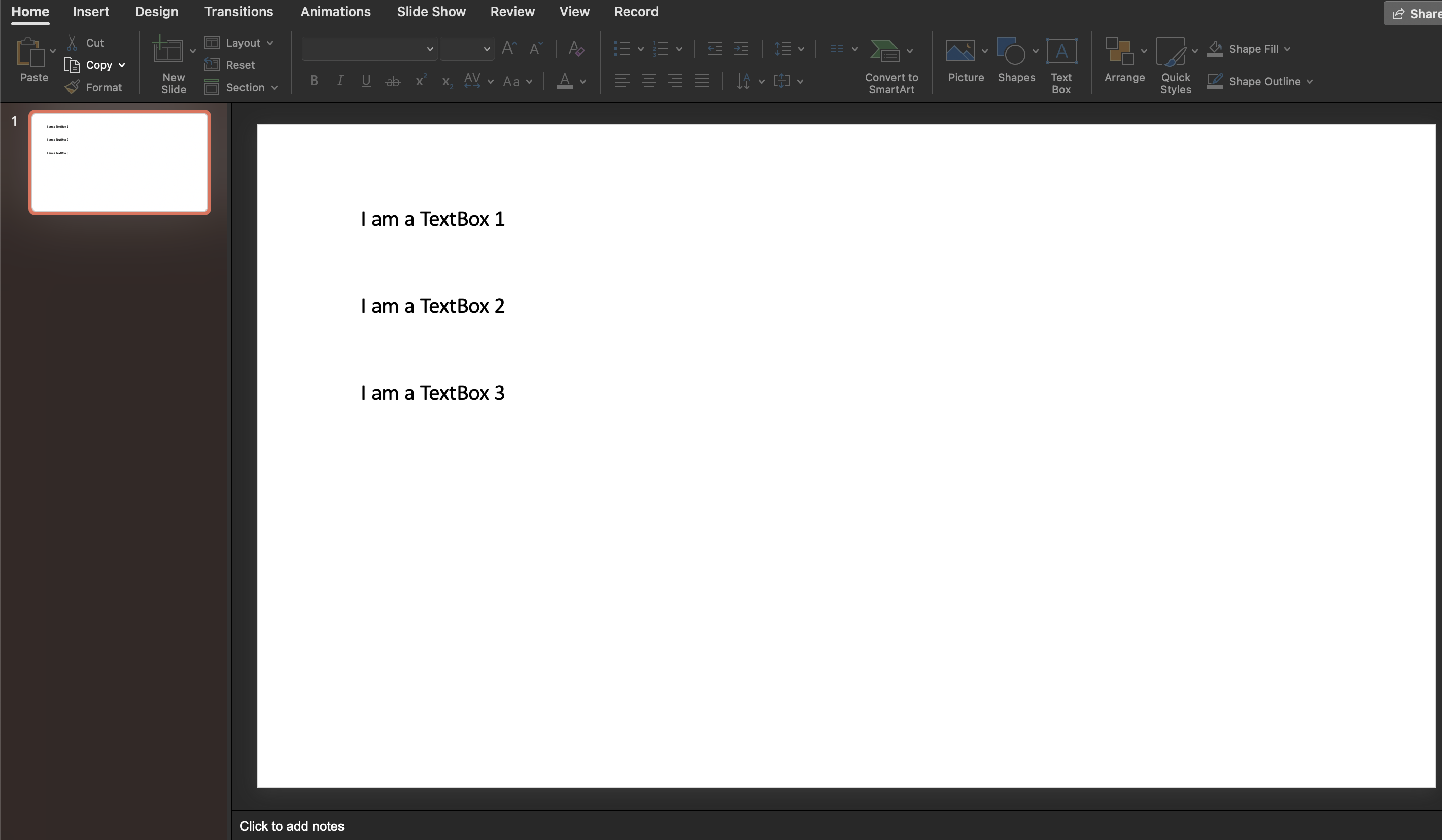
Sample input
Sample output
I am a TextBox 1
I am a TextBox 2
I am a TextBox 3