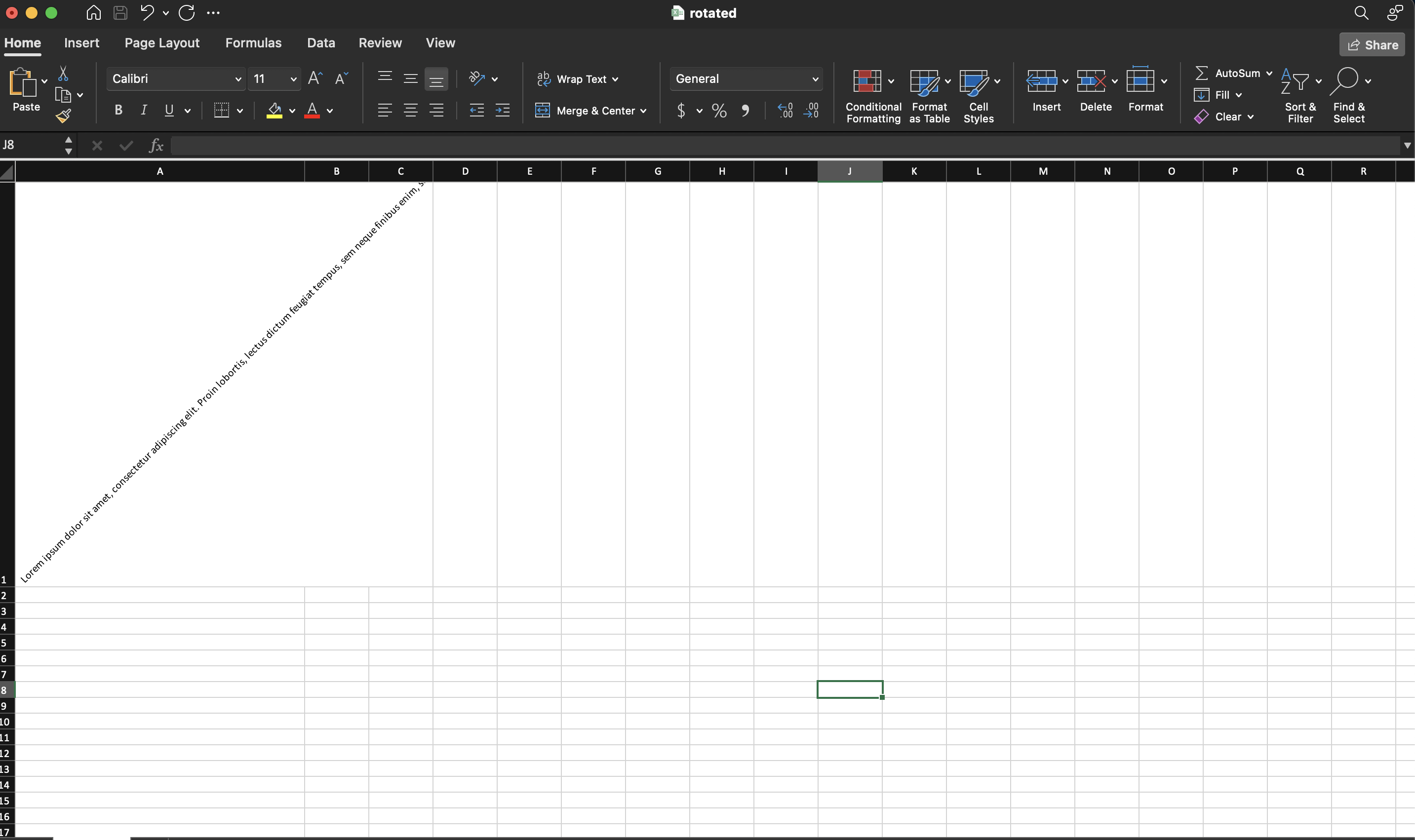
Rotate Cell Text
Angled text is an alignment property of a cell style, set with
CellStyle.SetRotation. It is most often used for narrow columns with long
headers, where a horizontal label would force the column far wider than its
values need.
rotated := ss.StyleSheet.AddCellStyle()
rotated.SetRotation(45)

cell.SetString(lorem)
cell.SetStyle(rotated)
Like every other cell style, this one is shared. Assign it to a whole header row and all of those cells tilt together; there is no per-run rotation, so a rich text cell rotates as a block.
The argument is a uint8, so you cannot pass a negative angle. The file format
encodes counter-clockwise rotation as 0 to 90 and clockwise rotation as 90 plus
the magnitude, which puts 135 at 45 degrees downward and 180 at 90 degrees
downward. The value 255 stacks the characters vertically instead of rotating
them.
Limitations
Workbook.Validate does not range-check the angle. SetRotation accepts any
value a uint8 can hold, and anything above 180 other than 255 is outside what
the format defines, so it writes a file that a viewer may reject or ignore
without unioffice reporting anything.
Rotation does not change the column width or the row height. A viewer grows the
row to fit angled text only while the row height is unset, and Row.SetHeight
turns that off by marking the height as custom. If you have already set a height
and the rotated text is clipped, either compute a taller one or call
Row.SetHeightAuto to hand the decision back.
Rotation and wrapping are separate alignment flags on the same style and can both be set, but a rotated cell wraps against the rotated baseline rather than the column width, so the result is rarely what a plain wrap gives. See Wrap Text for the unrotated case.
Run the example
The example puts one long paragraph into a single cell at 45 degrees, which makes the effect on row height obvious.
git clone https://github.com/unidoc/unioffice-examples.git
cd unioffice-examples/spreadsheet/rotated-cells
go run main.go
If this is your first time using UniOffice, follow the getting started guide to create an API key and set up your development environment.
View the full source
Sample output