Get All PDF Objects
PrintPdfObjects writes every numbered object in the file to an io.Writer, decoding
stream contents as it goes. It exists for debugging: when a document renders wrong or a
program builds something unexpected, dumping the object graph and reading it is usually
faster than guessing which accessor to call.
Doing it
readerOpts := model.NewReaderOpts()
readerOpts.Password = password

pdfReader, f, err := model.NewPdfReaderFromFile(inputPath, readerOpts)
if err != nil {
    return err
}
defer f.Close()

err = pdfReader.PrintPdfObjects(os.Stdout)
NewPdfReaderFromFile returns the *os.File alongside the reader, and you own closing
it. Passing nil for the options is fine when the document is not encrypted.
The output is grouped one object per block, in ascending object number, separated by a
row of = characters. Each block starts with the object number and its Go type, then the
contents: dictionaries print as Dict("Key": value, ...), arrays as a bracketed list,
and streams as Decoded: followed by the inflated bytes.
To iterate rather than print, the same objects are reachable with
pdfReader.GetObjectNums() and pdfReader.GetIndirectObjectByNumber(n).
Get PDF object covers printing a single one.
Limitations
Only objects listed in the current revision’s cross reference table are printed. Superseded objects from earlier revisions of an incrementally updated file are not included, and neither is anything the parser cannot look up.
Streams are decoded with their declared filters, so a stream whose filter chain is broken prints nothing useful and the call returns that decode error, ending the dump partway through.
Output size is unbounded. A document with embedded fonts and images produces megabytes of text, most of it binary stream data rendered as-is, so redirect it to a file rather than a terminal. For content streams specifically, print content streams gives a page-scoped view with the operators parsed out.
Sample input
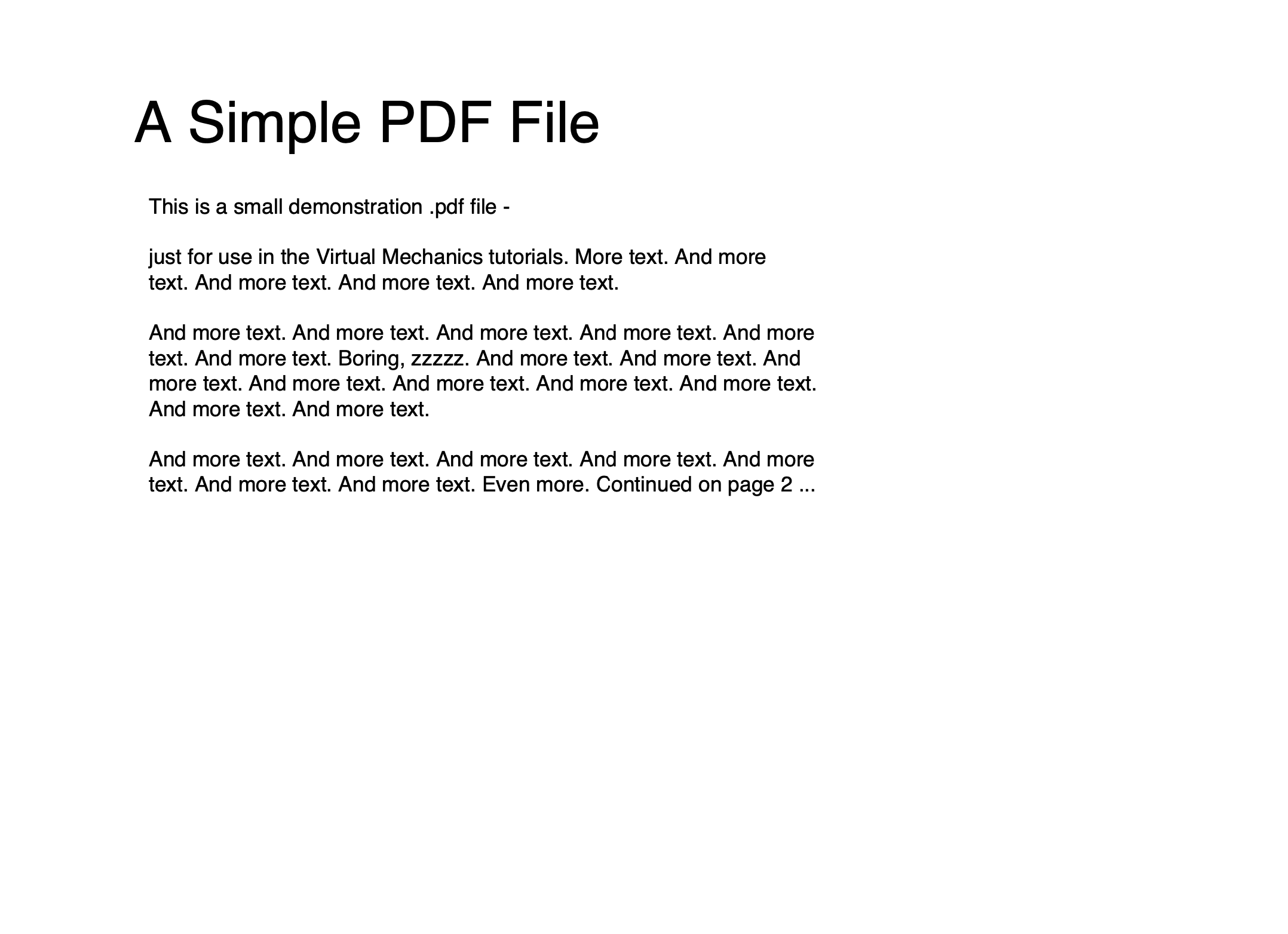
Run the example
The example takes an input path and an optional -password flag, then dumps the whole
object graph to standard output.
git clone https://github.com/unidoc/unipdf-examples.git
cd unipdf-examples/analysis
go run pdf_all_objects.go input.pdf
If this is your first time using UniPDF, follow the getting started guide to create an API key and set up your development environment.
View the full source
Sample output
Trimmed to the catalog, the page tree, one page and one content stream:
Input file: sample.pdf
9 PDF objects:
=========================================================
Object 2: IObject:2
*core.PdfObjectDictionary
Dict("Type": Catalog, "Pages": Ref(3 0), "Outlines": Ref(9 0), "Version": 1.3, )
=========================================================
Object 3: IObject:3
*core.PdfObjectDictionary
Dict("Type": Pages, "Kids": [IObject:4, IObject:7], "Count": 2, )
=========================================================
Object 4: IObject:4
*core.PdfObjectDictionary
Dict("Type": Page, "Parent": IObject:3, "Resources": Dict("Font": Dict("Font2": Ref(5 0), ), ), "MediaBox": [0, 0, 612, 792], "Contents": [Ref(6 0)], )
=========================================================
Object 6: Object stream 6: Dict("Filter": FlateDecode, "Length": 87, )
Decoded:
q
1 0 0 1 61.2 720.8 cm
BT
0 0 0 rg
/Font2 10 Tf
[(page)] TJ
ET
Q