Get PDF Object
Once you know which object number you care about - from an error message, from a Ref(9 0)
in someone else’s dump, or from following the trailer down - PrintPdfObject prints just
that one. It is the same formatting PrintPdfObjects uses per object, so this is the
targeted version of get all PDF objects.
Doing it
pdfReader, f, err := model.NewPdfReaderFromFile(inputPath, nil)
if err != nil {
    return err
}
defer f.Close()

err = pdfReader.PrintPdfObject(os.Stdout, objNum)
Passing -1 as the object number prints the trailer dictionary instead, which is where
you start when you do not yet know any object numbers: the trailer’s Root points at the
catalog, and the catalog’s Pages points at the page tree.
Trailer: Dict("Info": Ref(1 0), "Root": Ref(2 0), "Size": 10, )Streams are printed decoded. Dictionaries and arrays print their contents, with
references shown as Ref(n g) rather than followed, so you walk the graph one call at a
time.
To work with the object rather than print it, pdfReader.GetIndirectObjectByNumber(n)
returns it as a core.PdfObject, and the core.Get* helpers unwrap it. See the
analysis overview for those.
Limitations
The object number is the number in the cross reference table, not an index. Numbers are not contiguous - a file with 10 objects may have no object 8 - and a number that is not in the table produces a lookup error rather than an empty result.
Only the current revision is visible. In an incrementally updated file, asking for an object number returns the latest version of that object, and there is no way to reach the superseded one through this call.
A stream whose filter chain cannot be decoded produces the decode error rather than the raw bytes.
Sample input
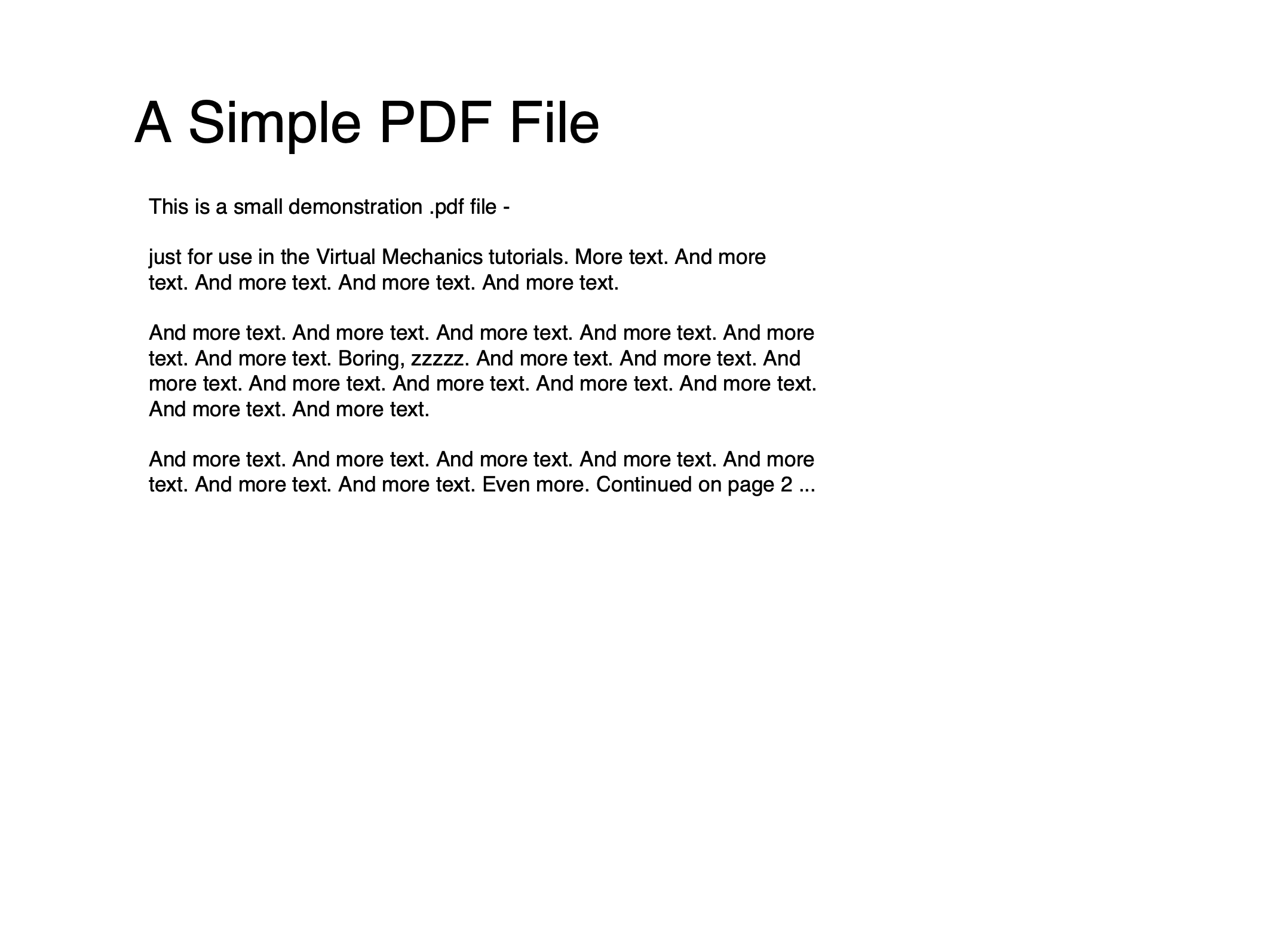
Run the example
The example takes an input path and an optional object number, defaulting to the trailer when the number is omitted.
git clone https://github.com/unidoc/unipdf-examples.git
cd unipdf-examples/analysis
go run pdf_get_object.go input.pdf [num]
If this is your first time using UniPDF, follow the getting started guide to create an API key and set up your development environment.
View the full source
Sample output
Object 4 of a two page document, a page dictionary:
Input file: sample.pdf
Object 4: IObject:4
*core.PdfObjectDictionary
Dict("Type": Page, "Parent": IObject:3, "Resources": Dict("Font": Dict("Font2": Ref(5 0), ), ), "MediaBox": [0, 0, 612, 792], "Contents": [Ref(6 0)], )