Line Annotation
A line annotation connects two points on the page, optionally with an arrowhead. It is
the annotation for pointing at something: linking a comment to the paragraph it refers
to, or marking a measurement. annotator.CreateLineAnnotation writes a /Line
annotation with a generated appearance stream, so the line and its arrowhead look the
same in every viewer.
Both endpoints are in page coordinates, where (0,0) is the lower left corner of the page.
Direction matters only for where the arrowhead points; X1, Y1 may be to the right of
or above X2, Y2.
| Ending style | Effect |
|---|---|
draw.LineEndingStyleNone (default) | Flat end. |
draw.LineEndingStyleArrow | Filled arrowhead, written as ClosedArrow. |
draw.LineEndingStyleButt | Accepted, but drawn and recorded as None. |
Doing it
lineDef := annotator.LineAnnotationDef{
    X1:               60,
    Y1:               350,
    X2:               140,
    Y2:               500,
    LineColor:        model.NewPdfColorDeviceRGB(1, 0, 0),
    Opacity:          0.5,
    LineWidth:        3.0,
    LineEndingStyle1: draw.LineEndingStyleNone,
    LineEndingStyle2: draw.LineEndingStyleArrow,
}

lineAnnotation, err := annotator.CreateLineAnnotation(lineDef)
if err != nil {
    return err
}

page.AddAnnotation(lineAnnotation)
draw here is github.com/unidoc/unipdf/v5/contentstream/draw, which is where the
ending style constants live. The returned value is a *model.PdfAnnotation, ready for
AddAnnotation.
The endpoints are also recorded in the annotation’s L entry, the endings in LE, and
the width in a BS border style dictionary, so a viewer that regenerates the appearance
from the annotation data gets the same line. LineColor is written to both C and IC,
the second being the fill color of the endings.
Limitations
The line is painted as a filled polygon rather than a stroked path, which has a couple of
consequences. LineWidth is the thickness of that polygon, not a stroke width, so
LineStyle and dash patterns are not reachable through LineAnnotationDef even though
draw.Line supports them. Opacity is applied through a graphics state that sets the
non-stroking alpha only, which is the correct one for a filled shape.
The arrowhead size is fixed. It is derived as three times LineWidth in both height and
width, with no field to override it, so a thin line gets a small arrowhead. Widen the line
to get a bigger head.
LineColor is required. Unlike the fill and border colors on the rectangle and ellipse
definitions, it has no enabling flag and is dereferenced unconditionally, so leaving it nil
panics.
Rect comes back slightly larger than the two endpoints, because it is the bounding box of
the drawn polygon including the arrowhead. A line from (60, 350) to (140, 500) with a 3
point width and one arrowhead produces a rectangle of about
[60, 350, 141.3, 500.7].
Run the example
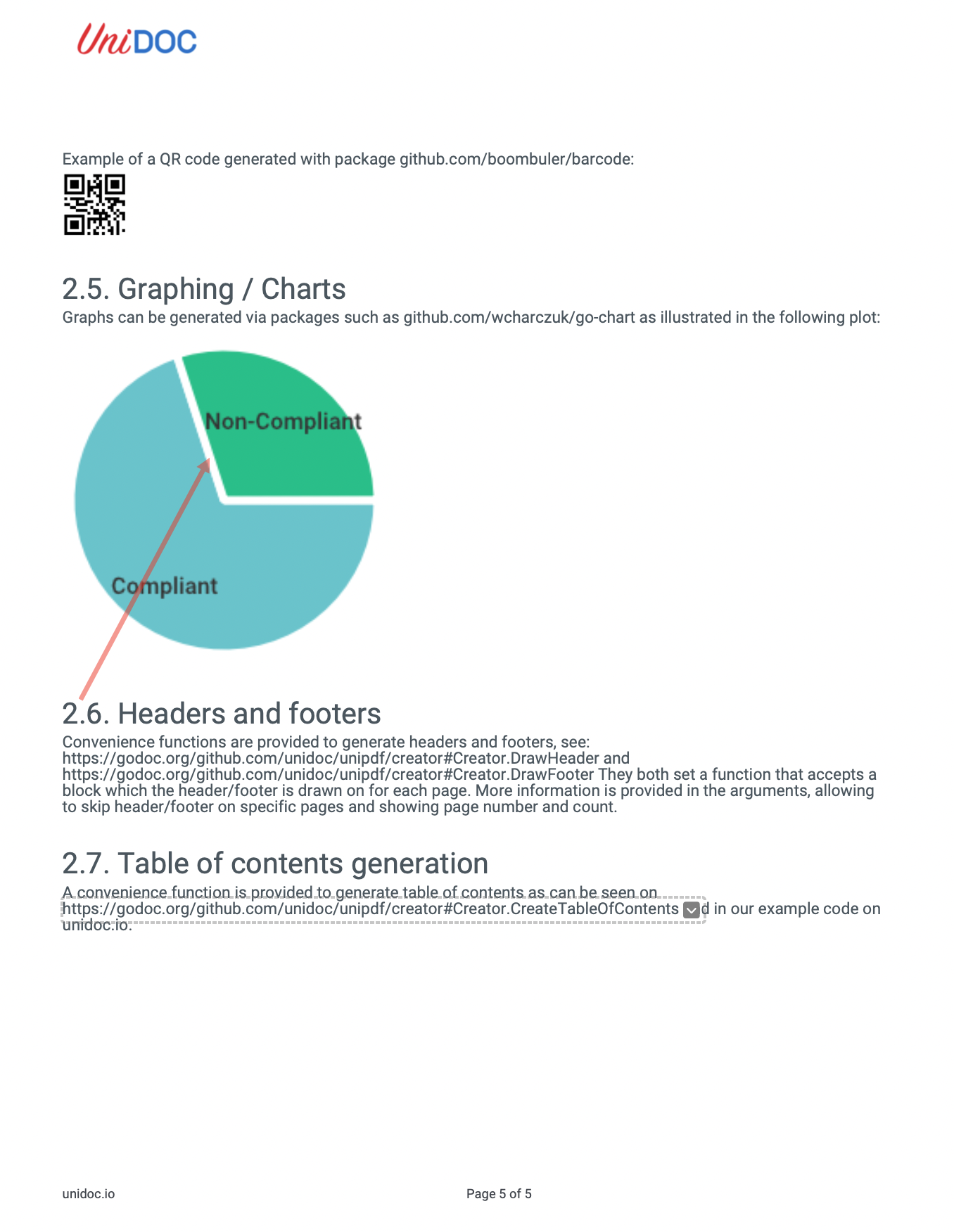
The example draws a red, semi-transparent 3 point line with an arrowhead at the second
point. The definition is built in main and passed to
annotatePdfAddLineAnnotation, which applies it to the page number given on the command
line.
git clone https://github.com/unidoc/unipdf-examples.git
cd unipdf-examples/annotations
go run pdf_annotate_add_line.go input.pdf 5 60 350 140 500 output.pdf
If this is your first time using UniPDF, follow the getting started guide to create an API key and set up your development environment.
View the full source
Sample output
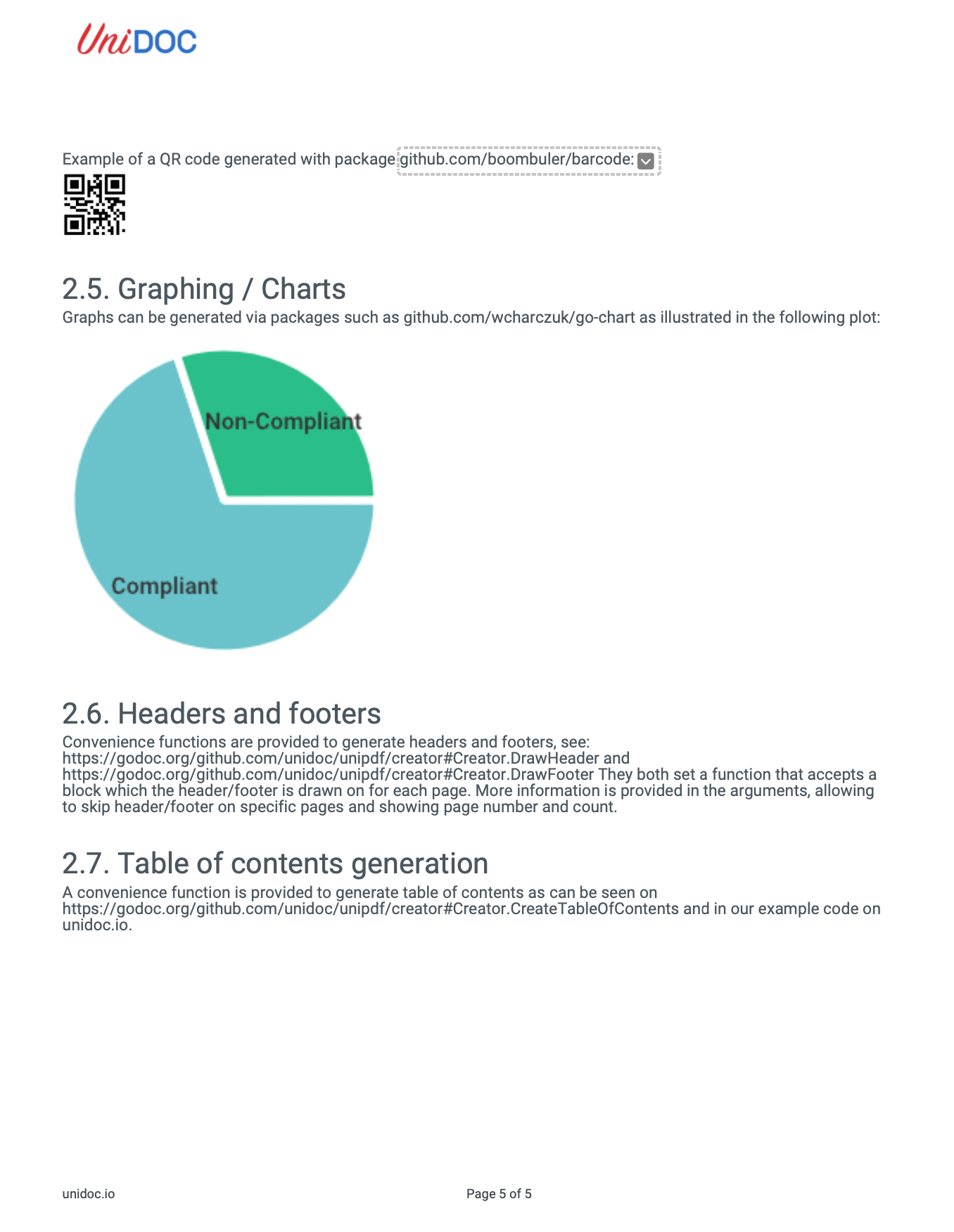
The input page:
After the run, with the arrowhead at the second point: