Rectangle Annotation
A rectangle annotation boxes an area of the page: a callout around a figure, a highlight
over a block of text, a marker for a region a reviewer should look at. annotator
builds it as a /Square annotation with a generated appearance stream, so it looks the
same in every viewer instead of being left to the viewer’s own rendering.
Position and size come from RectangleAnnotationDef in page coordinates, where (0,0) is
the lower left corner of the page and X, Y are the lower left corner of the
rectangle. Width and Height include the border.
| Definition | Result |
|---|---|
FillEnabled: true, BorderEnabled: false | Solid block of FillColor, no outline. |
FillEnabled: false, BorderEnabled: true | Outline only, page content visible through the middle. |
| Both true | Filled and stroked. |
| Both false | An annotation with an empty appearance stream: nothing is drawn. |
Doing it
rectDef := annotator.RectangleAnnotationDef{
    X:             100,
    Y:             100,
    Width:         200,
    Height:        50,
    FillEnabled:   true,
    FillColor:     model.NewPdfColorDeviceRGB(1, 1, 0),
    BorderEnabled: true,
    BorderWidth:   2,
    BorderColor:   model.NewPdfColorDeviceRGB(0, 0, 0),
    Opacity:       0.5,
}

rectAnnotation, err := annotator.CreateRectangleAnnotation(rectDef)
if err != nil {
    return err
}

page.AddAnnotation(rectAnnotation)
CreateRectangleAnnotation returns a *model.PdfAnnotation, so it goes into
AddAnnotation as it is. There is no .PdfAnnotation field to reach through, unlike the
model.NewPdfAnnotation... constructors.
The colors end up in two different entries. BorderColor is written as the annotation’s
C, FillColor as IC, and both are also baked into the appearance stream, so a viewer
that regenerates the appearance from the dictionary produces roughly the same thing.
BorderWidth is recorded in a BS border style dictionary for the same reason.
To add a rectangle to one page of an existing document, use pdfReader.ToWriter with a
PageProcessCallback and check the page number inside the callback. The callback receives
the 1-based page number.
Limitations
Opacity is only applied when it is below 1. At 1 no CA entry and no graphics state
are written at all, which is the right output but means you cannot use the value to force
full opacity over some inherited setting.
Enabling fill without setting FillColor panics. The definition struct holds a
*model.PdfColorDeviceRGB and the color components are read unconditionally once
FillEnabled is true, so a nil pointer is dereferenced. Same for BorderColor with
BorderEnabled. Setting a color and leaving the matching flag false is harmless, and
also silent: the color is simply never used, and IC is written as an empty array.
The border is drawn inside the rectangle, not centered on its edge. The appearance stream
strokes the path at twice BorderWidth and the form’s bounding box clips the outer half,
which leaves a visible border of BorderWidth sitting within Width x Height. A border
wide enough relative to the rectangle therefore swallows it: BorderWidth: 30 on a 50 by
20 rectangle is a solid block of border color.
Rect on the resulting annotation is exactly the rectangle you asked for,
(X, Y, X+Width, Y+Height), since the border stays inside. Only DeviceRGB colors are
accepted; there is no CMYK or gray variant of the definition struct.
Run the example
The example takes a page number and a rectangle on the command line and writes an
annotated copy. annotatePdfAddRectAnnotation builds the definition, and note that it
sets FillEnabled: false, so the yellow FillColor it also sets never appears.
git clone https://github.com/unidoc/unipdf-examples.git
cd unipdf-examples/annotations
go run pdf_annotate_add_rectangle.go input.pdf 1 100 100 50 20 output.pdf
If this is your first time using UniPDF, follow the getting started guide to create an API key and set up your development environment.
View the full source
Sample output
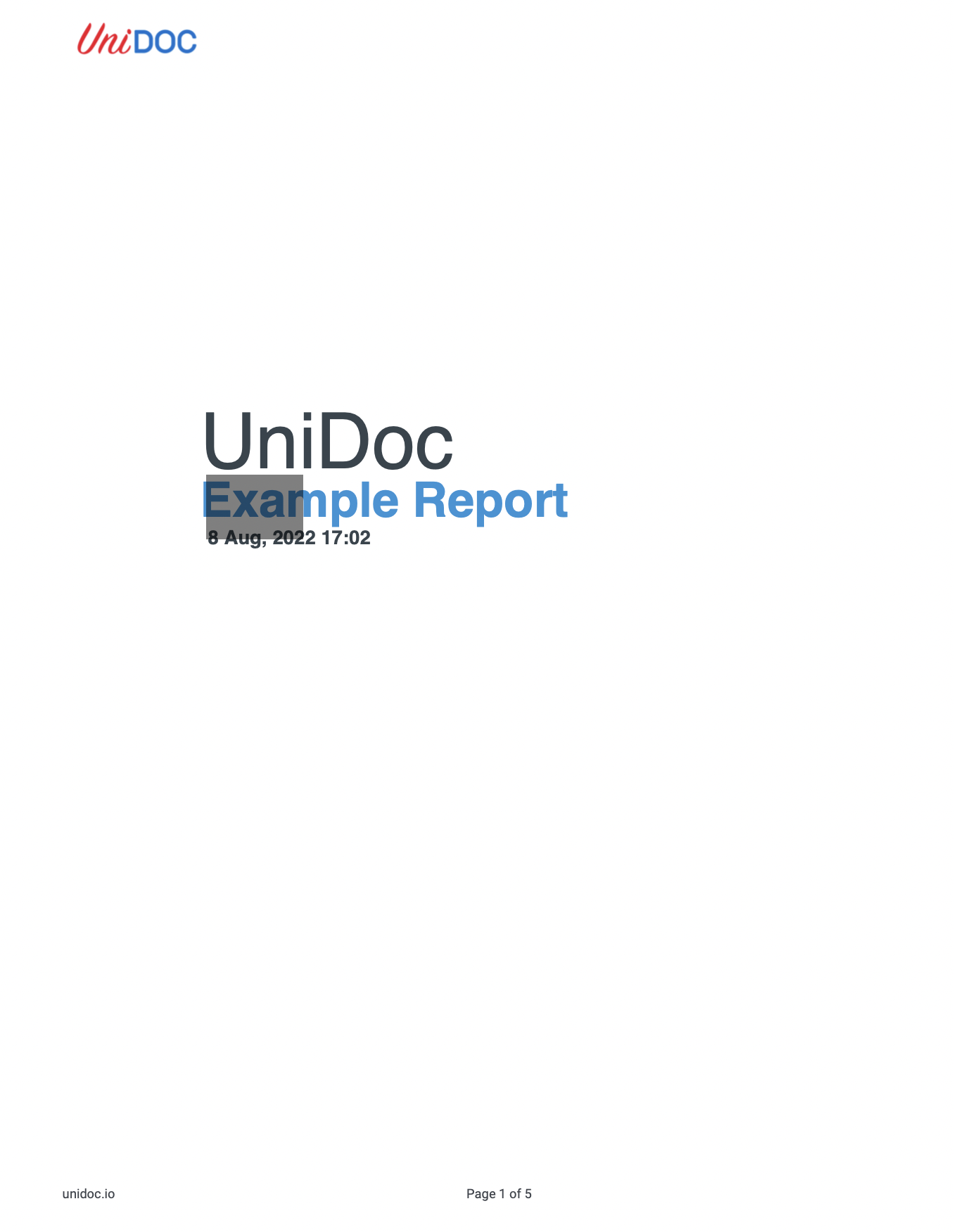
The input page:
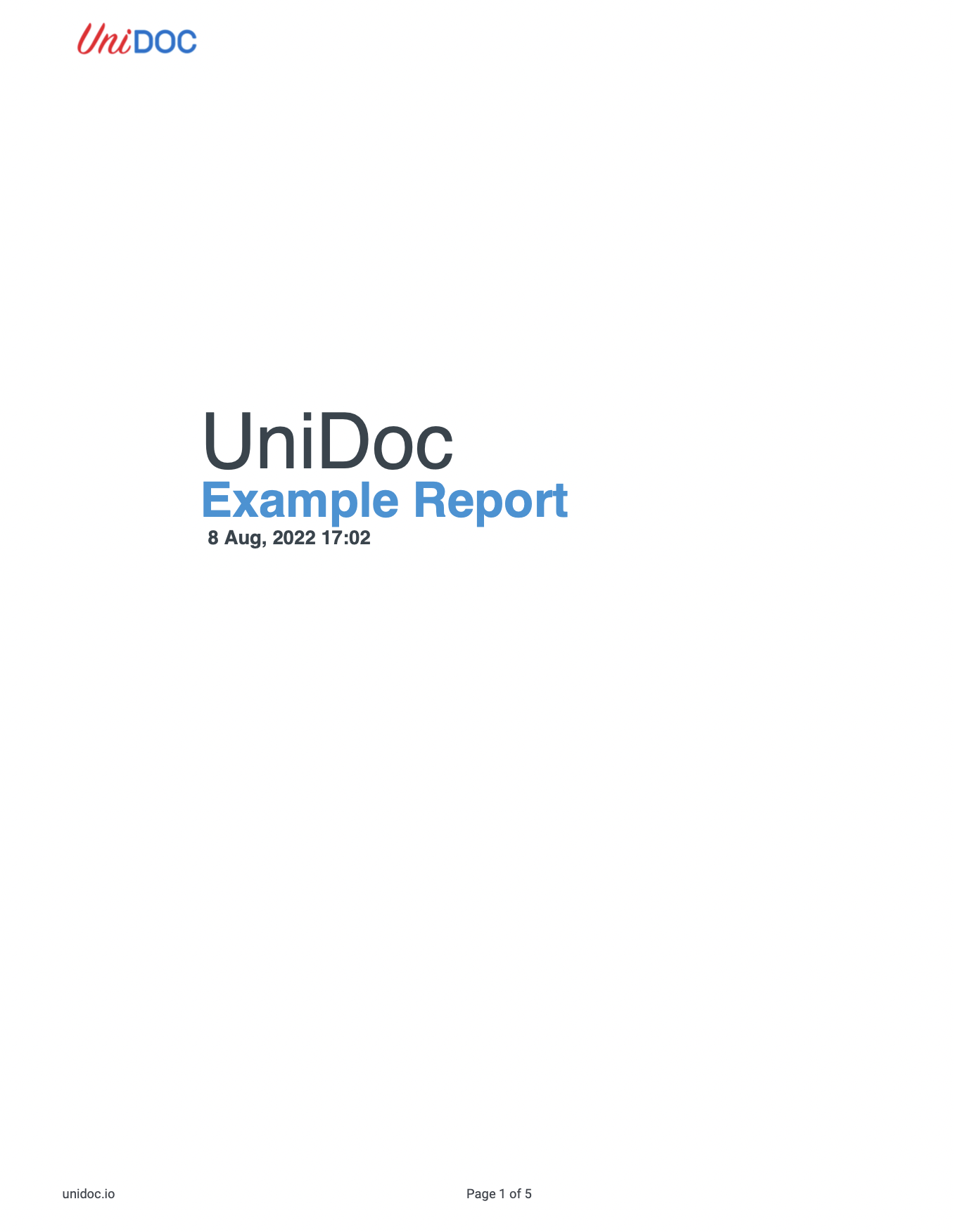
After the run, with the wide black border of the example’s definition: