Reconstruct Text
This example reads the text out of a PDF and draws it into a new one at the same positions, fonts and colors. Comparing the two documents side by side is a quick way to see what the extractor actually recovered, which is more informative than reading a wall of extracted text.
Only text is reconstructed. Images, vector graphics and annotations are not carried over, so the output looks like the original with everything but the words removed.
Text marks carry the positions
Plain ExtractText gives you a string with no coordinates. The positions come from
Marks() on the PageText:
pageText, _, _, err := extr.ExtractPageText()
if err != nil {
    return err
}

for _, tm := range pageText.Marks().Elements() {
    if tm.Font == nil {
        continue
    }

    para := c.NewStyledParagraph()
    para.SetText(tm.Original)
    para.SetFont(tm.Font)
    para.SetFontSize(tm.FontSize)
    para.SetPos(tm.BBox.Llx, yPos)
    c.Draw(para)
}
Each TextMark holds the text, the font and size it was drawn with, its stroke color,
and a bounding box. tm.Original is the text as it appeared before any post-processing,
which is the right field when the aim is a faithful redraw.
The tm.Font == nil guard matters. A mark without a resolvable font cannot be redrawn,
and skipping those is why the output can be missing the odd fragment.
Coordinate systems differ
Extraction reports PDF coordinates, with the origin at the bottom left of the page. The creator positions from the top left. The example converts between them:
yPos := c.Context().PageHeight - (tm.BBox.Lly + tm.BBox.Height())
para.SetPos(tm.BBox.Llx, yPos)
Getting this wrong flips the page vertically, which is a common first result. See how PDF coordinate systems work for the underlying detail.
Colors need converting too: tm.StrokeColor.RGBA() returns 16-bit channels, so the
example divides by 0xffff before handing them to ColorRGBFromArithmetic.
Marks need layout mode
Marks() is populated in ExtractionModeLayout, the default, and comes back empty in
ExtractionModeGrid. Reconstruction depends on it, so leave the mode alone here. See
text extraction for the comparison.
Run the example
reconstruct does the work: it walks the pages, extracts the marks, and redraws each
one with the creator, writing the result to reconst.pdf. A companion example,
reconstruct_words.go,
draws word positions instead of glyphs.
git clone https://github.com/unidoc/unipdf-examples.git
cd unipdf-examples/extract
go run reconstruct_text.go input.pdf
If this is your first time using UniPDF, follow the getting started guide to create an API key and set up your development environment.
View the full source
Sample output
The document to reconstruct:
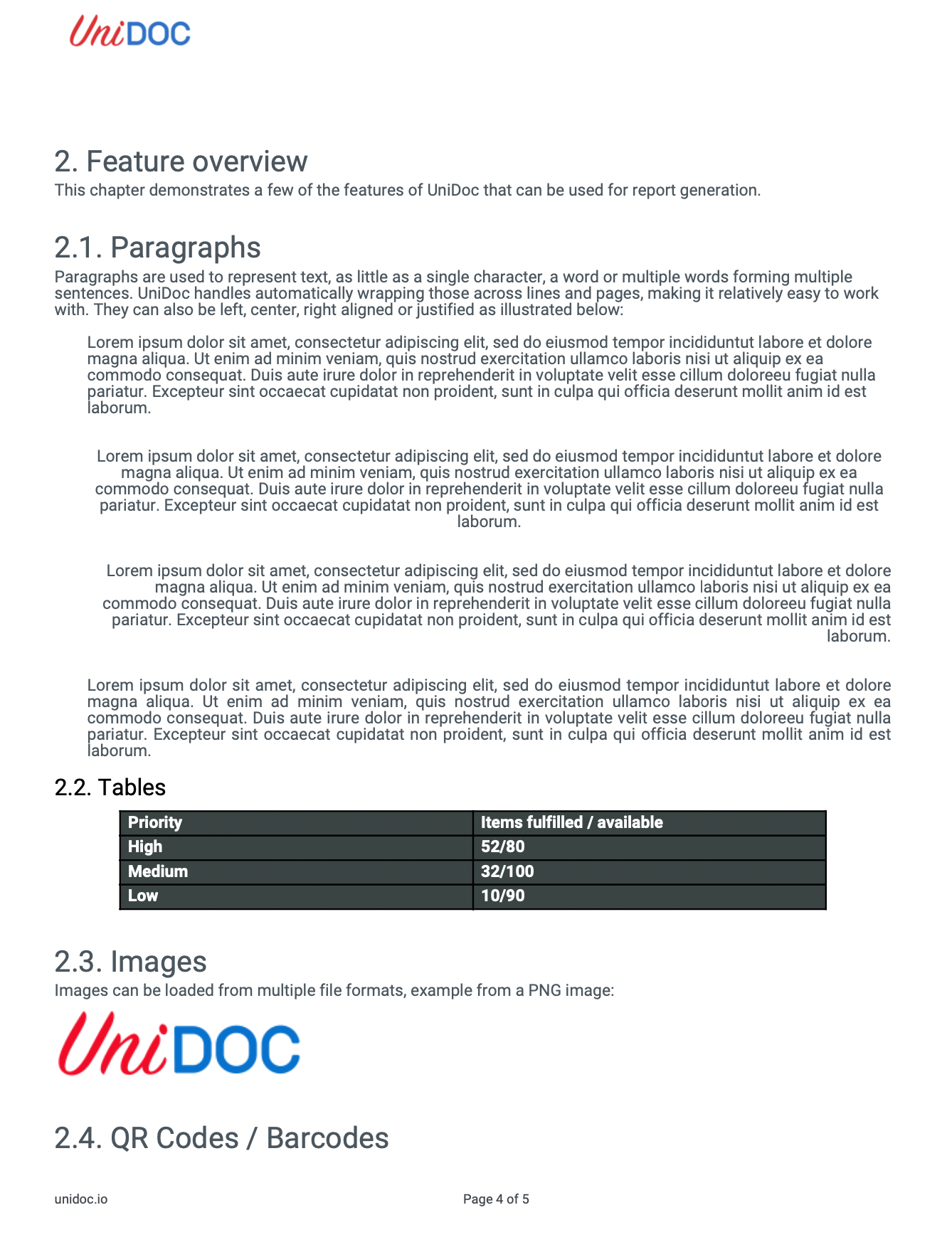
And the reconstructed text: