Crop PDF Pages
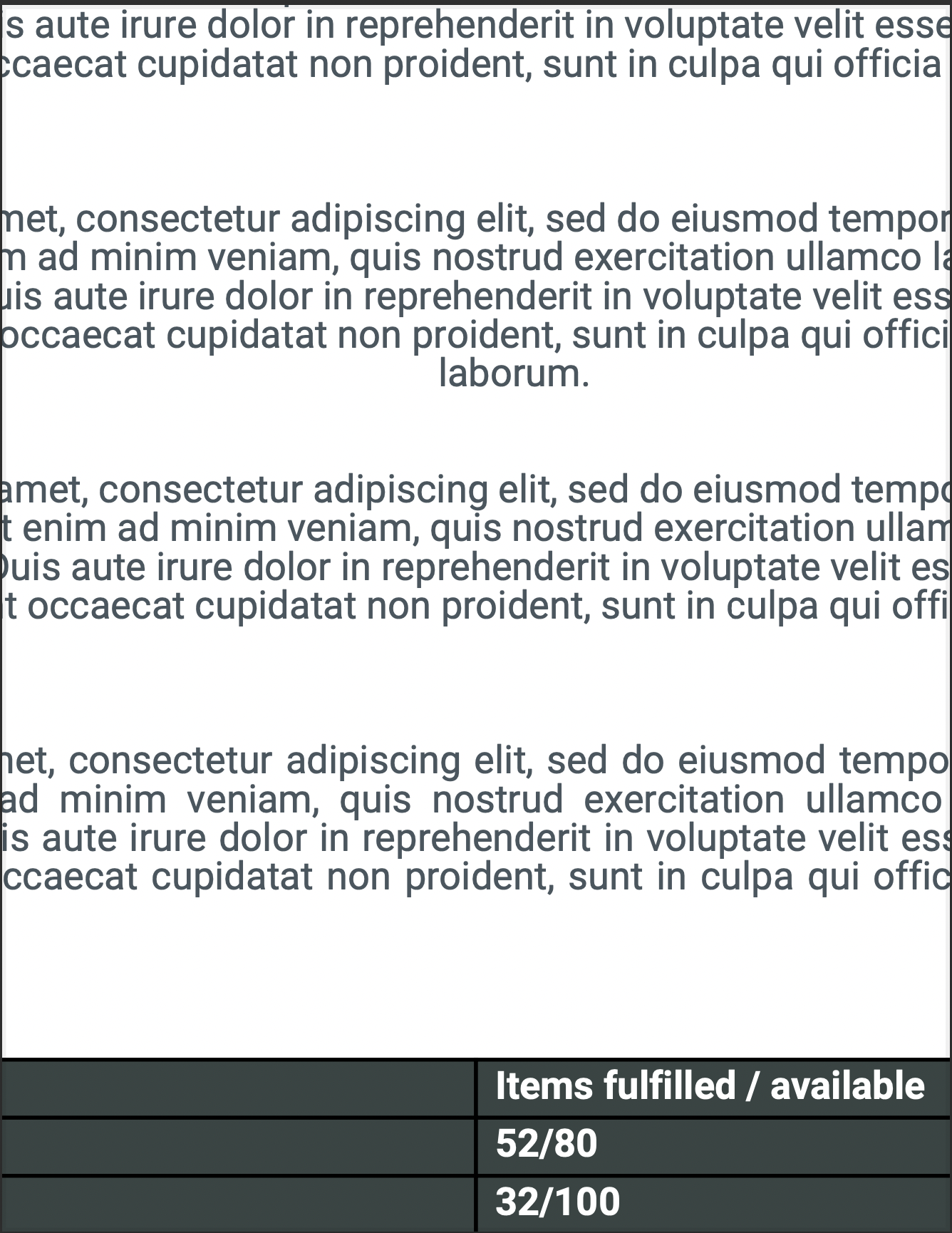
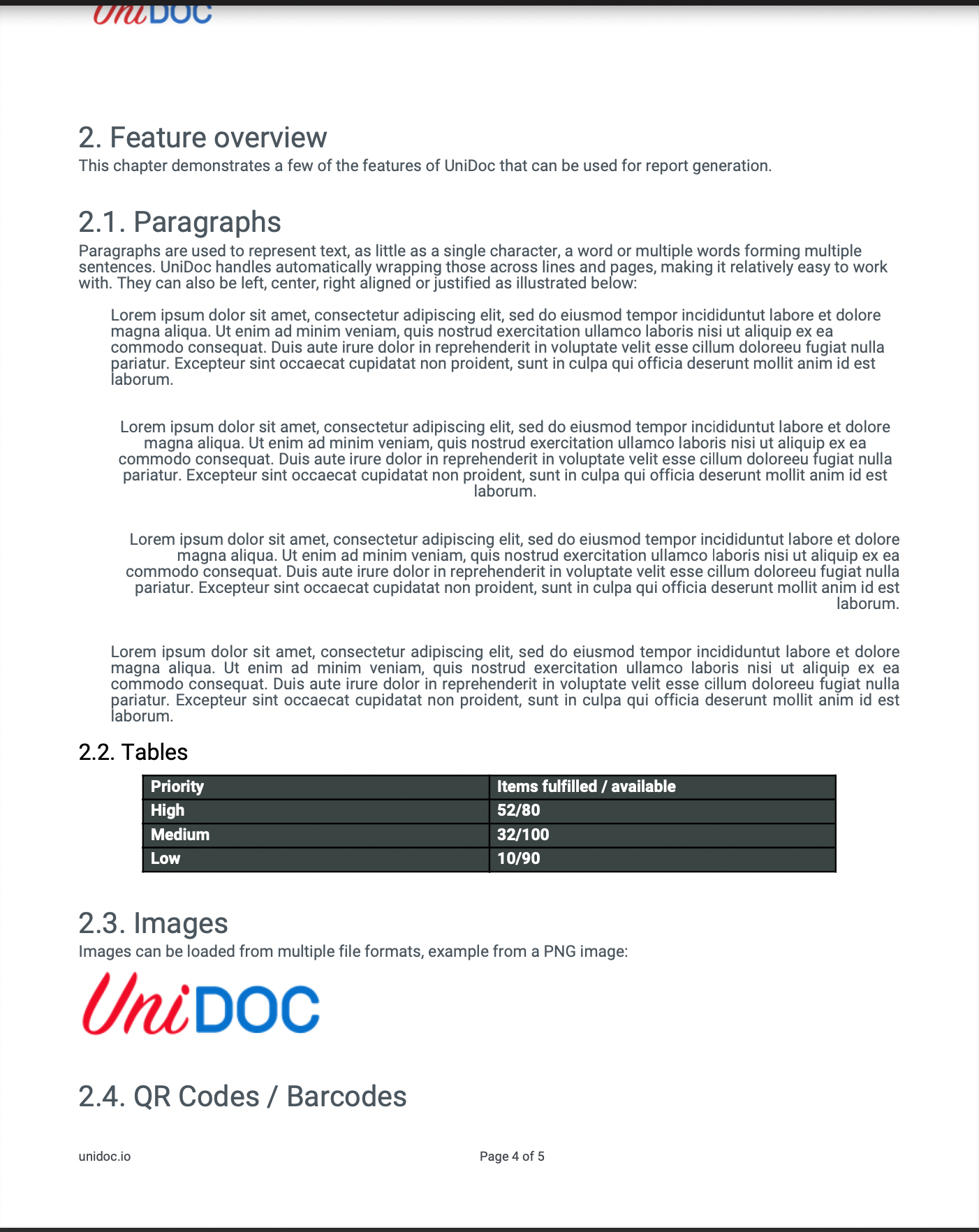
Cropping a PDF does not remove content. It narrows the rectangle a viewer displays, so whatever falls outside is clipped but still present in the file. That makes it cheap and reversible, and it also means cropping is not a redaction tool - the text is still there for anyone extracting it.
Doing it
Change the box in a PageProcessCallback, so every page is adjusted as the writer is
built:
opts := &model.ReaderToWriterOpts{
    PageProcessCallback: func(pageNum int, page *model.PdfPage) error {
        bbox, err := page.GetMediaBox()
        if err != nil {
            return err
        }

        // Trim `percentage` of the width and height, centered.
        dx := (bbox.Urx - bbox.Llx) * float64(percentage) / 100.0
        dy := (bbox.Ury - bbox.Lly) * float64(percentage) / 100.0
        bbox.Llx += dx / 2
        bbox.Lly += dy / 2
        bbox.Urx -= dx / 2
        bbox.Ury -= dy / 2

        page.MediaBox = bbox
        page.CropBox = bbox
        return nil
    },
}

pdfWriter, err := pdfReader.ToWriter(opts)
GetMediaBox is the right accessor rather than reading page.MediaBox directly, because
the media box is inheritable and the field is nil on any page that takes its size from the
page tree. Assigning the result back to page.MediaBox is what makes the page carry its
own box.
Coordinates are in points, with the origin at the bottom left. Llx/Lly is the lower
left corner and Urx/Ury the upper right, so cropping inward means increasing the
former and decreasing the latter.
Limitations
Set the crop box, not just the media box. When a page has a CropBox entry, that is the
rectangle a viewer displays and the media box is ignored for display; UniPDF’s own
creator behaves the same way when it loads a page. A document that already carries a
crop box will therefore look completely unchanged after a media-box-only crop. The
example on this page sets only MediaBox, which works for the many documents that have no
crop box and silently does nothing for the rest.
Content is clipped, not deleted. Text outside the new box is still extractable, images are still embedded, and file size does not drop. Nothing here reduces the document’s size.
Annotations keep their original rectangles, so a link or form field that was inside the old area but outside the new one becomes unreachable rather than being removed.
BleedBox, TrimBox and ArtBox are left alone. If the document is destined for print
and carries those, they will disagree with the new media box.
Sample input
Run the example
cropPdf takes an input path, a trim percentage between 0 and 100, and an output path.
The percentage is the total amount removed across each dimension, split evenly between the
two sides, so 60 keeps the middle 40 percent of the page in each direction.
git clone https://github.com/unidoc/unipdf-examples.git
cd unipdf-examples/pages
go run pdf_crop.go input.pdf 60 output.pdf
If this is your first time using UniPDF, follow the getting started guide to create an API key and set up your development environment.
View the full source
Sample output