Rotate PDF Pages
Rotation in a PDF is a Rotate entry holding a multiple of 90 degrees. It changes how a
viewer presents the page without touching the content stream, so rotating is cheap and the
coordinates of everything on the page stay where they were. Two places can hold the entry,
and which one you write to decides whether it takes effect.
| Approach | Writes to | Applies to |
|---|---|---|
pdfWriter.SetRotation(deg) | The writer’s Pages node | Only pages with no Rotate of their own |
page.Rotate = ° in a PageProcessCallback | Each page dictionary | That page, unconditionally |
The per-page form is the one that always works. Reach for SetRotation only when you know
the source document has no rotation set anywhere.
Doing it
degrees := int64(90)
pdfWriter, err := pdfReader.ToWriter(&model.ReaderToWriterOpts{
PageProcessCallback: func(pageNum int, page *model.PdfPage) error {
page.Rotate = °rees
return nil
},
})
if err != nil {
return err
}
err = pdfWriter.WriteToFile(outputPath)To rotate a single page, compare pageNum inside the callback; it is 1-based. To add to
the existing rotation rather than replace it, read page.GetRotate() first, since
page.Rotate is nil on a page that inherits its rotation.
Limitations
The global rotation loses to any per-page rotation, and ToWriter creates per-page
rotations. PdfWriter.AddPage copies the inheritable attributes - Resources,
MediaBox, CropBox and Rotate - down from the page tree onto each page dictionary, so
after ToWriter every page carries an explicit Rotate if the source declared one
anywhere in its chain. A later SetRotation on the writer then has no effect on those
pages.
Concretely: take a document whose root Pages node has Rotate 90, run it through
ToWriter and call SetRotation(180). The output has Rotate 90 on each page and
Rotate 180 on the Pages node, and the effective rotation is 90. Nothing reports an
error. This is the failure mode behind “rotation did not change anything”.
Degrees must be a multiple of 90. UniPDF does not validate this - SetRotation writes
whatever integer you give it - so the check belongs in your code. page.Size() only swaps
width and height when the value is a multiple of 90, and viewer behavior on other values is
undefined.
Rotation is presentational. Text extraction, annotation rectangles and content stream coordinates are all unaffected, which is usually what you want and occasionally not. To push the rotation into the content so that the origin ends up at the visual top left, see flatten page rotation.
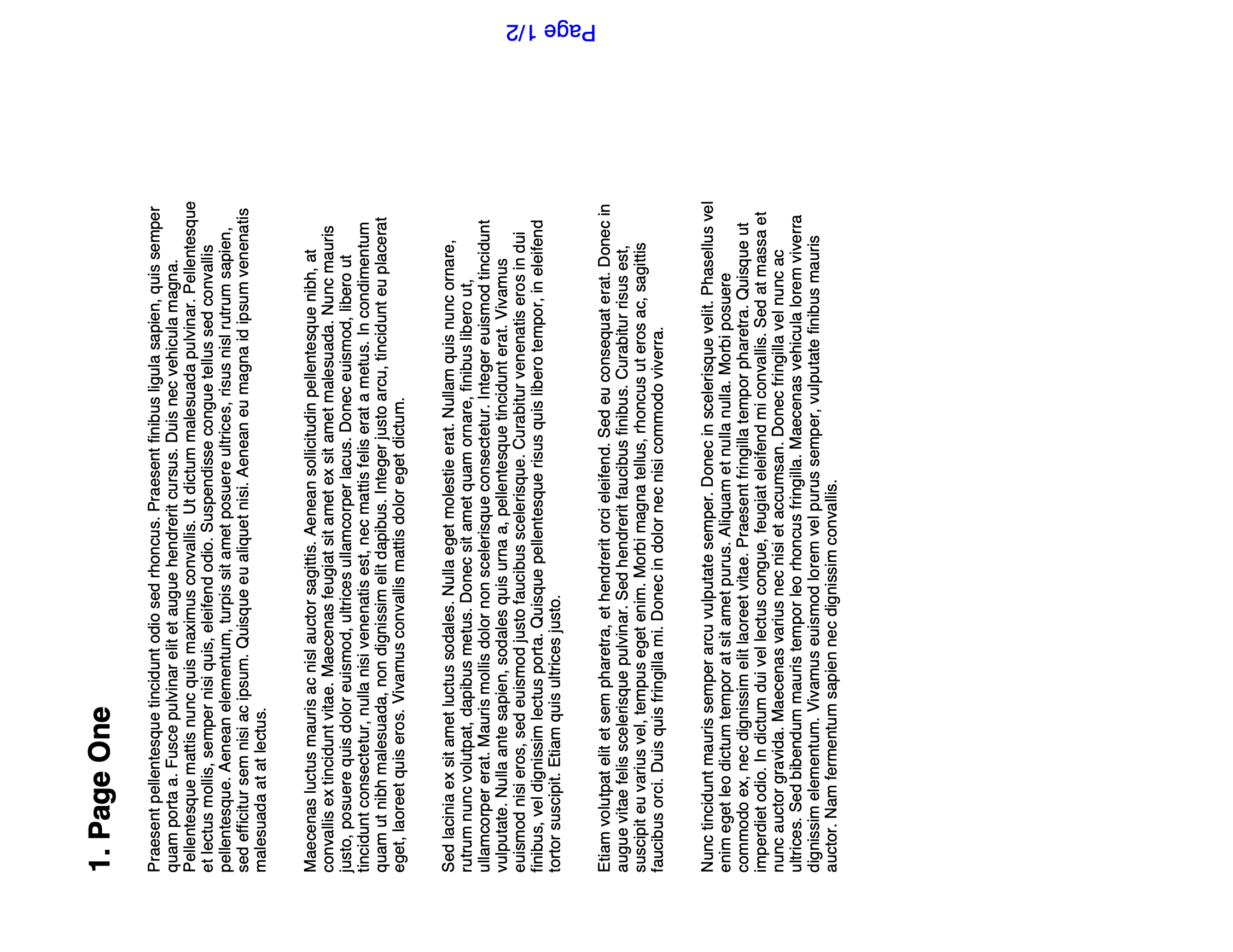
Sample input
Run the example
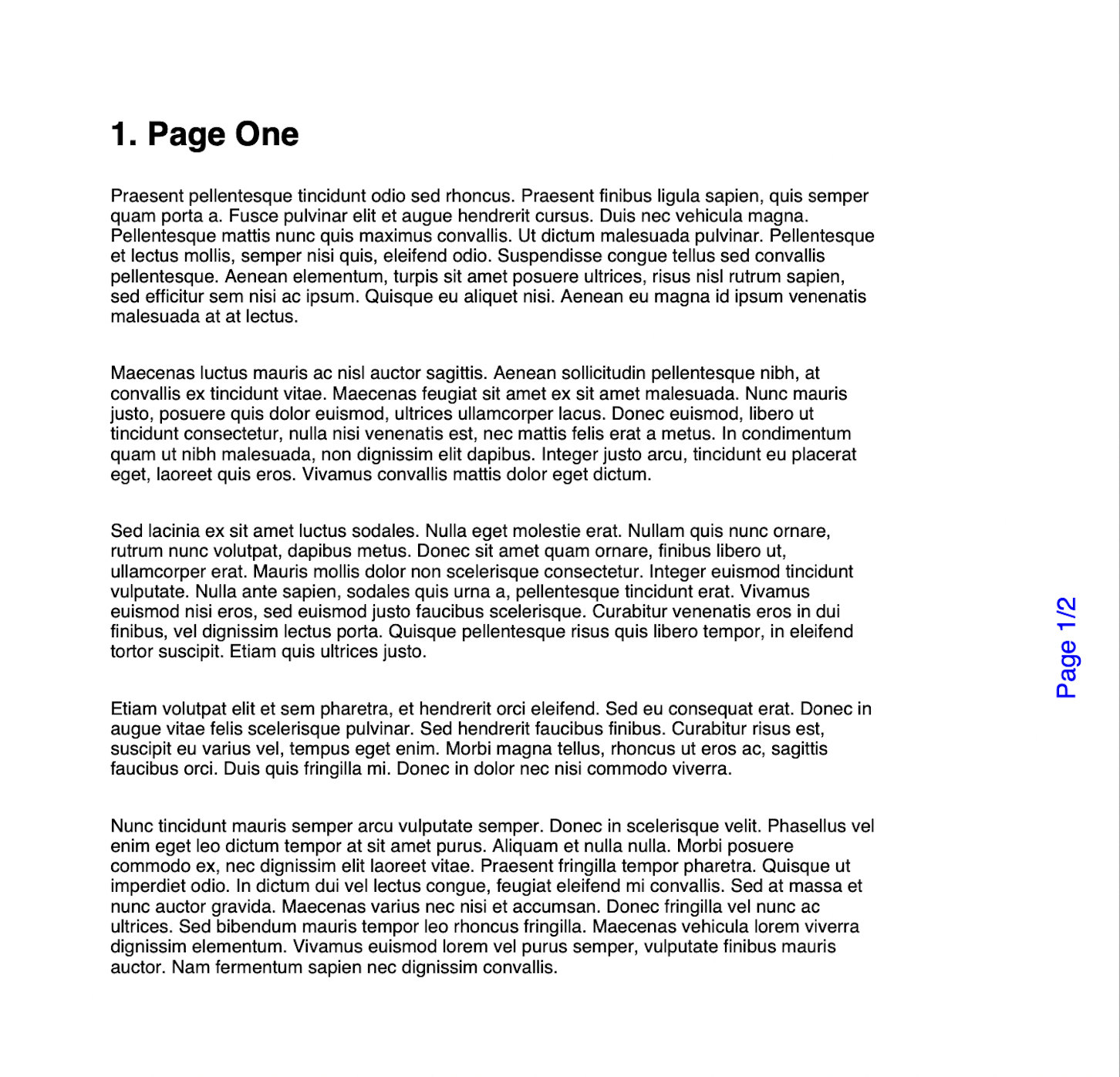
rotatePdf takes an input path, an angle and an output path, and applies the angle
globally with pdfWriter.SetRotation. Read the limitations above before using it on
documents of unknown provenance. For the per-page approach, the examples repository has
pdf_page_rotate.go,
which sets page.Rotate from inside the callback.
git clone https://github.com/unidoc/unipdf-examples.git
cd unipdf-examples/pages
go run pdf_rotate.go input.pdf 270 output.pdf
If this is your first time using UniPDF, follow the getting started guide to create an API key and set up your development environment.
View the full source
Sample output