Validate PDF/A-1 Standard
Validation checks an existing file against a profile’s rules and returns the ones it
breaks. It needs a CompliancePdfReader, which parses the file in compliance mode and
keeps the byte-level detail that PDF/A-1’s header, trailer and cross-reference rules
depend on. A plain PdfReader does not carry that information and will not type-check
against ValidateStandard.
Doing it
detailedReader, err := model.NewCompliancePdfReader(inputFile)
if err != nil {
    return err
}

profile := pdfa.NewProfile1B(nil)
if err := profile.ValidateStandard(detailedReader); err != nil {
    fmt.Printf("%s: %v\n", profile.StandardName(), err)
}
nil means nothing was found. Anything else is a pdfa.VerificationError holding a
ViolatedRule per failed check, with the ISO clause number in RuleNo and the
requirement text in Detail, sorted by clause. One reader can be validated against
several profiles in turn.
Checking against both 1A and 1B, as the example does, is worth understanding before
reading its output. The pdfaid:conformance comparison follows the conformance
hierarchy, so a file claiming 1A satisfies the 1B check but a file claiming 1B fails the
1A check. Expect one failure when validating a 1B file against both profiles. 1A also
runs the logical structure checks, which want MarkInfo Marked set to true, a
StructTreeRoot in the catalog, and every non-standard structure type mapped in the role
map.
What PDF/A-1 checks that later parts do not
Some of the reported rules only exist in part 1, and seeing them is a signal that the document would validate against a later part:
6.1.11embedded files. Any file specification with anEFentry, or anEmbeddedFilesentry in the name dictionary, is a violation. Parts 2 and later allow attachments.6.4transparency. A transparency group on a page or XObject is a violation, and so is anExtGStatewith anSMaskother thanNone, aCAorcabelow 1.0, or a blend mode other than Normal or Compatible. Part 2 permits all of it.6.1.13-1optional content. AnOCPropertiesentry in the catalog is a violation.6.1.10-2LZW. TheLZWDecodefilter is not permitted, in streams or inline images.6.1.12implementation limits.6.1.5the document information dictionary has to agree with the XMP metadata.6.1.3-4a linearized file has to carry a matching/IDin the first-page trailer and the main trailer.
Limitations
Validation is not complete, and the package documents itself as experimental. Several clauses exist in the source as unimplemented placeholders, including parts of the object syntax checks, the rendering intent check, some form field appearance rules, and the graphics state nesting depth and CID range implementation limits. A clean result means the document passed the rules UniPDF checks. Use veraPDF as the oracle for a conformance claim.
Run the example
pdf_validate_standard.go opens a file with NewCompliancePdfReader, then loops over a
slice of model.StandardImplementer holding NewProfile1A and NewProfile1B, printing
the violations for each. Adapting it to a different part means changing that slice.
git clone https://github.com/unidoc/unipdf-examples.git
cd unipdf-examples/pdfa
go run pdf_validate_standard.go <input.pdf>
If this is your first time using UniPDF, follow the getting started guide to create an API key and set up your development environment.
View the full source
A conforming file prints only the timing line, since nothing is reported:
Processing time: 42.82 msSample output
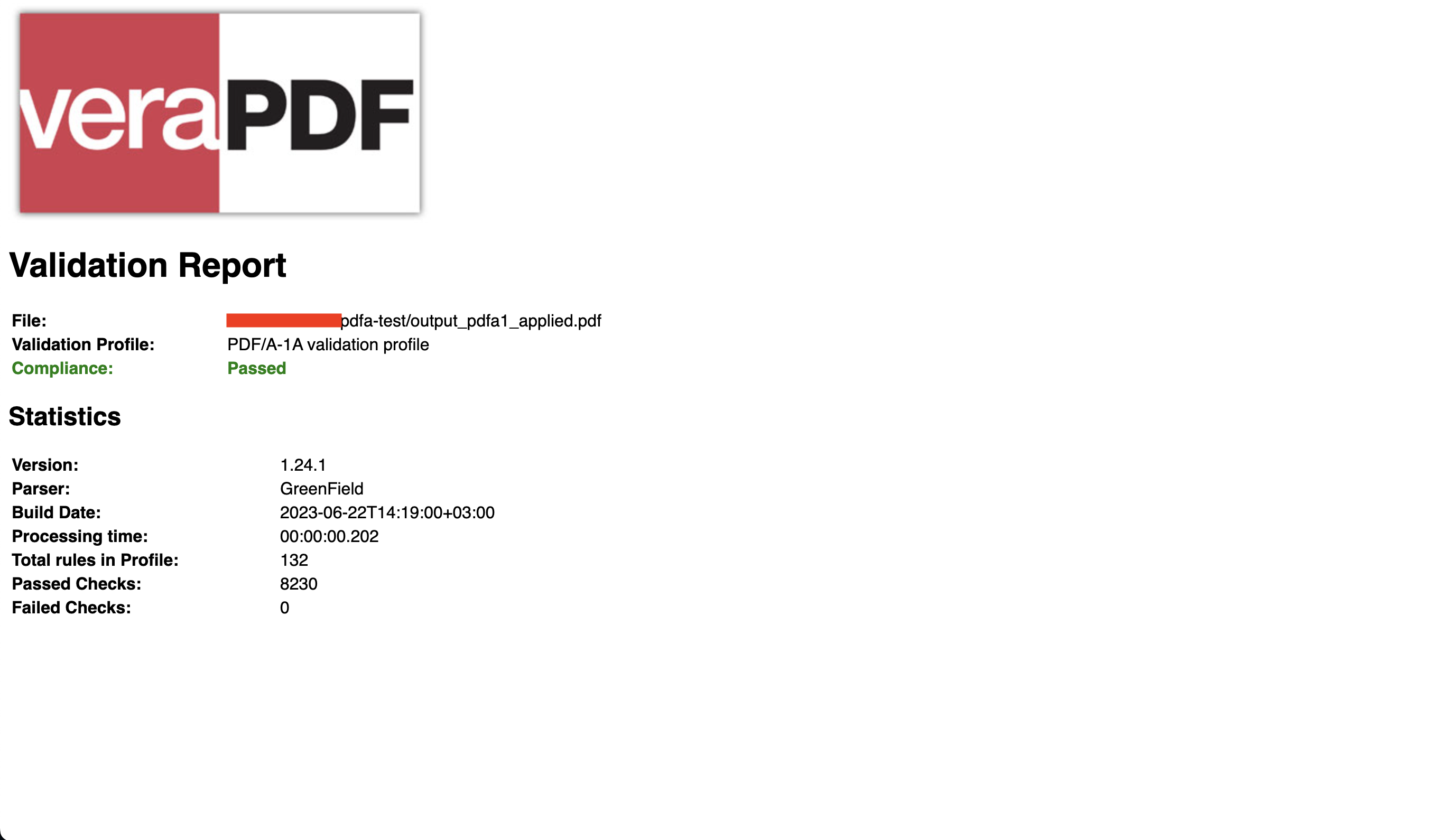
The same file checked with veraPDF: