Text Redaction
The redactor package matches text against regular expressions and takes it out of
the page. This is not a black box drawn on top: the matched characters are deleted
from the page’s content stream and replaced with a numeric position adjustment that
occupies the same width, so the text no longer exists to be extracted, copied or
searched. The filled rectangle drawn over the area afterwards is the visual mark,
not the mechanism.
Doing it
term := redactor.RedactionTerm{Pattern: regexp.MustCompile(redactor.RegexEmail)}

options := &redactor.RedactionOptions{Terms: []redactor.RedactionTerm{term}}

red := redactor.New(pdfReader, options, nil)
if err := red.Redact(); err != nil {
    return err
}

if err := red.WriteToFile("output.pdf"); err != nil {
    return err
}
Redact works on every page of the document; there is no page selection. Nothing
is written until WriteToFile, or Write if you have an io.Writer.
The third argument to New controls the rectangle. Passing nil uses opaque black
with no border, the same as RedactRectanglePropsNew(). Set your own to change it:
rectProps := &redactor.RectangleProps{
    FillColor:   creator.ColorBlack,
    BorderWidth: 0.0,
    FillOpacity: 1.0,
}
FillOpacity is a fraction of 1. Lowering it makes the mark translucent, which
looks like the underlying text is still there when it is not, so a value below 1
is worth thinking about twice.
RedactionOptions.UseStandardPatterns adds a built-in set of patterns to whatever
terms you supply. The package exports them individually too: RegexSSN,
RegexCreditCard, RegexEmail, RegexPhone, RegexIPv4, RegexIPv6,
RegexPassport, RegexDriversLicense, RegexDate, RegexPostalCode, RegexMAC,
RegexBankRouting, RegexIBAN, RegexAWSAccessKeyID, RegexAWSSecretAccessKey,
RegexGoogleAPIKey, RegexJWT, RegexCardExpirationDate, RegexSWIFTCode and
RegexStripeAPIKey, with StandardRegexPatterns as the full slice. Some of them
are deliberately broad: RegexPassport matches any six to nine character run of
uppercase letters and digits, and RegexBankRouting matches any nine digit number.
Turning them all on will redact more than you expect.
Patterns are matched against the page’s extracted text with newlines replaced by spaces, so a term that wraps across a line still matches. A match spanning a line break is split into one rectangle per line rather than one box covering both. Overlapping matches from different terms are consolidated, so a shorter term matching inside a longer one does not produce a second rectangle.
Limitations
Only text in the page content stream is redacted. Text that is part of an image is not text to the extractor, and there is no OCR step, so an image of a credit card number passes through untouched with no warning. The same goes for text drawn as vector outlines.
Text inside a form XObject is matched but not removed. The redactor locates the string operand to edit by scanning the page’s own operators, and a string that lives in a form’s content stream is not there; the failure is logged at debug level and the page’s remaining edits are skipped. The rectangles are still drawn, because they are collected before the edit runs. This is the case to watch for: if you cannot verify that the text is gone by extracting text from the output, do not assume it is.
Annotations are not examined. The page keeps its annotations, so a highlight or a form field whose appearance stream or value contains the matched text still carries it after redaction.
The output document is assembled by a creator rather than copied from the reader.
The outline tree is carried over explicitly; other document-level structures are
not, and the AcroForm dictionary in particular is not set on the writer, so an
interactive form does not survive the round trip. Every page is re-encoded with a
Flate filter.
Removing a match means re-encoding the text on either side of it with the same font. Runes that font cannot encode are dropped with a debug log message and no error, so a document with an unusual encoding can come back with characters missing next to a redaction.
Always check the result. Extract text from the output and confirm the terms are absent before treating a document as redacted.
Run the example
redactText compiles a list of patterns into RedactionTerm values, builds the
Redactor, and writes the output. The patterns in main cover credit card numbers
and email addresses; replace them with your own.
git clone https://github.com/unidoc/unipdf-examples.git
cd unipdf-examples/redact
go run redact_text.go input.pdf output.pdf
If this is your first time using UniPDF, follow the getting started guide to create an API key and set up your development environment.
View the full source
Sample output
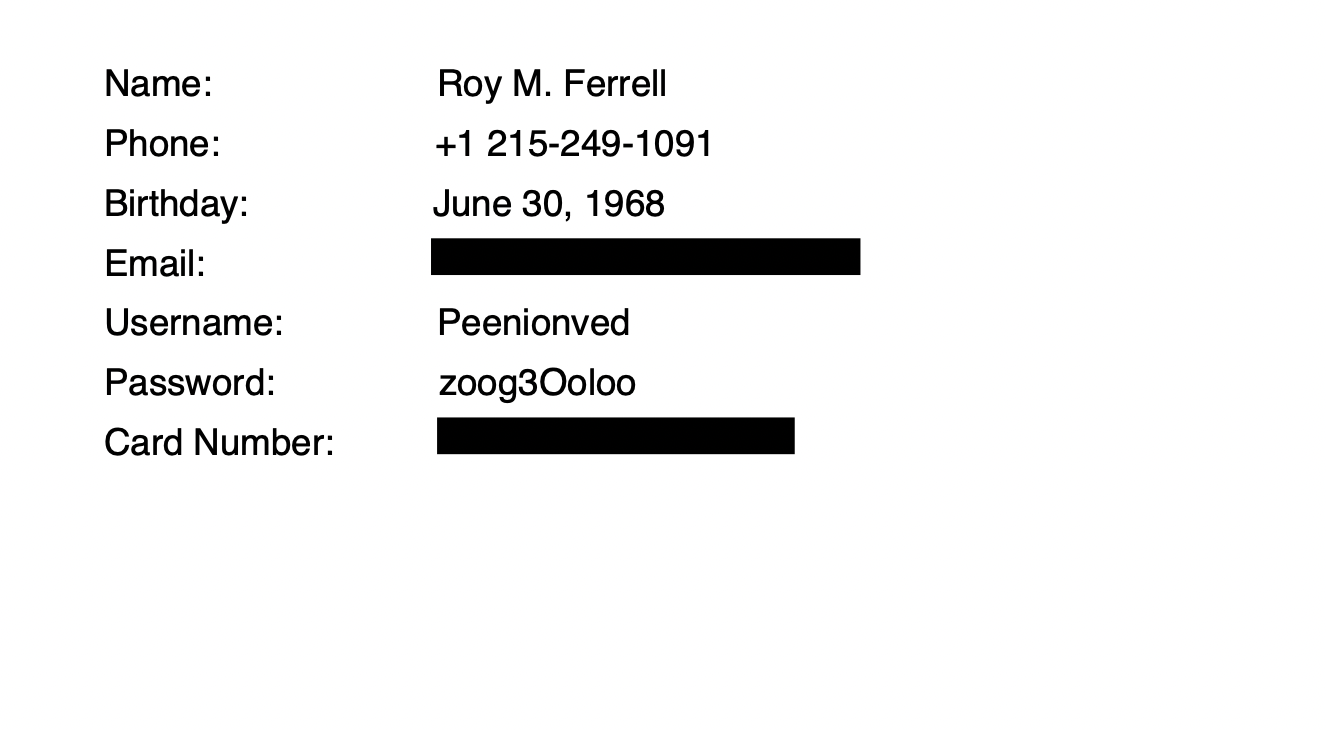
The input document:
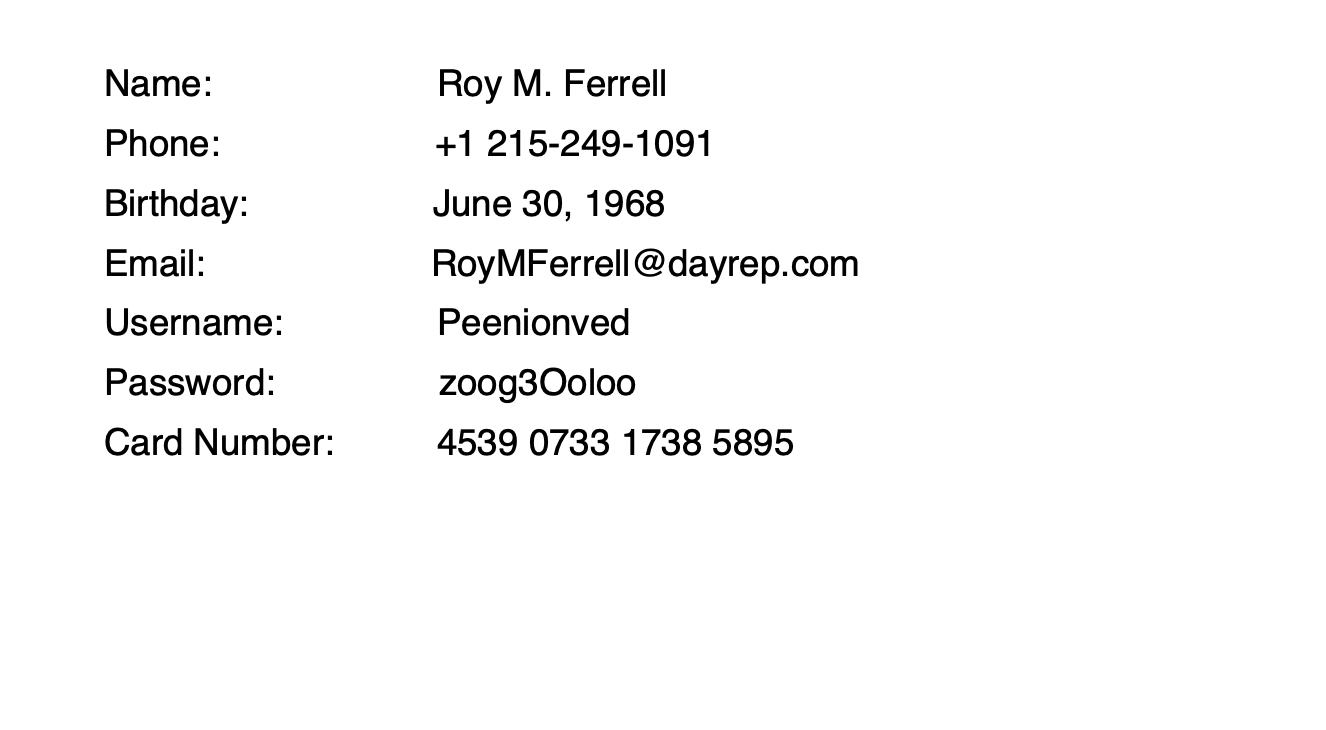
And the result, with the matched text removed and covered: