Create PDF Custom Table of Contents
The creator’s built-in table of contents renders each entry as one line: number, title,
dot separator, page. When you need something else - a table, extra columns, per-level
styling the TOC setters can’t express - take over the drawing entirely with
CustomTOC and build the page from the line data the creator collected.
Two ways to use CreateTableOfContents
CreateTableOfContents takes a callback receiving the *TOC, but what the creator does
with it afterward depends on CustomTOC.
CustomTOC | Callback’s job |
|---|---|
false (default) | Adjust the TOC component’s styling, then let the creator render it. Your callback should not draw. |
true | Draw the whole thing. The default TOC component is not rendered at all. |
So the styling-only case does not need CustomTOC; reach for it when the built-in line
layout is the problem, not its fonts.
Doing it
c.AddTOC = true
c.CustomTOC = true
c.CreateTableOfContents(func(toc *creator.TOC) error {
    tocTable := c.NewTable(3)
    tocTable.SetColumnWidths(0.05, 0.85, 0.1)

    for _, tocLine := range toc.Lines() {
        page, x, y := tocLine.Link()
        // page is 1-based; a /Dest array wants a 0-based page index.
        annotation := makeLinkAnnotation(page-1, x, y)

        drawCell(c, tocTable, tocLine.Number.Text, annotation, ...)
        drawTitleCell(c, tocTable, tocLine.Title.Text, annotation)
        drawCell(c, tocTable, tocLine.Page.Text, annotation, ...)
    }

    return c.Draw(tocTable)
})
AddTOC has to be true as well. CustomTOC only redirects the rendering; AddTOC is
what makes the creator reserve and prepend TOC pages in the first place.
What the callback receives
toc.Lines() returns a *TOCLine per chapter and subchapter drawn so far, in document
order. Each line exposes four TextChunk fields - Number, Title, Separator and
Page - so you read .Text for content and can still set .Style per chunk, as the
example does with tocLine.Page.Style.FontSize. tocLine.Level() gives the nesting
depth, 1 for a top-level chapter, which is what you would key indentation off in a custom
layout; the example ignores it and puts every entry in the same table row shape.
tocLine.Link() returns the page number and the x and y coordinates of the chapter
heading. Links are populated only when SetShowLinks is on, which it is by default; with
links off Link() returns zero and there is nothing to attach an annotation to.
Attach the annotation to a TextChunk with chunk.SetAnnotation(annotation.PdfAnnotation)
so the text becomes clickable. Setting the border width to 0 on a model.BorderStyle
suppresses the rectangle viewers otherwise draw around a link.
Page numbers and Link are 1-based
Link() reports a 1-based page number, already shifted by Finalize to account for the
front page and TOC pages it is about to prepend. A PDF destination array wants a 0-based
page index, which is why the creator’s own TOC line annotation passes linkPage - 1.
The example does not subtract, so its links land one page past their target. Subtract 1
when building the /Dest array yourself.
The same offset applies to Creator.ChapterForPage if you call it from the callback.
The TOC is drawn before the front page and TOC pages are prepended, so page numbers there
refer to pages as drawn by Draw, not to the finished document.
Limitations
Chapters drawn inside the callback are not tracked. NewChapter plus Draw inside a
CreateTableOfContents or CreateFrontPage callback registers no chapter info, so those
chapters never appear in ChapterForPage or in the Chapter field of the header and
footer args. The callback is for laying out the contents page, not for content.
An empty TOC is skipped. Without at least one chapter there are no lines, and the creator
produces no TOC page even with AddTOC set.
Run the example
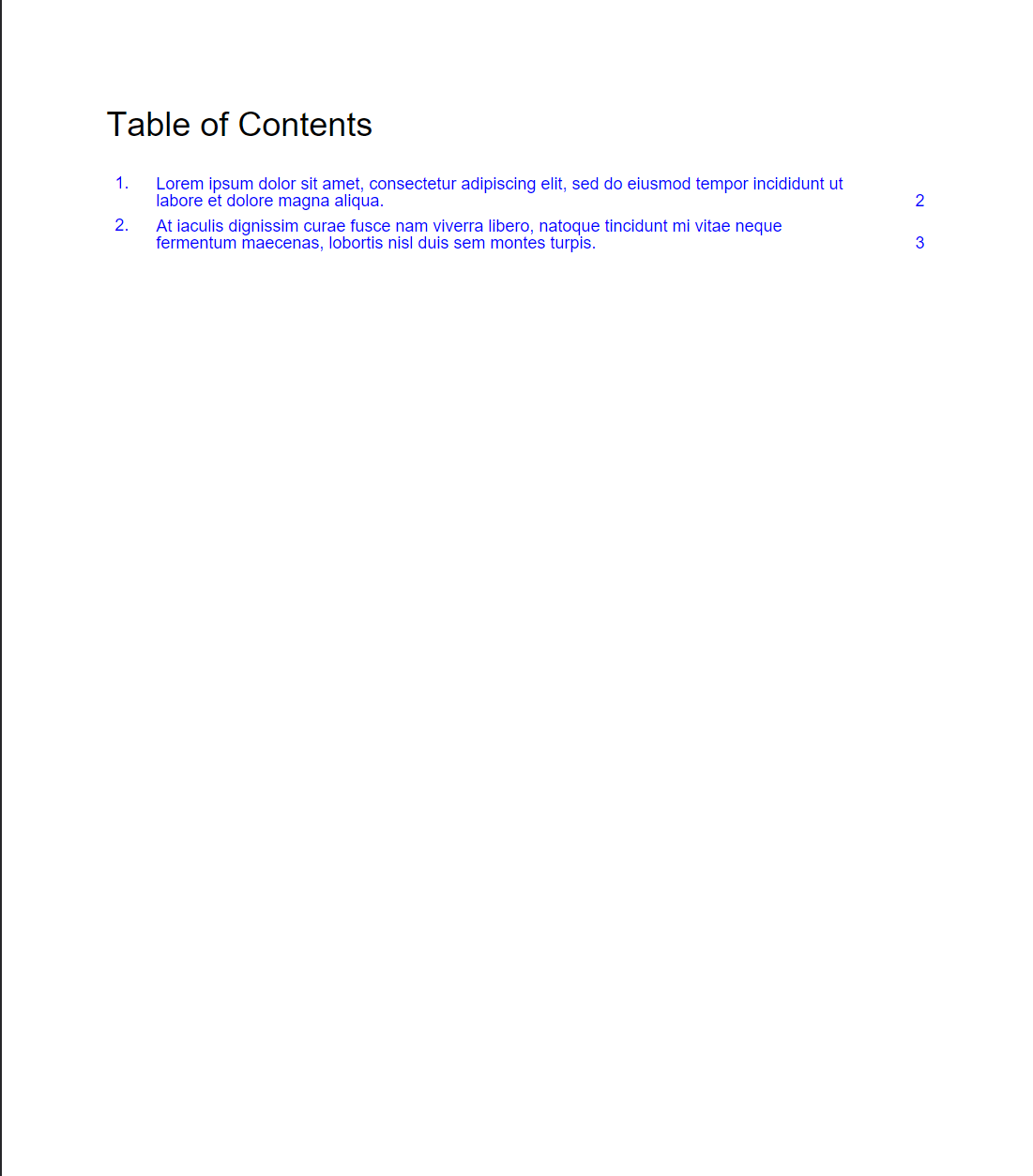
The example builds a three-column table - number, title, page - with each cell’s text
carrying a link annotation. drawCell handles the number and page columns with explicit
alignment, drawTitleCell the wide middle column. The document itself is two chapters on
two pages, enough to give the TOC something to list.
git clone https://github.com/unidoc/unipdf-examples.git
cd unipdf-examples/report
go run pdf_custom_toc.go
If this is your first time using UniPDF, follow the getting started guide to create an API key and set up your development environment.
View the full source
A companion example, pdf_custom_toc_with_content.go, does the same thing for a document
with real chapter bodies.
Sample output