Unlock Password-Protected PDF
Unlocking is decrypt then re-save: authenticate with PdfReader.Decrypt, build a
writer with ToWriter, and write without calling Encrypt. The output has no
passwords and no permission bitmask. This is also the first half of changing a
protected file’s password, since Encrypt refuses to work on a document that is still
encrypted.
Doing it
pdfReader, err := model.NewPdfReader(f)
if err != nil {
    return err
}

isEncrypted, err := pdfReader.IsEncrypted()
if err != nil {
    return err
}
if isEncrypted {
    auth, err := pdfReader.Decrypt([]byte(password))
    if err != nil {
        return err
    }
    if !auth {
        return fmt.Errorf("wrong password")
    }
}

pdfWriter, err := pdfReader.ToWriter(nil)
if err != nil {
    return err
}
return pdfWriter.WriteToFile(outputPath)
model.NewPdfReader is the right constructor here because it does not attempt
decryption itself, which leaves Decrypt free to run with the password you choose.
Until Decrypt returns true the reader has not loaded the page tree, so GetNumPages
and ToWriter have nothing to work with; Decrypt calls loadStructure on success.
A false return from Decrypt is a wrong password, not an error. Check the boolean.
What the password has to be
Decrypt succeeds for either the owner password or the user password. The standard
security handler’s Authenticate tries the supplied bytes as the owner password first
and then as the user password, and either match yields an encryption key. Unlocking
therefore does not require owner rights - a reader who can open the document can also
strip its protection.
Decrypt additionally retries with an empty password when the supplied one fails. A
document encrypted with an empty user password, which is the usual arrangement when the
goal was to restrict printing or copying rather than to gate access, unlocks with any
password at all, including none.
What Decrypt does not do is recover an unknown password. Authentication is a hash
comparison against the O and U entries of the encryption dictionary; there is no
brute-force path and no way to read the contents without a password that matches.
Limitations
The unlocked output loses the permission bitmask along with the encryption, because permissions live in the encryption dictionary. If you want to keep restrictions while changing the password, re-encrypt the writer with the permissions you want, as in Protect PDF.
This is a full rewrite, not an incremental update. ToWriter reserializes the whole
object graph, which moves every byte offset in the file; UniPDF’s own appender goes out
of its way not to rewrite existing signature objects for exactly that reason. If the
source is signed and the signatures need to stay valid, use PdfAppender instead -
NewPdfAppenderWithOpts takes an *EncryptOptions so an appended revision can carry
its own encryption settings.
Run the example
The example takes the input, a password and an output path, and writes the decrypted
copy. Read unlockPdf.
git clone https://github.com/unidoc/unipdf-examples.git
cd unipdf-examples/security
go run pdf_unlock.go input.pdf <password> output.pdf
If this is your first time using UniPDF, follow the getting started guide to create an API key and set up your development environment.
View the full source
Sample input
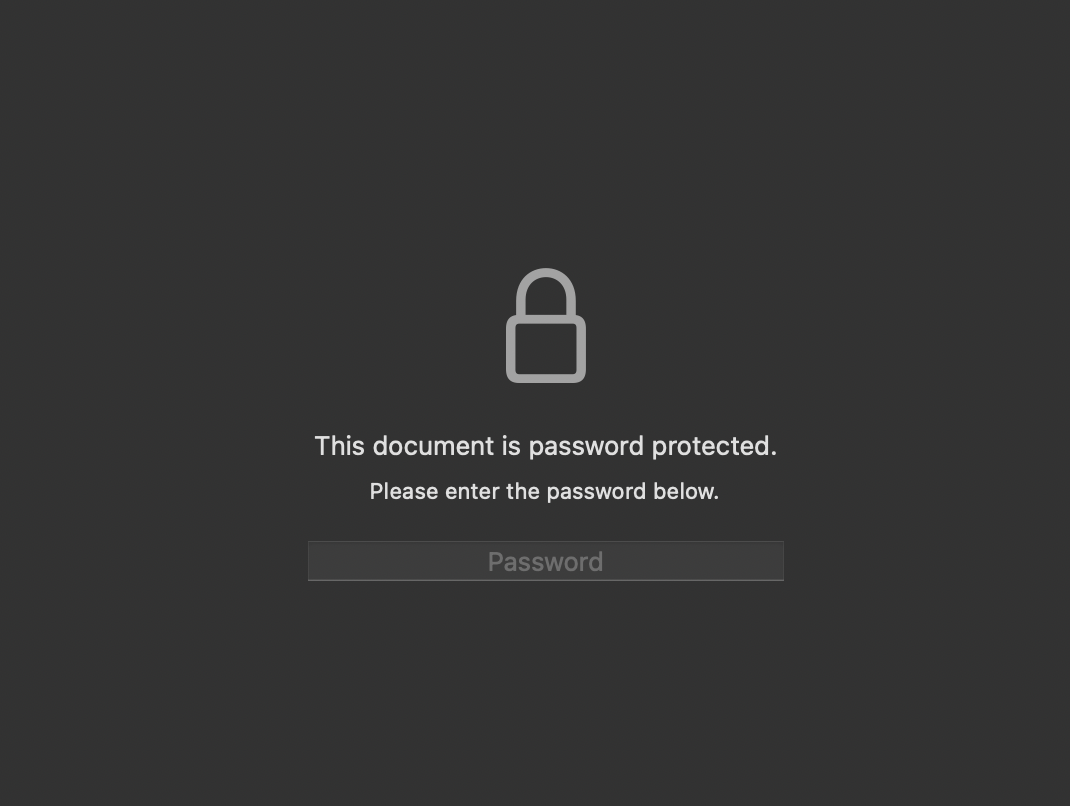
A protected document prompts for a password before it will display anything.