Sign with an External Service
When the private key lives somewhere UniPDF cannot reach, the signature does not exist yet at the point the file has to be written. The way around that is to write the revision once with a fixed-size placeholder for the signature contents, let the external service sign the bytes the placeholder does not cover, and then overwrite the placeholder in those same bytes. The document is built only once.
| Approach | Use it when |
|---|---|
| Placeholder and patch, described here | The service takes bytes and hands back a complete PKCS7 package. |
A custom model.SignatureHandler | The service exposes something crypto.Signer-shaped, so it can be called during appender.Write. See the AWS KMS and Google Cloud KMS guides. |
Reserving space
const sigLen = 8192

handler, err := sighandler.NewEmptyAdobePKCS7Detached(sigLen)
if err != nil {
    return err
}

signature := model.NewPdfSignature(handler)
signature.SetName("Test External Signature")
signature.SetDate(now, "")

if err := signature.Initialize(); err != nil {
    return err
}
The handler from NewEmptyAdobePKCS7Detached sets Filter, SubFilter and a
Contents string of signatureLen zero bytes when Initialize runs, and never
signs anything. A signatureLen of 0 or
less falls back to 8192. The rest of the signing flow is ordinary: build the
field with annotator.NewSignatureField, call appender.Sign(pageNum, field),
and write.
Getting the signed bytes
signature.ByteRange is populated by appender.Write, not by Sign. The
offsets depend on where the signature dictionary lands in the output, which is
only known once the revision has been laid out. Write the document to a buffer
first, then read the byte range off the same *model.PdfSignature and join the
two covered spans:
// byteRange is {start1, end1, start2, end2}.
byteRange, err := parseByteRange(signature.ByteRange)
if err != nil {
    return err
}

content := append(append([]byte{}, pdfData[byteRange[0]:byteRange[1]]...),
    pdfData[byteRange[2]:byteRange[3]]...)
content is what the service signs, or what you hash with SHA-256 and send if
the service takes a digest. It has to come back as a detached PKCS7 signature,
because the handler wrote adbe.pkcs7.detached into SubFilter.
Patching in the signature
signatureData, err := getExternalSignature(content)
if err != nil {
    return err
}
if len(signatureData) > sigLen {
    return fmt.Errorf("signature is %d bytes, but only %d bytes are reserved", len(signatureData), sigLen)
}

sigBytes := make([]byte, sigLen)
copy(sigBytes, signatureData)

sig := core.MakeHexString(string(sigBytes)).Write()
copy(pdfData[byteRange[1]:byteRange[2]], sig)
The gap between the two covered spans, byteRange[1] up to byteRange[2], is
the hex string of the signature including its angle brackets. Padding the
external signature back out to the reserved length keeps the replacement exactly
as long as the placeholder, so no other offset in the file shifts and the
cross-reference table stays valid.
Limitations
The reserved length is fixed at Initialize time and the patch has to fit it.
copy stops at the end of the destination, so without the length check a
signature longer than the placeholder would be cut short and the file would
carry a signature that does not verify. The example reserves 8192 bytes in
sigLen and exits with an error when the returned signature is larger. A
signature that embeds a certificate chain, a timestamp token or revocation data
needs more room, so over-allocate rather than guessing the exact size.
Nothing in the PDF may change between computing the byte range and patching in the signature. Any edit outside the gap invalidates what the service signed.
Run the example
getExternalSignature stands in for the signing service: it generates a
throwaway RSA key and self-signed certificate, builds a detached SHA-256 PKCS7
signature over content with github.com/unidoc/pkcs7, and returns its bytes.
The example runs offline. generateSignedFile and the patching in main are the
parts you would keep.
git clone https://github.com/unidoc/unipdf-examples.git
cd unipdf-examples/signatures/external
go run pdf_sign_external.go <INPUT_PDF_PATH> <OUTPUT_PDF_PATH>
If this is your first time using UniPDF, follow the getting started guide to create an API key and set up your development environment.
View the full source
Sample output
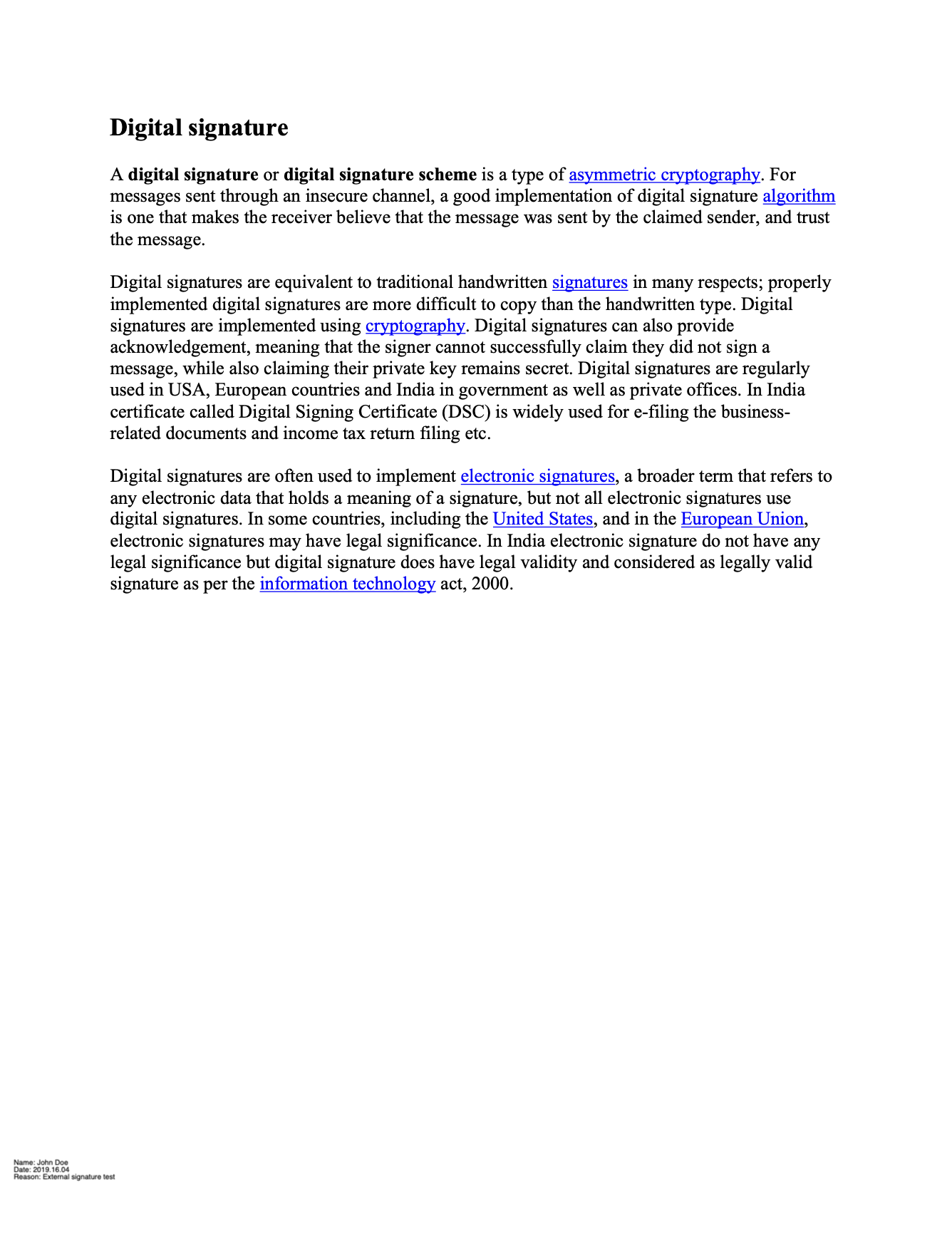
The input document:
The same document after the external signature has been patched in: