Sign and Configure DocMDP Restriction
DocMDP (document modification detection and prevention) turns an ordinary signature into a certifying one: besides signing, it declares which kinds of later change are acceptable. A validator that understands DocMDP compares each revision written after the signature against that declaration and reports the signature as invalid if anything outside it changed.
You get a DocMDP signature by wrapping an ordinary signature handler in
sighandler.NewDocMDPHandler and giving it a permission level.
Permission levels
The four levels come from model/mdp and are numbered as in the PDF
specification. What each one actually permits is decided by the diff policy;
these are the rules of the default policy, which is what you get unless you
supply your own.
| Level | P | Permitted, reported as warnings | Rejected, reported as errors |
|---|---|---|---|
mdp.NoRestrictions | 0 | Fields added, changed or removed. Annotations added, changed or removed. | Any page added, removed or replaced. |
mdp.NoChanges | 1 | Nothing. | Everything the policy tracks. |
mdp.FillForms | 2 | Fields added or changed. Widget annotations added or changed. | Fields removed. Any annotation removed. Non-widget annotations added or changed. Page changes. |
mdp.FillFormsAndAnnots | 3 | Fields added or changed. Any annotation added, changed or removed. | Fields removed. Page changes. |
P is the value written into the signature’s transform parameters, and what
GetDocMDPPermission gives back.
FillForms is the level to pick when the document is a form that recipients are
meant to complete and sign. Field and widget changes are what filling in and
signing look like at the object level, which is why they pass. FillFormsAndAnnots
adds review markup: comments, highlights, stamps. NoChanges is for a finished
document, and NoRestrictions records a level without enforcing much, though
even it treats page-level changes as errors.
Note that FillForms permits adding and changing annotations only for widgets,
but rejects removing any annotation, widgets included.
Signing with a DocMDP restriction
innerHandler, err := sighandler.NewAdobePKCS7Detached(priv, cert)
if err != nil {
    return err
}

handler, err := sighandler.NewDocMDPHandler(innerHandler, mdp.FillForms)
if err != nil {
    return err
}

signature := model.NewPdfSignature(handler)
signature.SetName("Test Signature Appearance Name")
signature.SetReason("TestSignatureAppearance Reason")
signature.SetDate(time.Now(), "")

if err := signature.Initialize(); err != nil {
    return err
}
The inner handler does all the cryptography; the DocMDP wrapper only appends a
signature reference dictionary carrying the DocMDP transform method and the
permission number. Any handler works underneath, PAdES included.
appender.Sign notices the DocMDP transform on the field and sets the catalog’s
/Perms /DocMDP entry for you. That entry is how a validator later finds the
level without having to know it in advance:
perms := reader.GetPerms()
if perms == nil || perms.DocMDP == nil {
    return errors.New("unexpected perms object")
}

docMDPPerm, ok := perms.DocMDP.GetDocMDPPermission()
Limitations
The permission level is fixed when the signature is created. There is no way to relax or tighten it afterwards without signing again.
DocMDPHandler.Validate always returns impossible validation without parse,
because the check needs the document’s revisions and not just the signature.
Validate through reader.ValidateSignatures, which detects the handler and calls
ValidateWithOpts with the parser for you. Calling Validate directly gets you
nothing but the error.
ValidateSignatures always uses the default diff policy. To supply your own
implementation of mdp.DiffPolicy, call ValidateWithOpts yourself with a
populated model.SignatureHandlerDocMDPParams.
The default policy only inspects pages, the page tree, annotations and form fields. Changes to page content streams are not compared, so redrawing what appears on a page is not reported at any permission level. DocMDP as implemented here detects structural change, not visual change.
Also, appender.Sign writes the /Perms entry for whichever signature carries
the DocMDP transform, and does not check whether it is the first signature in the
document.
Run the example
The example generates a throwaway RSA key and self-signed certificate in
generateSigKeys, then addSignature signs the last page with
mdp.FillForms and writes the file. It does not validate the result; the
valid changes and
invalid changes guides do that.
git clone https://github.com/unidoc/unipdf-examples.git
cd unipdf-examples/signatures
go run pdf_sign_docmdp.go <INPUT_PDF_PATH> <OUTPUT_PDF_PATH>
If this is your first time using UniPDF, follow the getting started guide to create an API key and set up your development environment.
View the full source
Sample output
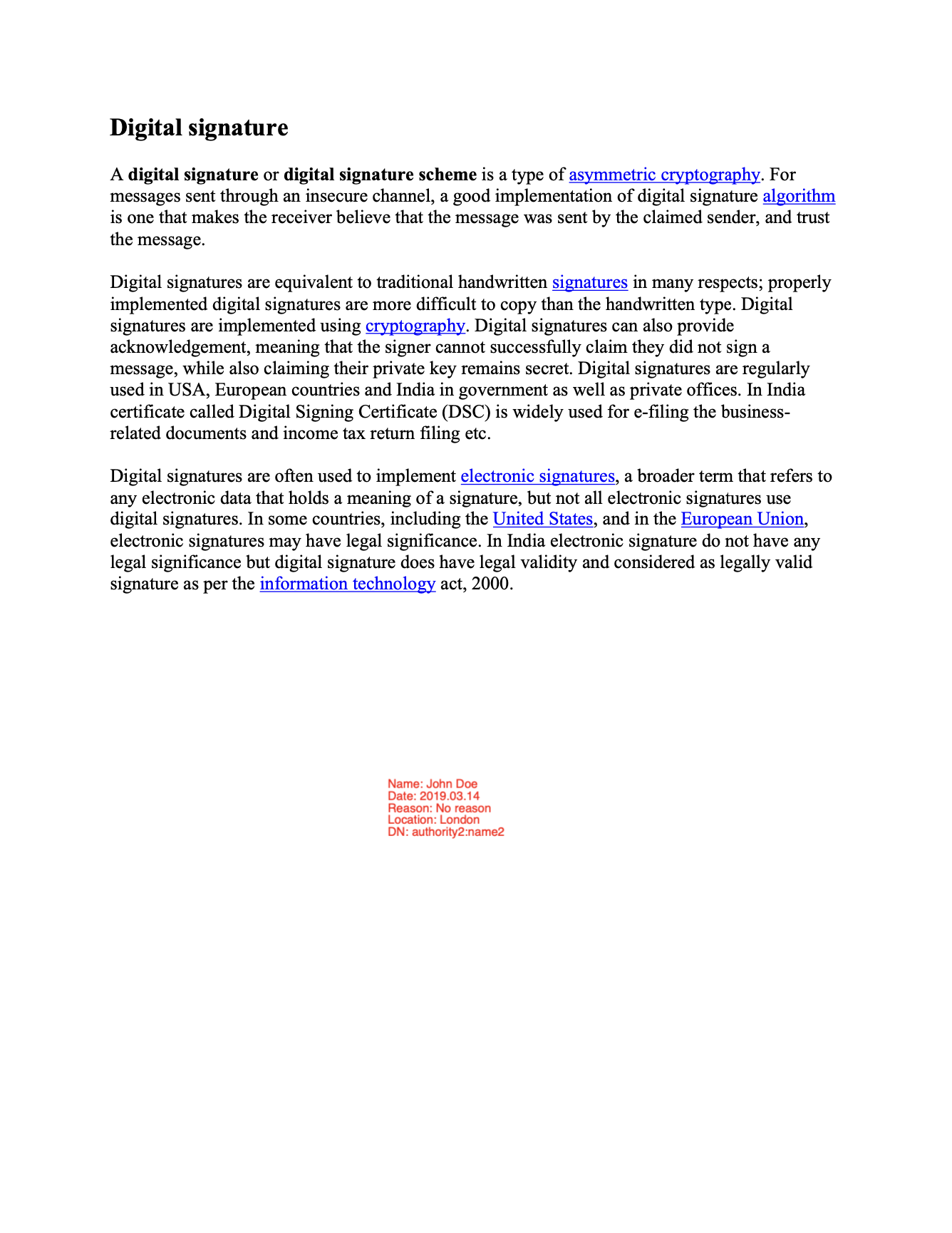
The visible appearance is an ordinary signature field; the restriction itself lives in the signature dictionary and the catalog.