Sign with Generated Private & Public Key Pair
Signing needs a private key and a certificate, and for trying the API out you can
make both with the standard library instead of obtaining a real certificate. The
resulting signature is cryptographically valid and verifies against its own
certificate, so it exercises the whole path from PdfAppender through the signature
handler. What it cannot do is chain to a trusted root, which is why this belongs in
tests and not in production output.
Generating the pair
priv, err := rsa.GenerateKey(rand.Reader, 2048)
if err != nil {
    return err
}

template := x509.Certificate{
    SerialNumber: new(big.Int),
    Subject:      pkix.Name{CommonName: "any", Organization: []string{"Test Company"}},
    NotBefore:    time.Now().Add(-time.Hour).UTC(),
    NotAfter:     time.Now().Add(time.Hour * 24 * 365).UTC(),
    KeyUsage:     x509.KeyUsageDigitalSignature,
}

certData, err := x509.CreateCertificate(rand.Reader, &template, &template, priv.Public(), priv)
if err != nil {
    return err
}

cert, err := x509.ParseCertificate(certData)
Passing &template as both the certificate and the parent is what makes it
self-signed. x509.CreateCertificate returns DER bytes, and UniPDF wants an
*x509.Certificate, so the DER has to go back through x509.ParseCertificate.
NotBefore in the past by an hour absorbs clock skew between machines. Set it to
time.Now() exactly and a verifier whose clock runs a few seconds behind will call
the certificate not yet valid.
Signing with it
The pair goes straight into the PKCS#7 detached handler, and the rest is the standard sequence:
handler, err := sighandler.NewAdobePKCS7Detached(priv, cert)
if err != nil {
    return err
}

signature := model.NewPdfSignature(handler)
signature.SetName("Test Self Signed PDF")
signature.SetReason("TestSelfSignedPDF")
signature.SetDate(time.Now(), "")

if err := signature.Initialize(); err != nil {
    return err
}
Initialize has to run before the appender writes: it fills in /Filter and
/SubFilter and reserves the space that the real signature bytes are pasted into
later. It is also where a handler built without a key fails, with
privateKey must not be nil.
Limitations
A self-signed certificate has no issuer to check, so validation reports the signature
as signed and verified while IsTrusted stays false. That is not specific to
generated keys, since UniPDF’s handlers never set IsTrusted, but with a real
certificate a PDF reader would resolve the chain and show a green check. Adobe Acrobat
will show this signature as valid but of unknown identity.
Nothing preserves the key. It exists for the lifetime of the process, so the output document cannot be re-signed with the same identity, and each run produces a different signer. For anything repeatable, use a PKCS#12 file or PEM files.
NewAdobePKCS7Detached takes *rsa.PrivateKey. An ECDSA key generated with
ecdsa.GenerateKey needs sighandler.NewAdobePKCS7DetachedEcdsa, and that requires
the document to be PDF 2.0 or later.
Run the example
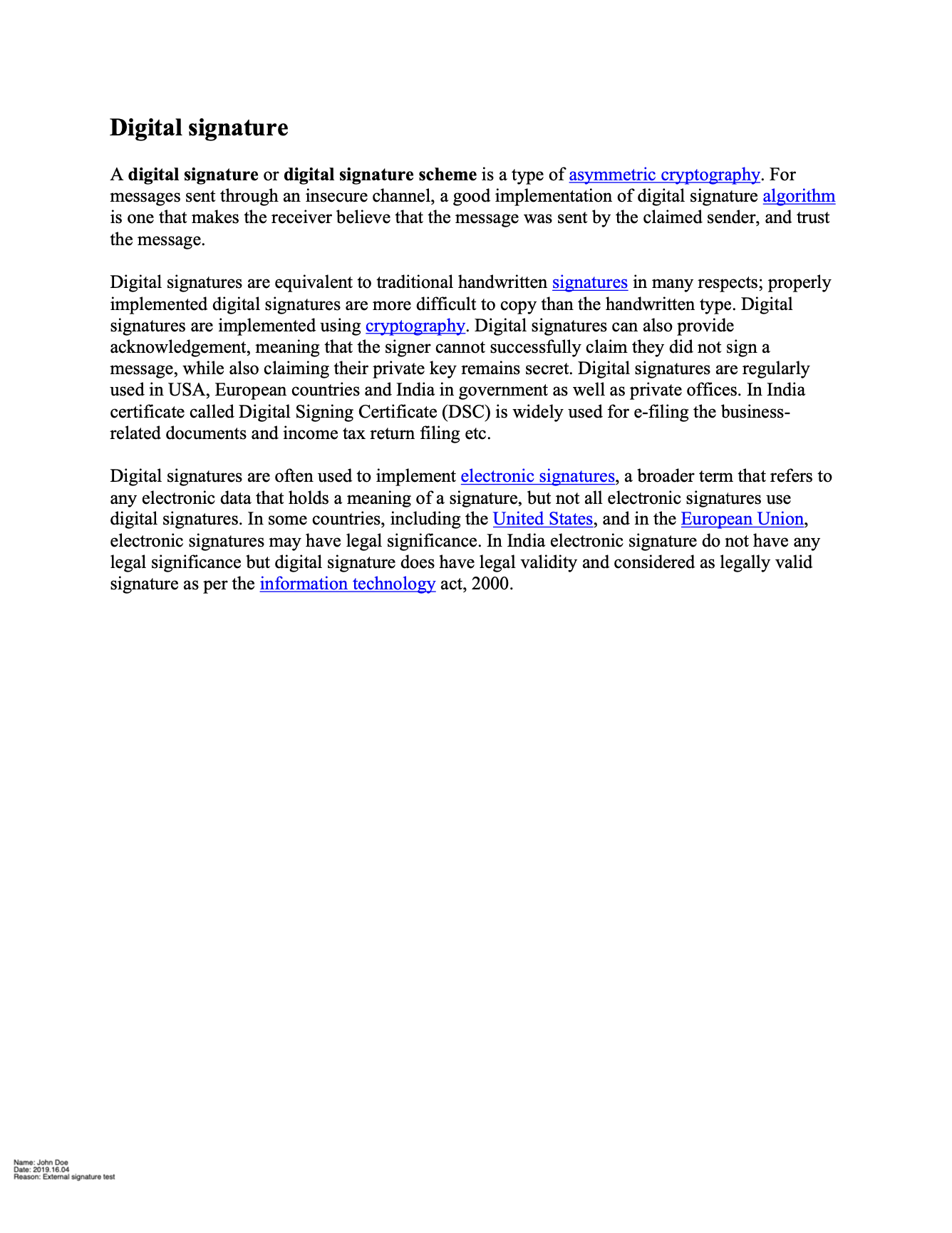
generateKeys builds the pair; main then signs page 1 with a visible appearance
placed at the bottom left.
git clone https://github.com/unidoc/unipdf-examples.git
cd unipdf-examples/signatures
go run pdf_sign_generate_keys.go <IN.pdf> <OUT.pdf>
If this is your first time using UniPDF, follow the getting started guide to create an API key and set up your development environment.
View the full source
Sample output