Receipt
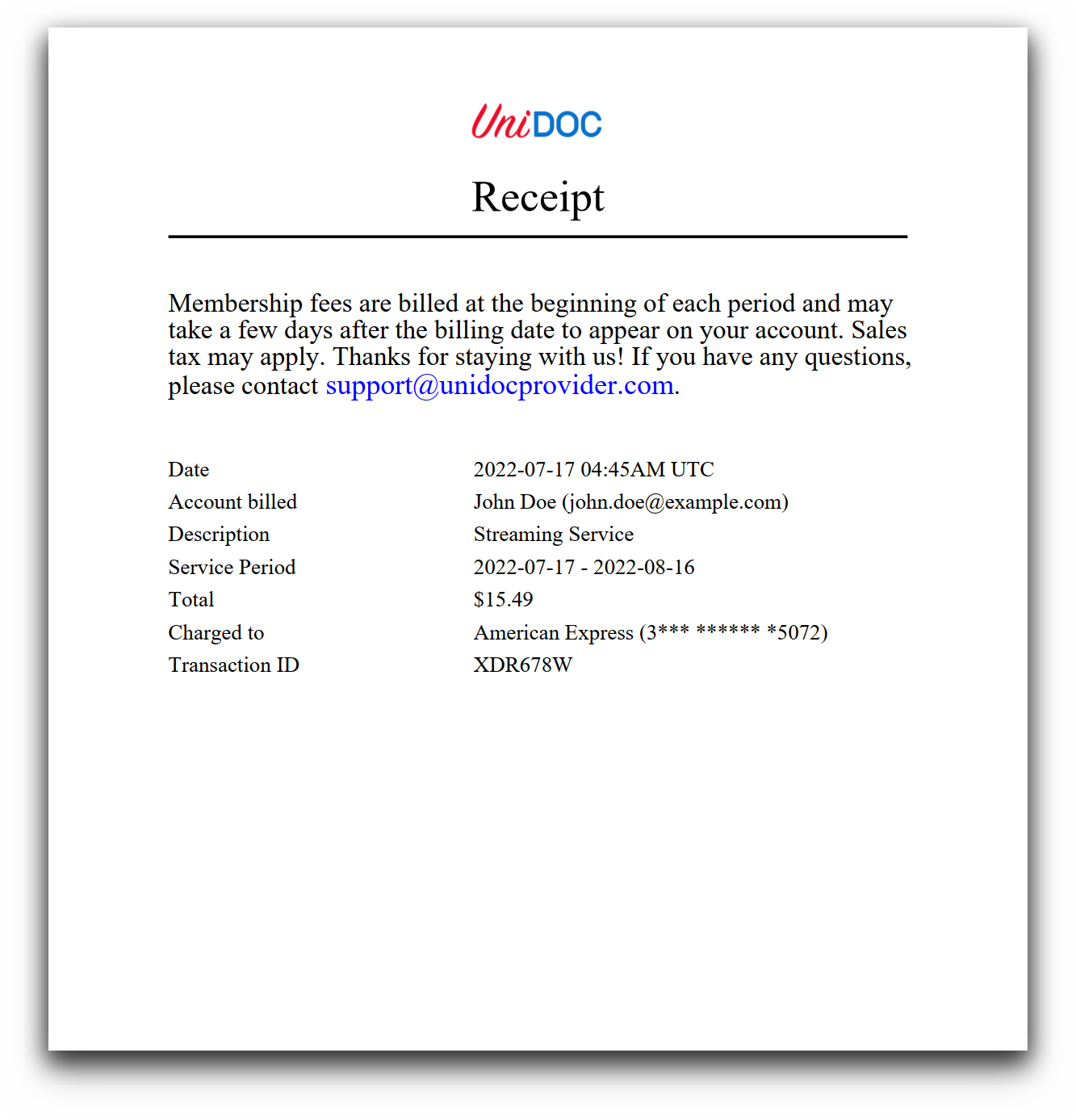
A membership receipt on an A5 page: logo, heading, a paragraph of terms, and a two-column table of labels and values. It is the shortest example here, both in Go and in markup, which makes it the one to read first if you are new to templates. The templates overview covers the shared mechanics.
The whole thing
The Go side reads a template, reads some JSON, draws and writes:
c := creator.New()
c.SetPageMargins(15, 15, 20, 20)
c.SetPageSize(creator.PageSizeA5)

tpl, err := readTemplate("./templates/main.tpl")
if err != nil {
    log.Fatal(err)
}

receipt, err := readReceipt("./contents/receipt.json")
if err != nil {
    panic(err)
}

if err := c.DrawTemplate(tpl, receipt, nil); err != nil {
    log.Fatal(err)
}
No TemplateOptions. The template uses times and times-bold, which are standard 14
names that resolve without a font map, and it loads the logo inline:
<image src="path('./templates/res/unidoc-logo.png')" width="55.87" height="18" align="center"></image>One thing to fix if you copy this: SetPageSize must come before SetPageMargins.
SetPageSize resets all four margins to 10 percent of the new page width, whether or not
you set them yourself, so the order above throws the 15 and 20 point margins away and the
receipt actually prints with roughly 42 point margins all round. Call SetPageSize first
and SetPageMargins second, as the log book and
medication schedule examples do.
One cell subtemplate for the whole table
Every table cell goes through a single definition that takes the value directly rather than a dictionary:
{{define "table-cell-paragraph"}}
    <table-cell align="left" border-style="none" border-width="0">
    <paragraph>
        <text-chunk font="times" font-size="9">{{.}}</text-chunk>
    </paragraph>
    </table-cell>
{{end}}

<table columns="2" margin="10" column-widths="0.4 0.6">
    {{range .Fields}}
    {{template "table-cell-paragraph" .FieldName}}
    {{template "table-cell-paragraph" .FieldValue}}
    {{end}}
</table>
{{.}} is the whole argument, so passing a string is enough - dict is only needed when
a subtemplate reads more than one thing. Two calls per record produce two cells, and the
table’s column count places them side by side. Nothing in the markup counts rows.
The Go type behind it is deliberately thin:
type Field struct {
    FieldName  string `json:"FieldName"`
    FieldValue string `json:"FieldValue"`
}

type Receipt struct {
    Title  string
    Fields []Field
}
readReceipt decodes the JSON into []Field and wraps it with a title supplied in Go, so
the JSON file is a flat list of pairs. Adding a line to the receipt means editing the JSON
and nothing else.
What to change first
Because there is no options value, adding anything that needs naming means introducing one. Two common next steps:
A helper function, for formatting an amount or a date, needs HelperFuncMap. See the
airplane ticket for the pattern.
A header or footer needs c.DrawHeader or c.DrawFooter plus enough page margin to hold
it, since the block passed to the callback is exactly as tall as the corresponding margin.
The bank account statement does both.
Run the example
templates/main.tpl is about thirty lines and the Go file barely more.
git clone https://github.com/unidoc/unipdf-examples.git
cd unipdf-examples/templates/receipt
go run pdf_receipt.go
If this is your first time using UniPDF, follow the getting started guide to create an API key and set up your development environment.
View the full source
Sample output