Advanced Search and Replace
A PDF stores text as charcodes for a particular font, and a single word is often
split across several Tj calls or several elements of a TJ array. Neither of
those survives a literal string replacement. This approach decodes each string
operand through the font that is current at that point in the stream, concatenates
the result into one page-level string, does the replacement there, and re-encodes
the affected operands.
Use it when simple search and replace finds nothing even though the text is plainly visible in a viewer. That is the signature of subset fonts or of text split across operators.
Doing it
Tracking the current font is what makes decoding possible, so the handler has to
watch Tf as well as the text-showing operators:
case "Tf":
    fname, ok := core.GetName(op.Params[0])
    if !ok {
        return nil
    }
    fObj, has := resources.GetFontByName(*fname)
    if !has {
        return nil
    }
    pdfFont, err := model.NewPdfFontFromPdfObject(fObj)
    if err != nil {
        return nil
    }
    currFont = pdfFont
Each string operand then becomes a chunk that remembers its font, its
PdfObjectString and its offset in the page text:
decoded, _, numMisses := currFont.CharcodeBytesToUnicode(strObj.Bytes())
if numMisses != 0 {
    common.Log.Debug("WARN: some charcodes could not be decoded")
}

tc.chunks = append(tc.chunks, &textChunk{
    font:   currFont,
    strObj: strObj,
    val:    decoded,
    idx:    len(tc.text),
})
tc.text += decoded
After the whole page has been walked, textChunks.replace searches the
concatenated text, works out which chunk or chunks the match falls in, and rewrites
their values. textChunk.encode puts each modified value back through
font.StringToCharcodeBytes and overwrites the string object in place. The page is
then written back with page.SetContentStreams.
The pairing to remember is CharcodeBytesToUnicode on the way in and
StringToCharcodeBytes on the way out. Both report a miss count. A non-zero count
on the way out means the replacement contains characters the font cannot represent,
and those characters are dropped.
Limitations
A match that starts in one chunk and continues into the next is handled by putting the whole replacement in the first chunk and erasing characters from the following ones. The text is correct but the spacing is not: each chunk keeps its original positioning operators, so the replacement is drawn at the first chunk’s position and the space the erased characters occupied stays empty.
The replacement can only use glyphs the existing font already has. There is no font substitution and no font merging, so replacing Latin text with, say, Cyrillic in a Latin subset font silently drops the characters that are missing.
Text that is not reached by walking the page content stream is not considered. That includes form XObjects and annotation appearance streams.
Encrypted input is handled only for an empty user password. Anything else fails.
The operators covered are Tj, ', TJ and Tf. The " operator is not among
them, so a document that draws the search term with " is left alone.
Run the example
searchReplacePageText is where the work happens: it builds the chunk list, calls
replace, and writes the stream back. textChunks.replace carries a step-by-step
comment describing the offsetting logic. To reproduce the sample below, pass
sumdolor and lorem ipsum as the search and replacement text.
git clone https://github.com/unidoc/unipdf-examples.git
cd unipdf-examples/text
go run pdf_search_replace_advanced.go <IN.pdf> <OUT.pdf> <SEARCH_TEXT> <REPLACE_TEXT>
If this is your first time using UniPDF, follow the getting started guide to create an API key and set up your development environment.
View the full source
Sample output
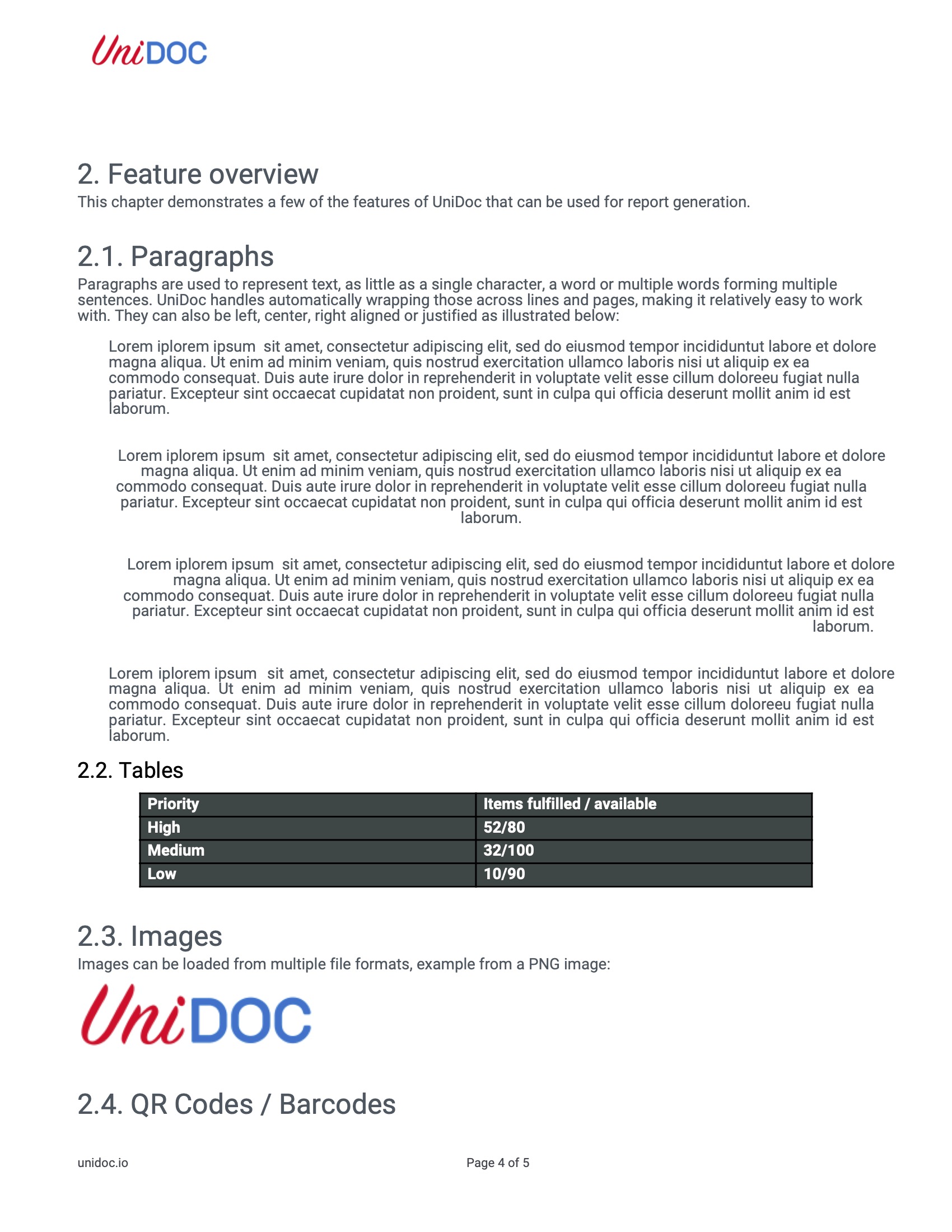
The input page, with the search term split across operators:
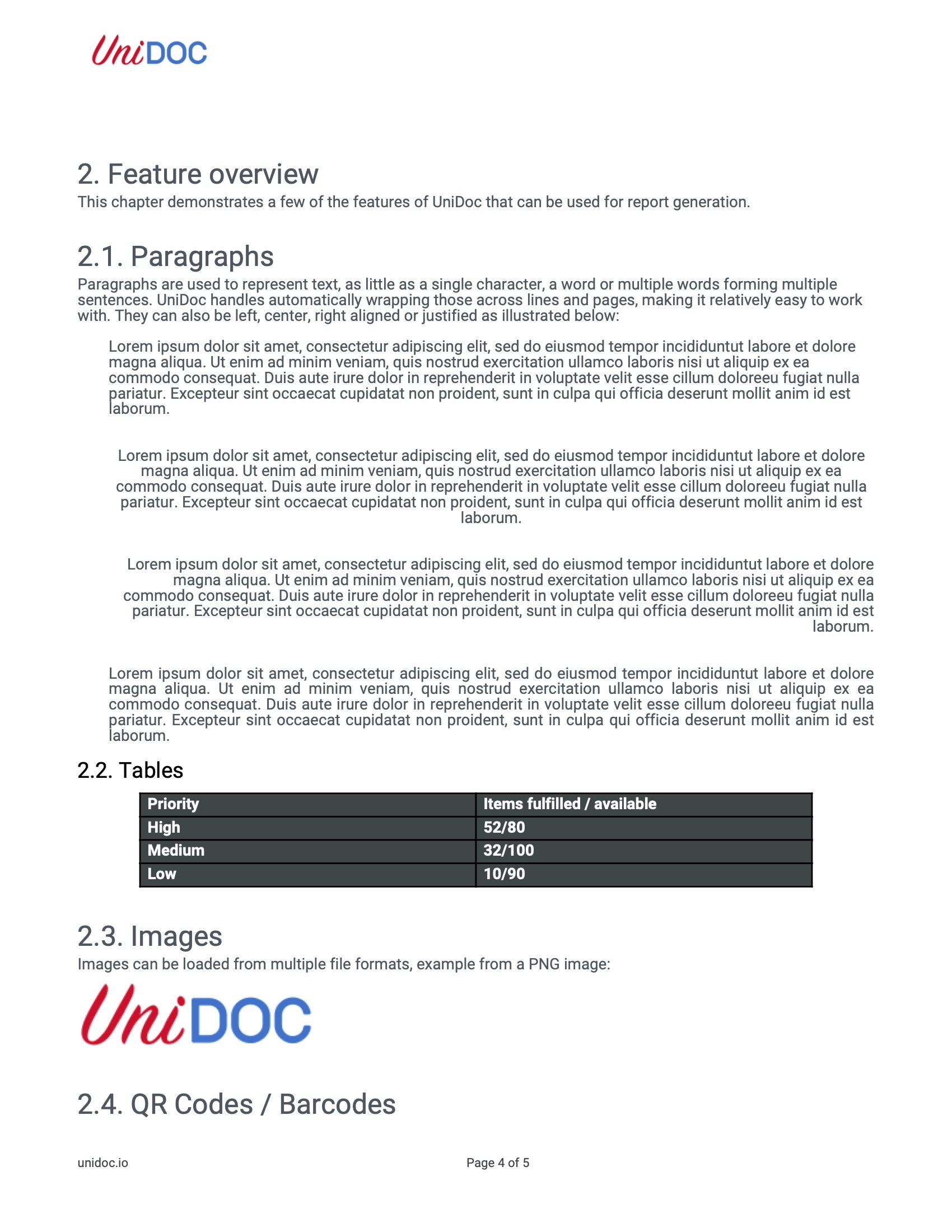
The same page after replacement: