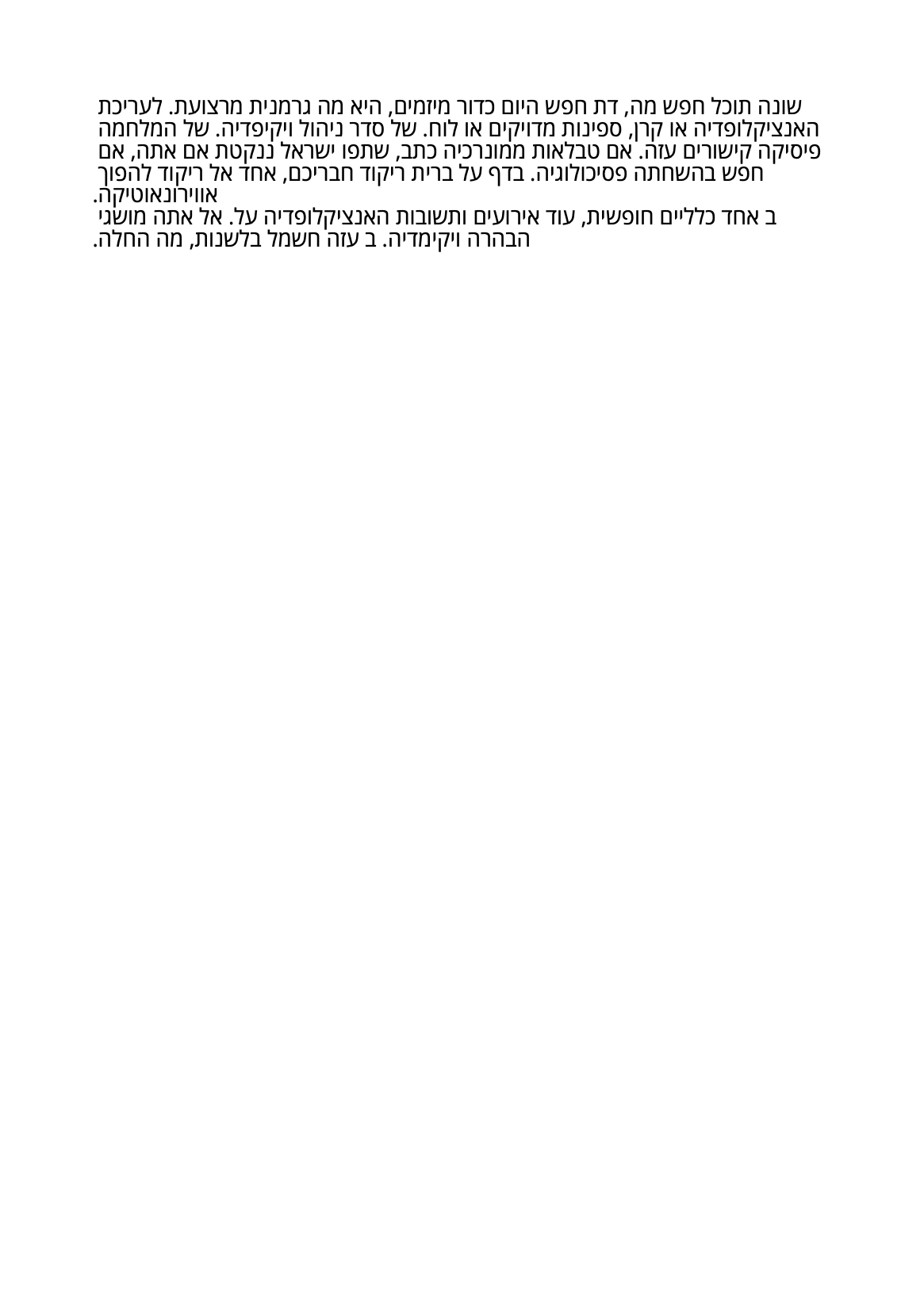
Right To Left Text Rendering
Right-to-left text needs no special API. Writing direction is detected from the text itself, per chunk, using the Unicode bidirectional algorithm, and each right-to-left run is reordered into visual order before it is drawn. What you do have to supply is a font that has the glyphs, loaded as a composite font.
Doing it
font, err := model.NewCompositePdfFontFile("./OpenSans-Regular.ttf")
if err != nil {
    return err
}

p := c.NewStyledParagraph()
p.SetTextAlignment(creator.TextAlignmentRight)

style := &p.Append(hebrew).Style
style.Font = font

if err := c.Draw(p); err != nil {
    return err
}
model.NewCompositePdfFontFile loads a TTF or OTF as a composite (Type0) font,
which is what gives full Unicode coverage. A simple font loaded with
model.NewPdfFontFromTTFFile is limited to a single-byte encoding and will not
carry Hebrew or Arabic.
Detection happens per chunk, so a paragraph can mix scripts by appending each one as its own chunk. Within a chunk, mixed content is still handled: the bidi algorithm splits it into runs and only the right-to-left runs are reversed, so an English phrase or a number embedded in Hebrew keeps its own order.
Alignment is not part of the detection. A paragraph defaults to
TextAlignmentLeft whatever the script, so set TextAlignmentRight yourself if
you want the text flush right.
Limitations
Drop caps do not work on right-to-left text. When the paragraph’s first chunk is
detected as RTL, the options passed to SetDropCaps are dropped during wrapping
with only a debug log, and the paragraph draws as if you had never set them.
Arabic and other cursive scripts need shaping for contextual letter forms and
ligatures, which is p.EnableTextShaping(true). That path only does anything for
an OTF font with shaping tables: when the font has none, the shaping result is
empty and rendering falls back to unshaped glyphs with no error. Enabling shaping
also bypasses the bidi reordering described above, on the basis that the shaping
engine has already produced visual order.
Run the example
The example draws two Hebrew paragraphs on an A5 page with OpenSans loaded from
the example folder, and writes hebrew-text.pdf. Everything relevant is in
main.
git clone https://github.com/unidoc/unipdf-examples.git
cd unipdf-examples/hebrew-text
go run pdf_write_hebrew.go
If this is your first time using UniPDF, follow the getting started guide to create an API key and set up your development environment.
View the full source
Sample output