Simple Search and Replace
The most direct way to change text in an existing PDF is to parse each page’s content stream, find the string operands of the text-showing operators, and do a plain string replacement on them. No extraction, no layout engine, no font handling. It works when the search term happens to be stored as a single readable string, which is common in PDFs written by one generator and rare in PDFs that have been through font subsetting.
With a subset font the string operands hold charcodes rather than characters, and a
literal strings.Contains will never match. For that case use
advanced search and replace, which decodes through the font first.
Doing it
processor := contentstream.NewContentStreamProcessor(*ops)
processor.AddHandler(contentstream.HandlerConditionEnumAllOperands, "",
    func(op *contentstream.ContentStreamOperation, gs contentstream.GraphicsState,
        resources *model.PdfPageResources) error {
        if op.Operand != "Tj" || len(op.Params) != 1 {
            return nil
        }
        strobj, ok := core.GetString(op.Params[0])
        if !ok {
            return nil
        }
        s := strings.Replace(strobj.String(), searchText, replaceText, -1)
        *strobj = *core.MakeString(s)
        return nil
    })

if err := processor.Process(page.Resources); err != nil {
    return err
}

return page.SetContentStreams([]string{ops.String()}, core.NewFlateEncoder())
Two details make this work. The handler writes through the PdfObjectString
pointer, so the edit lands in the operations slice the parser produced rather than
in a copy. And the stream written back is ops.String(), the serialized operations.
Without the SetContentStreams call the file comes out unchanged.
Tj is not the only text-showing operator. The example also handles TJ, whose
single array parameter interleaves strings with position adjustments, and the '
and " shorthands. Text drawn with TJ is frequently split across several array
elements, in which case no individual string holds the whole term and nothing
matches.
Limitations
Replacement happens byte for byte inside one string operand. A term spread over two
operands, or over two elements of a TJ array, is invisible to this approach.
Nothing is re-laid out. Glyph advances and positioning operators are left as they were, so a replacement wider than the original overlaps whatever follows and a narrower one leaves a gap. Same-length replacements are the safe case.
The new string is built with core.MakeString, which stores the bytes as given.
Unless the page’s font is a simple one-byte encoding in which those bytes mean what
they look like, the result is wrong glyphs rather than an error.
Text inside form XObjects and annotation appearance streams does not live in the page content stream, so it is never visited.
The " branch in the example reads op.Params[3] after checking that the operator
has exactly three parameters, which is out of range. Strip that case, or guard it,
before running this against documents that use ".
Run the example
searchReplace loops the pages and writes the output. searchReplacePageText does
the per-page work and is the function to read first. To reproduce the sample below,
pass Example and Annual as the search and replacement text.
The output is written through an optimizer with duplicate stream combining and object streams enabled, so the result is usually smaller than the input.
git clone https://github.com/unidoc/unipdf-examples.git
cd unipdf-examples/text
go run pdf_search_replace.go <IN.pdf> <OUT.pdf> <SEARCH_TEXT> <REPLACE_TEXT>
If this is your first time using UniPDF, follow the getting started guide to create an API key and set up your development environment.
View the full source
Sample output
The input page, with “Example” in the heading:
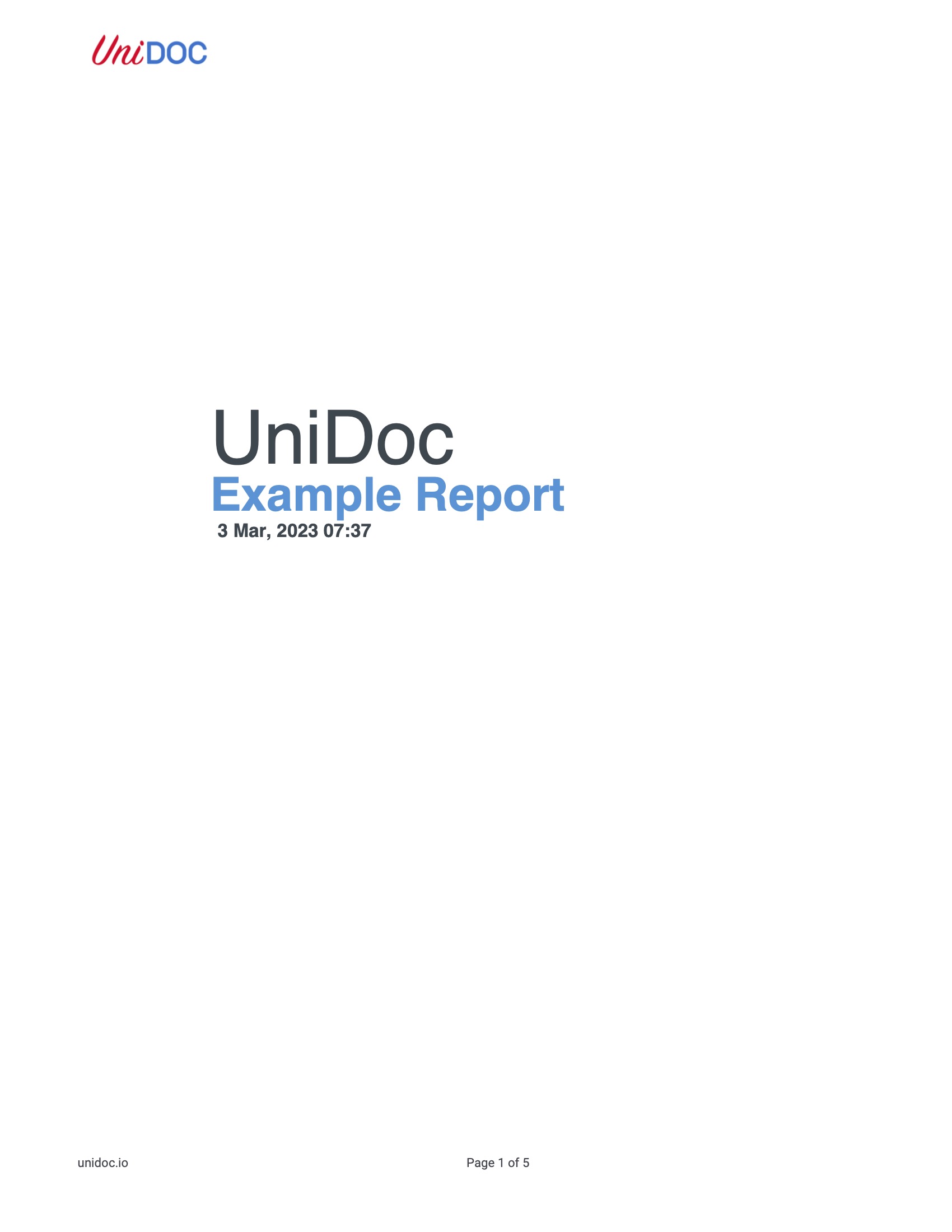
The same page after replacing it with “Annual”: